Best for Stand stability
ASUS ProArt Display PA279CRV
5.0 attribute score
Highest scored product for this attribute based on supporting review evidence.

Highest scored product for this attribute based on supporting review evidence.
Balances the attribute score, supporting reviews, and overall product strength.
Has the broadest review evidence for this attribute.
Strongest overall product among items with scored evidence for this attribute.
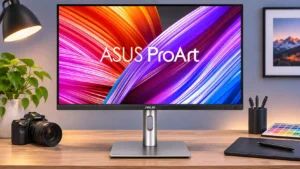
Despite its small footprint and light construction, the stand generally holds the display firmly while it is moved or rotated. Users praise its steadiness.
Pros: USB-C power delivery, port selection
Cons: HDR performance, refresh rate

The sturdy stand holds its position with little to no wobble, even during joystick adjustments.
Pros: sharpness, overall satisfaction
Cons: value for money, VRR flicker

The flat base supports the big screen securely with very little wobble when the desk is bumped.
Pros: ultrawide gaming experience, black levels
Cons: HDR performance, viewing angles
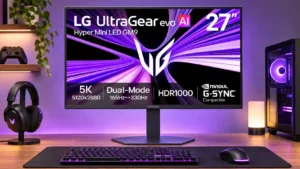
The low, flat metal base offers good stability and an unobtrusive shape, with only modest wobble reported during use.
Pros: Resolution, Dual-mode versatility
Cons: value for money, GPU demands
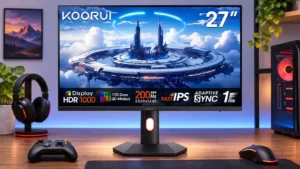
The stand secures firmly during assembly and is a practical base for everyday use.
Pros: overall satisfaction, PC gaming compatibility
Cons: color accuracy, local dimming performance

The adjustable stand is generally solid, but multiple owners and testers noticed wobble when extended or when plugging cables into the screen.
Pros: port selection, USB hub functionality
Cons: competitive gaming suitability, motion clarity

The stand offers plenty of adjustment but can wobble, especially compared with the preceding Dell model.
Pros: value for money, Resolution
Cons: port selection, HDR performance