Best for SDR/HDR mode switching
ASUS ROG Strix XG27ACS
5.0 attribute score
Highest scored product for this attribute based on supporting review evidence.

Highest scored product for this attribute based on supporting review evidence.
Balances the attribute score, supporting reviews, and overall product strength.
Has the broadest review evidence for this attribute.
Strongest overall product among items with scored evidence for this attribute.
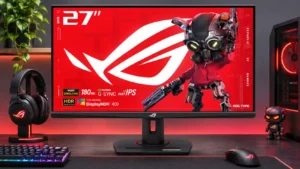
SDR material looks unusually accurate even with HDR mode active, minimizing the need to swap Windows display modes.
Pros: value for money, Resolution
Cons: HDR performance, port selection
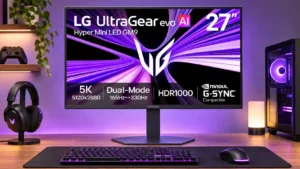
Changing HDR mode preserves the color presentation on tested Mac systems, making everyday switching more convenient.
Pros: Resolution, Dual-mode versatility
Cons: value for money, GPU demands
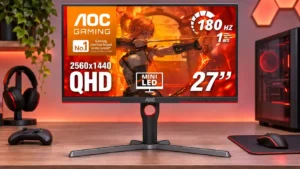
Automatic transitions between SDR and HDR can preserve separate preferred settings, reducing the need for repeat configuration.
Pros: value for money, HDR performance
Cons: on-screen display usability, port selection

Enabling HDR restricts brightness and color controls, making SDR a more flexible choice for everyday use.
Pros: value for money, Resolution
Cons: port selection, HDR performance
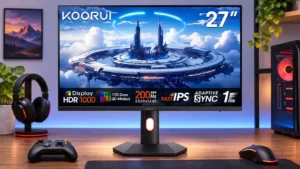
Switching between HDR and SDR can trigger brightness, color, and local dimming quirks that sometimes need resetting.
Pros: overall satisfaction, PC gaming compatibility
Cons: color accuracy, local dimming performance

Switching into Dolby Vision triggered repeated display blackouts when opening different programs, prompting a move back to standard HDR.
Pros: sharpness, overall satisfaction
Cons: value for money, VRR flicker