Best for profile switching
Logitech G502 X Lightspeed
5.0 attribute score
Highest scored product for this attribute based on supporting review evidence.

Highest scored product for this attribute based on supporting review evidence.
Balances the attribute score, supporting reviews, and overall product strength.
Has the broadest review evidence for this attribute.
Strongest overall product among items with scored evidence for this attribute.

Profile switching was praised as easy when moving between onboard and software profiles.
Pros: shape comfort, programmable buttons
Cons: value for money, side button quality

Profile switching was praised for onboard profiles, easy game-specific setups, and app or game profile changes.
Pros: button customization, MMO gaming suitability
Cons: FPS gaming suitability

Profile switching was viewed favorably, especially for on-the-fly sensitivity changes and multiple profile support.
Pros: value for money, weight
Cons: premium feel, polling rate

Profile switching was useful where reviewers could store or cycle profiles without constantly returning to Synapse.
Pros: scroll wheel quality, battery life
Cons: value for money, weight

Profile switching was praised as convenient, simple, and available directly from the mouse.
Pros: battery life, software usability
Cons: click noise, fingertip grip comfort

Profile switching was praised for easy profile storage, app activation, and quick switching without constant software use.
Pros: RGB features, battery life
Cons: value for money, scroll wheel quality

Profile switching was praised for five profiles and work/game setups, especially for users who move between games or devices.
Pros: battery life, software usability
Cons: weight, FPS gaming suitability

Profile switching evidence was limited but positive, with one reviewer saying profiles made it easy to change settings by game.
Pros: weight, battery life
Cons: polling rate, RGB features
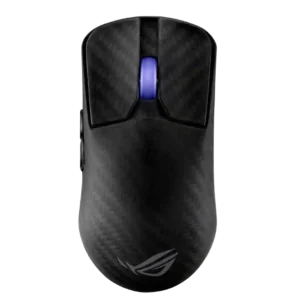
Profile switching was useful because profiles and key settings could be handled on-mouse or saved without keeping software open.
Pros: sensor performance, build quality
Cons: value for money, battery life
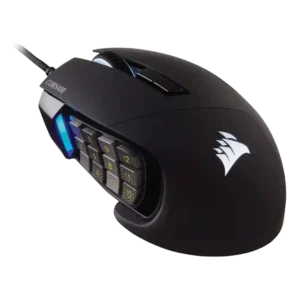
Profile switching was praised where evaluated, especially for swapping game/app configurations and DPI/profile setups.
Pros: value for money, side button quality
Cons: FPS gaming suitability, weight
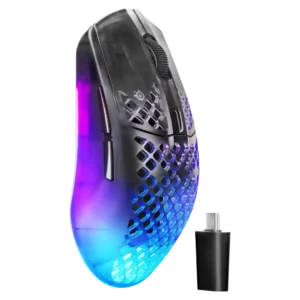
Profile switching was praised for game-specific saved settings and automatic profile changes that adjust DPI, macros, and polling behavior.
Pros: software usability, polling rate
Cons: palm grip comfort, fingertip grip comfort
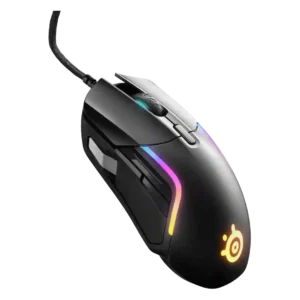
Profile switching evidence was positive but limited, centered on easy game-specific switching and automatic settings changes.
Pros: value for money, software usability
Cons: side button quality, onboard memory

Profile switching was useful in the reviews that discussed it, especially for setting up different games or work profiles.
Pros: value for money, button customization
Cons: fingertip grip comfort, portability

Profile switching had limited but positive evidence, with one reviewer appreciating quick profile cycling in loading screens.
Pros: RGB features, weight
Cons: value for money, scroll wheel quality
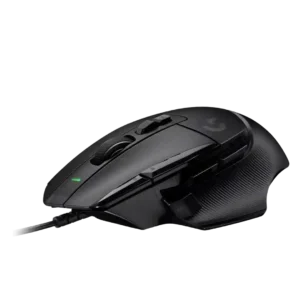
Profile switching was useful through automatic app profiles, although profile visibility suffered without more lighting.
Pros: button customization, switch feel
Cons: RGB features, weight tuning

Profile switching received positive mention as a way to tailor settings for different game genres.
Pros: weight, value for money
Cons: click noise, AI Prompt Master

Profile switching was praised when the reviewer could quickly see or cycle DPI/profile states, though evidence was limited.
Pros: value for money, grip texture
Cons: weight, charging convenience

Profile switching is useful once configured, with reviewers highlighting game-specific modes and on-the-fly profile changes.
Pros: tilt gesture controls, MMO gaming suitability
Cons: battery life, software usability

Profile switching was praised for convenient on-the-go use and per-game or per-program configurations.
Pros: ergonomic design, scroll wheel quality
Cons: AI Prompt Master, click noise

Profile switching is positively supported by the ability to switch saved profiles easily.
Pros: Accuracy and tracking precision, shape comfort
Cons: long-session comfort

Profile switching was useful for genre changes, device movement, and easily swapping settings.
Pros: weight, shape comfort
Cons: battery life, side button quality
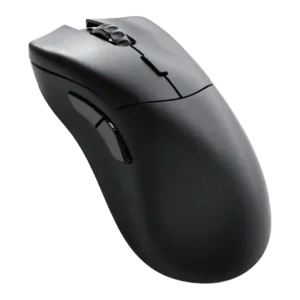
Profile switching was praised where discussed, especially for quickly changing profiles and swapping settings between PCs or games.
Pros: value for money, glide smoothness
Cons: battery life, polling rate

Profile and mode switching drew positive reactions for Zone Mode convenience, but underside DPI/profile controls created a usability caveat.
Pros: glide smoothness, weight
Cons: handedness options

Profile switching was praised for making it easy to move between games or setups.
Pros: glide smoothness, scroll wheel quality
Cons: analog joystick usability, shape comfort
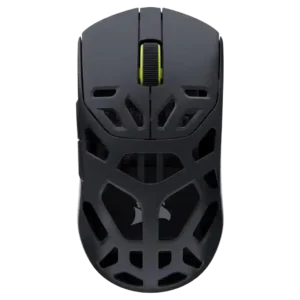
Profile switching and setup were described as simple, with profiles available for different uses and retained on the mouse.
Pros: shape comfort, sensor performance
Cons: value for money, side button quality

Profile and DPI switching were useful when remapped, but bottom placement made quick switching less convenient for some users.
Pros: value for money, battery life
Cons: cable flexibility, RGB features

Profile switching was treated as useful because saved profiles could be quickly loaded for different games or preferences.
Pros: charging convenience, software usability
Cons: RGB features, value for money
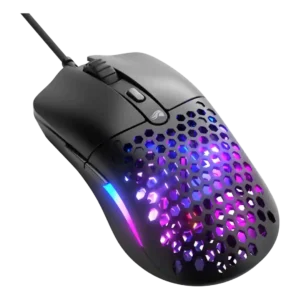
Profile switching evidence was positive where the review praised storing up to three individual profiles on onboard memory.
Pros: value for money, weight
Cons: cable flexibility
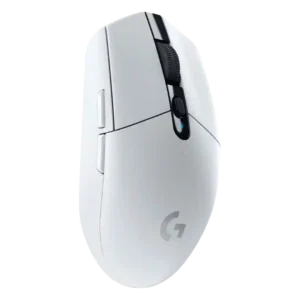
Profile switching was generally useful through G Hub and onboard memory, though limited onboard profile storage drew one complaint.
Pros: value for money, weight
Cons: charging convenience, palm grip comfort
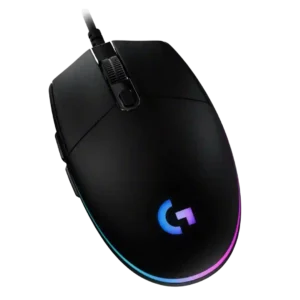
Profile switching is useful when tied to DPI shifts, CPI presets, or game profiles, but one review found profile management unnecessarily painful.
Pros: value for money, RGB features
Cons: palm grip comfort, click noise

Profile switching was supported by positive on-the-fly profile-switching evidence from the Gear Link review.
Pros: button responsiveness, shape comfort

Profile switching has limited positive support from one review that praised software customization of settings and profiles.
Pros: left and right click quality, build quality
Cons: macro support, palm grip comfort

Profile or DPI switching earned limited but positive evidence because the lighting indicator made the active DPI setting easier to identify.
Pros: weight, battery life
Cons: value for money

Profile switching was positively noted in Windows software, especially for creating and switching multiple profiles.
Pros: battery life, weight
Cons: side button quality, value for money

Profile switching was mixed: some found setup and switching simple, while one productivity-focused review found switching unresponsive.
Pros: side button quality, MMO gaming suitability
Cons: value for money, claw grip comfort

Profile switching was powerful when it worked, but one user had unstable automatic switching and awkward manual access.
Pros: button customization, scroll wheel quality
Cons: weight, value for money

Profile switching was polarizing: some liked stored profiles and software-free switching, while others found the underside button odd or awkward.
Pros: value for money, battery life
Cons: weight, balance and weight distribution

Profile switching was useful in principle, but one reviewer found the onboard controls clunky.
Pros: shape comfort, value for money
Cons: handedness options
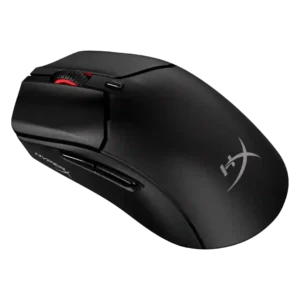
Profile switching was mixed: app-linked presets saved time, but the lack of multiple onboard profiles or a physical profile switch disappointed reviewers.
Pros: weight, value for money
Cons: side button quality, RGB features

Profile switching was split: one reviewer liked the top button placement, while another found profile changes harder to track because there are no LEDs.
Pros: value for money, ergonomic design
Cons: RGB features, portability

Profile switching is strong in software but limited by the mouse storing only one onboard profile for game-specific changes.
Pros: value for money, shape comfort
Cons: scroll wheel quality, left and right click quality

Profile switching was mixed, with convenient profile toggling offset by complaints about the underside DPI/profile button placement.
Pros: value for money, weight
Cons: fingertip grip comfort, profile switching

Profile switching was mixed, with praise for onboard switching but criticism of the underside DPI/profile button placement.
Pros: value for money, sensor performance
Cons: software usability, grip texture

Profile switching was mixed: software profiles were useful, but GamesRadar criticized that cycling profiles could not be done directly on the mouse.
Pros: shape comfort, battery life
Cons: value for money, DPI range

Profile switching was mixed because software profiles are useful, but bottom-mounted DPI/profile control felt awkward or finicky to some reviewers.
Pros: build quality, software usability
Cons: value for money, polling rate

Profile behavior was mixed: app-linked settings were useful, but onboard-profile handling was described as confusing in G Hub.
Pros: switch feel, polling rate
Cons: value for money, side button quality
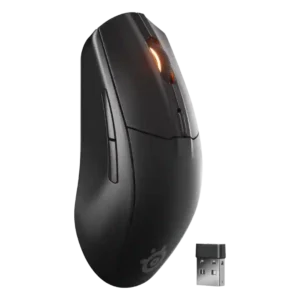
Profile handling was seen as limited because switching configurations depends on software or requires remapping a button.
Pros: battery life, value for money
Cons: weight, RGB features
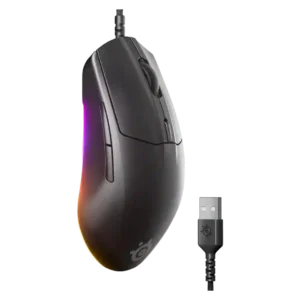
Profile switching was somewhat limited because there is no dedicated profile button by default, though remapping is possible.
Pros: cable flexibility, value for money
Cons: premium feel

Profile and DPI switching divided reviewers: some liked the underside placement, while others found it annoying or tedious during use.
Pros: battery life, scroll wheel quality
Cons: value for money, click noise

Profile switching is mixed: software profiles help, but missing physical DPI/profile controls frustrate several reviewers.
Pros: switch feel, click latency
Cons: value for money, glide smoothness