
Profile switching was praised for onboard profiles, easy game-specific setups, and app or game profile changes.
Pros: button customization, MMO gaming suitability
Cons: FPS gaming suitability

Profile switching was praised for onboard profiles, easy game-specific setups, and app or game profile changes.
Pros: button customization, MMO gaming suitability
Cons: FPS gaming suitability

Profile switching received positive mention as a way to tailor settings for different game genres.
Pros: weight, value for money
Cons: click noise, AI Prompt Master

Profile switching was praised for convenient on-the-go use and per-game or per-program configurations.
Pros: ergonomic design, scroll wheel quality
Cons: AI Prompt Master, click noise

Profile and mode switching drew positive reactions for Zone Mode convenience, but underside DPI/profile controls created a usability caveat.
Pros: glide smoothness, weight
Cons: handedness options

Profile switching was treated as useful because saved profiles could be quickly loaded for different games or preferences.
Pros: charging convenience, software usability
Cons: RGB features, value for money
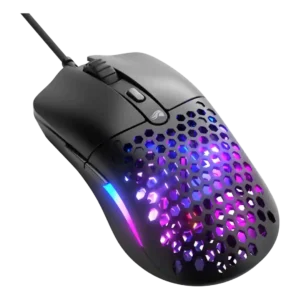
Profile switching evidence was positive where the review praised storing up to three individual profiles on onboard memory.
Pros: value for money, weight
Cons: cable flexibility

Profile switching was supported by positive on-the-fly profile-switching evidence from the Gear Link review.
Pros: button responsiveness, shape comfort

Profile or DPI switching earned limited but positive evidence because the lighting indicator made the active DPI setting easier to identify.
Pros: weight, battery life
Cons: value for money
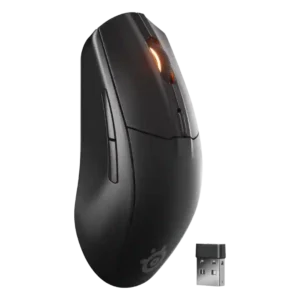
Profile handling was seen as limited because switching configurations depends on software or requires remapping a button.
Pros: battery life, value for money
Cons: weight, RGB features
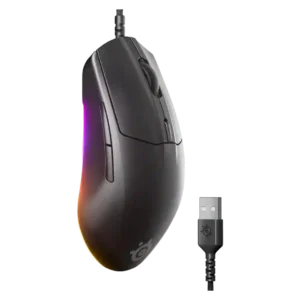
Profile switching was somewhat limited because there is no dedicated profile button by default, though remapping is possible.
Pros: cable flexibility, value for money
Cons: premium feel

Profile and DPI switching divided reviewers: some liked the underside placement, while others found it annoying or tedious during use.
Pros: battery life, scroll wheel quality
Cons: value for money, click noise
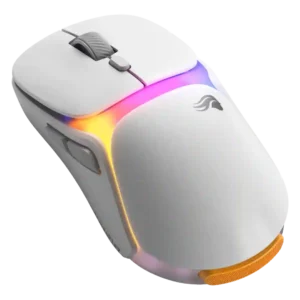
Profile switching was hurt by the lack of game-recognition behavior in one software review.
Pros: charging convenience, shape comfort
Cons: value for money, weight
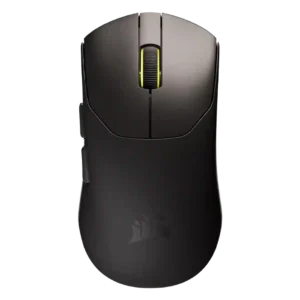
Profile switching was a recurring weakness because there is no dedicated profile/DPI button and the shortcut or software workflow was called slow or convoluted.
Pros: build quality, weight
Cons: software usability, battery life