Best for polling rate
Logitech G Pro Wireless
5.0 attribute score
Highest scored product for this attribute based on supporting review evidence.

Highest scored product for this attribute based on supporting review evidence.
Balances the attribute score, supporting reviews, and overall product strength.
Has the broadest review evidence for this attribute.
Strongest overall product among items with scored evidence for this attribute.

Polling/report-rate evidence was positive where reviewers connected 1ms reporting with smooth, responsive cursor behavior.
Pros: value for money, battery life
Cons: cable flexibility, RGB features

Measured polling was excellent, with stable 1000Hz operation and minimal jitter in the detailed latency test.
Pros: MMO gaming suitability, 2.4GHz connectivity
Cons: charging convenience, value for money

The 1000Hz polling-rate implementation was described as flawless or issue-free by the reviewers who discussed it.
Pros: side button quality, MMO gaming suitability
Cons: value for money, claw grip comfort

Wireless 8K polling is the standout specification and works as advertised. It improves responsiveness, but many users may prefer 1K–4K to preserve battery life and reduce CPU load.
Pros: software usability, sensor performance
Cons: RGB features, scroll wheel quality
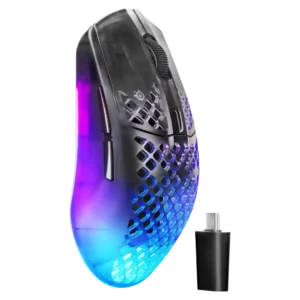
The 4K polling rate was widely treated as a major performance upgrade, especially for competitive play, though a few reviewers called it a nice-to-have for casual use.
Pros: software usability, polling rate
Cons: palm grip comfort, fingertip grip comfort

The 8K wireless polling rate impressed reviewers for speed and smoothness, though several called it overkill or battery-hungry outside competitive play.
Pros: weight, shape comfort
Cons: side button quality, value for money

Reviewers liked the high polling-rate capability and fast response, with one caveat that observed polling could drop under slower movement without causing in-game issues.
Pros: value for money, ergonomic design
Cons: RGB features, portability
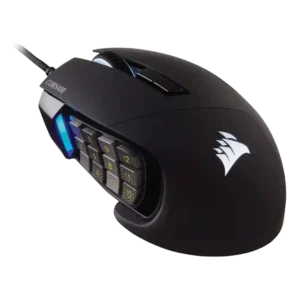
Polling-rate evidence was positive, with reviewers calling 1,000Hz responsive and suitable for gaming.
Pros: value for money, side button quality
Cons: FPS gaming suitability, weight

Polling rate evidence was positive overall, with one benchmark exceeding 1,000Hz and another reviewer saying 1,000Hz felt sufficient for quick response.
Pros: battery life, software usability
Cons: click noise, fingertip grip comfort

Polling rate was treated as sufficient for the product category, with reviewers saying 1000Hz is enough for MMO-focused use.
Pros: button customization, MMO gaming suitability
Cons: FPS gaming suitability
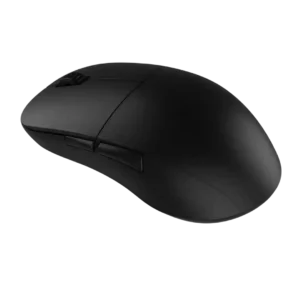
Polling-rate evidence was positive where mentioned, with reviewers calling the 1,000Hz rate responsive or stable.
Pros: value for money, glide smoothness
Cons: fingertip grip comfort, surface compatibility
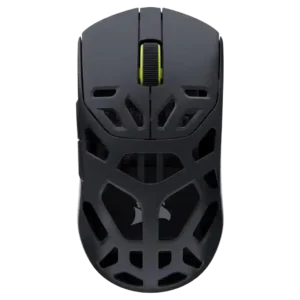
The 8,000Hz polling rate was usually praised for sharper response, though one reviewer said most people will not notice a meaningful gameplay change and another saw minor instability outside play.
Pros: shape comfort, sensor performance
Cons: value for money, side button quality

8K polling was praised as a serious competitive feature, though several reviewers said gains can be subtle and battery cost rises at high rates.
Pros: glide smoothness, weight
Cons: handedness options

Polling rate support was widely praised, especially 4K wireless and included booster access, with some debate over 8K usefulness.
Pros: value for money, sensor performance
Cons: software usability, grip texture

Polling was generally viewed positively: 1,000Hz was enough for most, while 4K/8K support was valuable but battery-hungry or dongle-dependent.
Pros: value for money, grip texture
Cons: weight, charging convenience

8,000Hz polling was viewed as cutting-edge and useful for esports, but several reviewers said many casual players may barely notice it and it hurts battery life.
Pros: battery life, scroll wheel quality
Cons: value for money, click noise

8,000Hz polling earned praise from competitive-focused reviewers, while others found the difference subtle or unnecessary for most players.
Pros: value for money, weight
Cons: click noise, RGB features

Polling-rate evidence is positive overall: 1000Hz is praised as high performance, while Bluetooth polling is described as lower but still usable.
Pros: Accuracy and tracking precision, shape comfort
Cons: long-session comfort
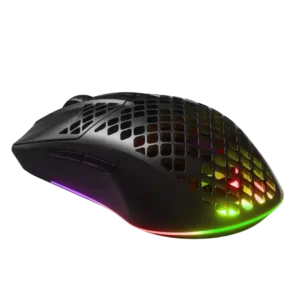
Polling-rate control was treated as important and useful, especially for high-refresh-rate or gaming use.
Pros: value for money, battery life
Cons: glide smoothness, side button quality

The 2,000Hz polling capability is praised as high-spec and useful for competitive play, though one reviewer felt the latency difference would often be hard to notice.
Pros: tilt gesture controls, MMO gaming suitability
Cons: battery life, software usability
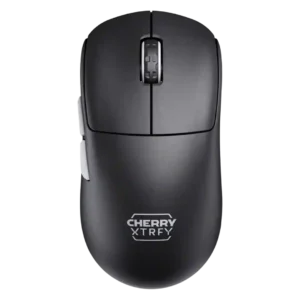
The 8K polling rate impressed some reviewers with smooth responsiveness, while others found little detectable difference and noted battery tradeoffs.
Pros: build quality, shape comfort
Cons: value for money, charging convenience
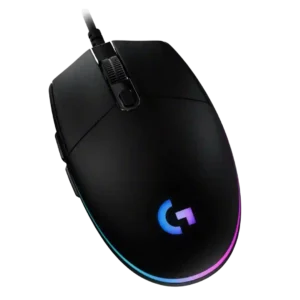
Polling-rate evidence is positive but limited: reviewers describe fast reporting or standard 1000Hz behavior that keeps input delay low.
Pros: value for money, RGB features
Cons: palm grip comfort, click noise

Polling was praised in 2.4GHz mode, but Bluetooth’s lower polling and latency limits made performance mode choice important.
Pros: ergonomic design, scroll wheel quality
Cons: AI Prompt Master, click noise

Polling rate is viewed as a pro-level strength, especially wireless 8K, although not every reviewer sees huge practical gains.
Pros: switch feel, click latency
Cons: value for money, glide smoothness

Polling-rate support was useful and flexible, though 8K polling was criticized for draining battery quickly.
Pros: charging convenience, software usability
Cons: RGB features, value for money

Polling-rate feedback was positive overall, but mixed in practice: reviewers liked 8,000Hz support while some saw little benefit or stuttering.
Pros: value for money, weight
Cons: fingertip grip comfort, profile switching
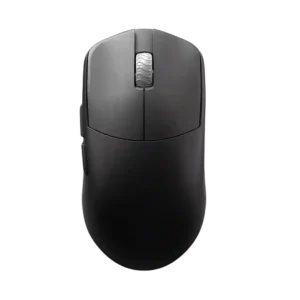
Polling-rate support is valued, especially 8K wireless, though reviewers note 8K may not be useful to everyone and can trade off against battery life.
Pros: glide smoothness, build quality
Cons: side button quality, cable flexibility

Polling-rate opinions were mixed: several reviewers felt clear responsiveness gains, while others saw 2,000Hz as fine but not industry-leading.
Pros: switch feel, polling rate
Cons: value for money, side button quality
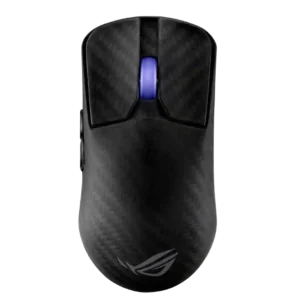
Polling rate was a headline strength, but reviewers often questioned the practical value of 8K versus its battery cost.
Pros: sensor performance, build quality
Cons: value for money, battery life
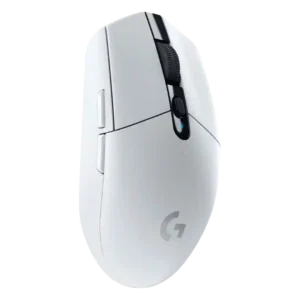
Polling-rate opinions were mostly positive for 500-1000Hz use, though reviewers saw higher modern rates as mostly unnecessary for average players.
Pros: value for money, weight
Cons: charging convenience, palm grip comfort

Wired 8,000Hz polling impressed several reviewers, but others found the difference noticeable only modestly or hard to feel.
Pros: glide smoothness, scroll wheel quality
Cons: analog joystick usability, shape comfort
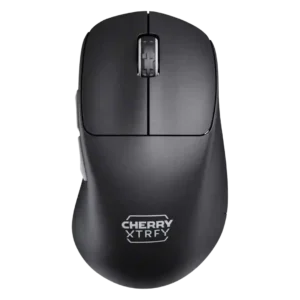
The polling rate was generally seen as responsive and smooth, though IGN found the jump beyond 1000Hz hard to notice and tied it to battery drain.
Pros: build quality, weight
Cons: value for money, charging convenience
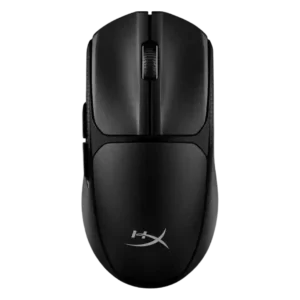
The 1000Hz polling rate was viewed as sufficient or industry-standard, with one reviewer saying higher rates would add little benefit.
Pros: switch feel, weight
Cons: RGB features, handedness options
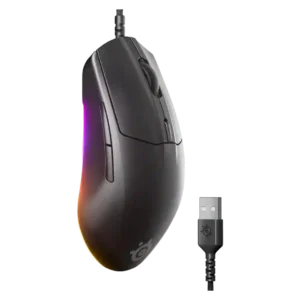
Polling-rate feedback was mixed but generally adequate: 1,000Hz was called standard or delay-free, while PCMag called it low but acceptable.
Pros: cable flexibility, value for money
Cons: premium feel

Polling-rate comments were positive but limited, tying the 1,000Hz option to smooth movement and expected gaming performance.
Pros: RGB features, battery life
Cons: value for money, scroll wheel quality
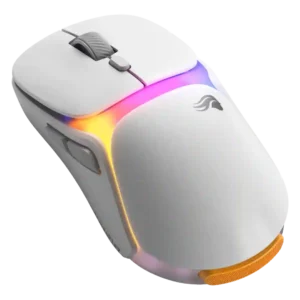
The high polling rate was treated as a performance-focused feature most useful for high-refresh competitive play.
Pros: charging convenience, shape comfort
Cons: value for money, weight

Polling rate was viewed as suitable for most gamers rather than elite or unusually high-end.
Pros: value for money, shape comfort
Cons: onboard memory, side button quality

Polling-rate impressions were mixed: the 8K headline impressed some reviewers, while others called the benefit subtle or mostly box-ticking.
Pros: battery life, weight
Cons: click noise, left and right click quality

Polling-rate evidence is mostly positive for competitive specs, but multiple reviewers say ultra-high polling is not always noticeable to normal players.
Pros: left and right click quality, build quality
Cons: macro support, palm grip comfort
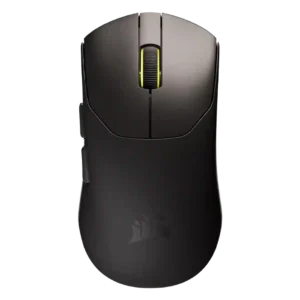
The 8K polling rate impressed some reviewers and supported fast play, but several saw it as overkill, battery-hungry, or less stable at higher wireless rates.
Pros: build quality, weight
Cons: software usability, battery life

Polling support was useful and sometimes praised for reducing lag, but reviewers noted higher rates require extra accessories and that the stock 1,000Hz rate trails some competitors.
Pros: value for money, battery life
Cons: weight, balance and weight distribution
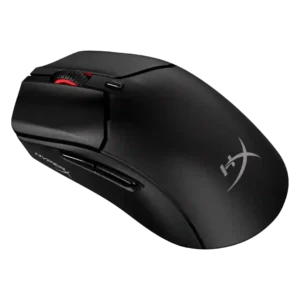
Polling-rate feedback is mixed: wired reviewers liked 8,000Hz responsiveness, while wireless reviewers accepted 1,000Hz but noted it trails higher-end options.
Pros: weight, value for money
Cons: side button quality, RGB features

The 1,000Hz polling rate was usually seen as enough for most users, though lack of higher polling disappointed some.
Pros: button customization, scroll wheel quality
Cons: weight, value for money
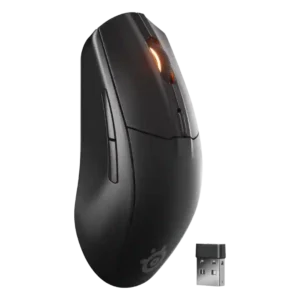
The 1,000Hz cap was considered perfectly fine for most casual players, though below the 4,000Hz or 8,000Hz modes found in pricier mice.
Pros: battery life, value for money
Cons: weight, RGB features

Polling-rate impressions were mixed: 4K felt smoother and valuable for pro/FPS play, but several reviewers said the benefit is subtle or not worth the battery tradeoff for most users.
Pros: weight, battery life
Cons: value for money

Polling-rate evidence was mixed-positive: 1,000Hz was widely considered enough, while the separate HyperPolling dongle was a repeated caveat.
Pros: value for money, weight
Cons: Bluetooth support, cable flexibility

Polling rate feedback was mixed: high rates were valued, but accessories and battery penalties limited their practical appeal.
Pros: scroll wheel quality, battery life
Cons: value for money, weight

Polling-rate impressions are mixed: several reviewers like or verify the 2,000Hz option, while others say it is hard to notice or failed their tests.
Pros: weight, battery life
Cons: value for money, profile switching

Polling rate was strong over the dongle at 1,000Hz but criticized when consistency varied or Bluetooth limited the report rate.
Pros: shape comfort, battery life
Cons: value for money, DPI range

Polling rate was viewed as adequate for most gamers, but several reviewers criticized it for lagging behind 4,000Hz and 8,000Hz rivals.
Pros: battery life, glide smoothness
Cons: side button quality, value for money