Best for click noise
Razer DeathAdder V3
5.0 attribute score
Highest scored product for this attribute based on supporting review evidence.

Highest scored product for this attribute based on supporting review evidence.
Balances the attribute score, supporting reviews, and overall product strength.
Has the broadest review evidence for this attribute.
Strongest overall product among items with scored evidence for this attribute.

Click noise evidence was limited but positive, with one reviewer saying the clicks were quieter than a comparable Razer mouse.
Pros: value for money, weight
Cons: fingertip grip comfort, profile switching

Click noise was praised for satisfying audio feedback and best-sounding switch behavior.
Pros: weight, battery life
Cons: value for money

Click noise was viewed favorably in the few reviews that addressed it, with comments about quiet or pleasant-sounding clicks.
Pros: value for money, battery life
Cons: cable flexibility, RGB features

Click noise is a positive for many reviewers because the haptic clicks are quieter and more muted than conventional mechanical mouse clicks.
Pros: switch feel, click latency
Cons: value for money, glide smoothness
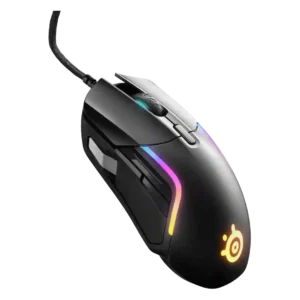
Click noise was viewed positively, with reviewers describing the switches or pressure points as quiet or pleasant rather than distracting.
Pros: value for money, software usability
Cons: side button quality, onboard memory

Click noise was positive, with reviewers saying the clicks were crisp but not loud enough to bother others.
Pros: value for money, ergonomic design
Cons: RGB features, portability
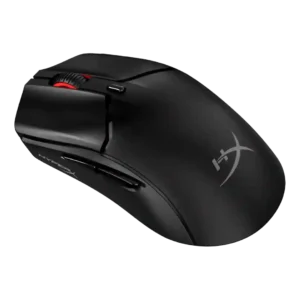
Click sound was praised in one review as sharp, precise, and satisfying.
Pros: side button quality, scroll wheel quality
Cons: weight, FPS gaming suitability

Click noise had limited evidence, but the scroll-wheel click was praised as quiet and non-disruptive.
Pros: shape comfort, battery life
Cons: value for money, DPI range

Click noise feedback was limited but positive, with one reviewer specifically liking the quiet, precise button actuation.
Pros: battery life, weight
Cons: side button quality, value for money

Click noise was mixed, with some reviewers calling it quiet and others noting sharper or louder clicks.
Pros: scroll wheel quality, battery life
Cons: value for money, weight

Click noise is generally favorable, with reviewers describing the switches as quiet or not overly noisy while keeping tactile feel.
Pros: tilt gesture controls, MMO gaming suitability
Cons: battery life, software usability

Click noise impressions were mixed, from quiet and pleasant to fairly loud, depending on reviewer and switch comparison.
Pros: value for money, sensor performance
Cons: software usability, grip texture
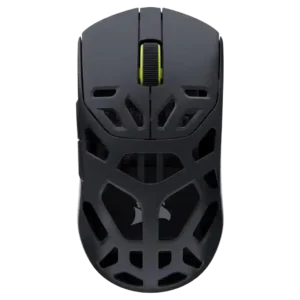
Click noise was positive where mentioned, with reviewers appreciating quieter primary clicks and a scroll action that was satisfying without being loud.
Pros: shape comfort, sensor performance
Cons: value for money, side button quality
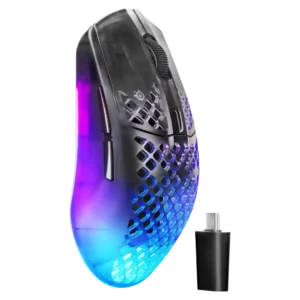
Click noise drew mixed but mostly positive comments: one reviewer loved the sound, another found switches loud, and one noted a quieter scroll wheel.
Pros: software usability, polling rate
Cons: palm grip comfort, fingertip grip comfort
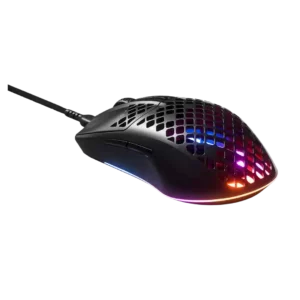
Click noise was acceptable to good, with one review saying the clicks were not annoying or overly loud.
Pros: glide smoothness, RGB features
Cons: build quality, cable flexibility

Click noise was liked in the one review that addressed it, with a dampened sound profile.
Pros: glide smoothness, scroll wheel quality
Cons: analog joystick usability, shape comfort
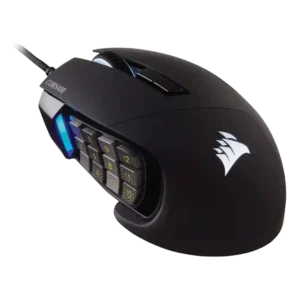
Click and scroll noise evidence was limited but positive, with one reviewer specifically calling the scroll wheel quiet.
Pros: value for money, side button quality
Cons: FPS gaming suitability, weight
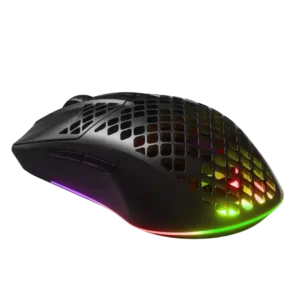
Click noise was relatively positive in the available evidence because the main buttons were described as quieter than another SteelSeries line.
Pros: value for money, battery life
Cons: glide smoothness, side button quality

Click noise was lightly praised in one review where audible clicks helped confirm registered button presses.
Pros: side button quality, MMO gaming suitability
Cons: value for money, claw grip comfort
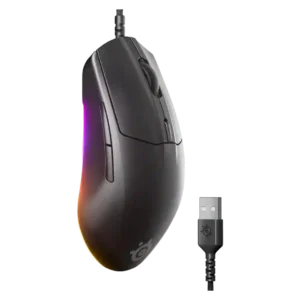
Click noise was acceptable: the switches were described as crisp without being overly loud or heavy.
Pros: cable flexibility, value for money
Cons: premium feel
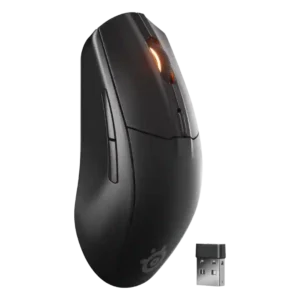
Click sound was mixed, ranging from barely audible or satisfying to loud, echoey, and cheap when pressed hard.
Pros: battery life, value for money
Cons: weight, RGB features

Click noise was acceptable to positive: one reviewer found clicks louder than the predecessor, while another found the optical sound mild.
Pros: glide smoothness, weight
Cons: handedness options

Click noise is moderate rather than silent, with reviewers describing crisp audible clicks or minimal noise depending on the review.
Pros: Accuracy and tracking precision, shape comfort
Cons: long-session comfort

Click noise was split, with one reviewer calling the mouse very quiet and another saying the switches were not especially quiet.
Pros: charging convenience, software usability
Cons: RGB features, value for money

Click noise was mixed, ranging from consistent and satisfying sound to louder, deeper switches or clicks that were less audible than some competitors.
Pros: weight, grip texture
Cons: software usability, profile switching
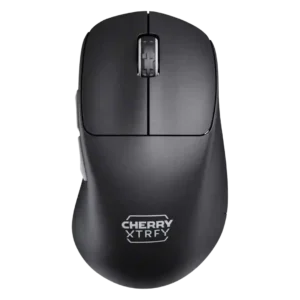
Click noise was acceptable to mixed, ranging from loud in one review to balanced or mellow in others.
Pros: build quality, weight
Cons: value for money, charging convenience
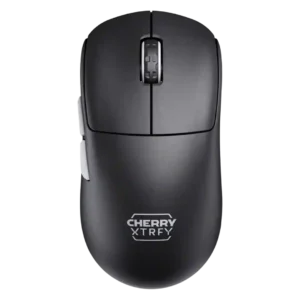
Click noise was acceptable to positive for some reviewers, but another found the buttons pretty loud.
Pros: build quality, shape comfort
Cons: value for money, charging convenience

Click noise was mixed but generally acceptable, ranging from pronounced and loud to pleasant rather than overpowering.
Pros: value for money, battery life
Cons: weight, balance and weight distribution

Click noise was mixed, with quiet main clicks in one review but squeaking called out in another.
Pros: button responsiveness, shape comfort

Click noise is mixed: one review liked the satisfying thocky sound, while another found the side buttons louder and hollower than the main clicks.
Pros: left and right click quality, build quality
Cons: macro support, palm grip comfort

Click noise evidence was limited and mixed, with one reviewer noting the clicks were a bit loud but not worse than some alternatives.
Pros: weight, battery life
Cons: polling rate, RGB features
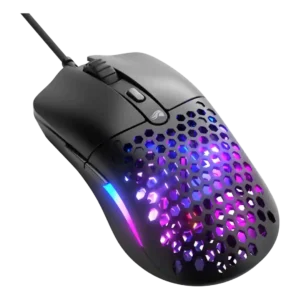
Click noise was mixed: one review liked the crisp but controlled sound, another found clicks loud, and another called them prominent but not hollow.
Pros: value for money, weight
Cons: cable flexibility

Click noise was mixed: button clicks were often quiet or unobtrusive, but the scroll wheel could be extremely loud.
Pros: RGB features, battery life
Cons: value for money, scroll wheel quality

Click noise was mixed but generally acceptable: one reviewer found the click louder, while another said the mouse kept noise muted.
Pros: value for money, grip texture
Cons: weight, charging convenience
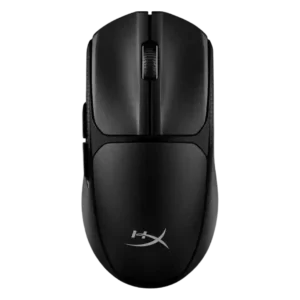
Click noise was mixed, with one reviewer saying the clicks were not quiet and another saying they were not overly loud.
Pros: switch feel, weight
Cons: RGB features, handedness options

Click noise was mixed: some liked the satisfying click sound, while others found it loud or high-pitched.
Pros: switch feel, polling rate
Cons: value for money, side button quality

Click noise was mixed, with damped clicks pleasing one reviewer while others wanted quieter buttons or found them loud.
Pros: ergonomic design, scroll wheel quality
Cons: AI Prompt Master, click noise

Click noise is mixed, ranging from quiet or acceptable to noisy buttons and louder scrolling.
Pros: weight, battery life
Cons: value for money, profile switching

Click noise was mixed: some found it quiet or acceptable, while others called it noisy or cheap-sounding.
Pros: battery life, software usability
Cons: click noise, fingertip grip comfort

Click noise was mixed, with one reviewer criticizing cheap, echoey clicks and another praising the click sound.
Pros: shape comfort, programmable buttons
Cons: value for money, side button quality

Click noise was mixed, with one reviewer calling the sound hollow and another noting the optical switches are on the louder side.
Pros: value for money, button customization
Cons: fingertip grip comfort, portability

Click noise was mixed-low in one review because the clicks were described as hollow sounding.
Pros: battery life, software usability
Cons: weight, FPS gaming suitability

Click noise was mixed to negative overall, with loud-switch complaints offset by quieter or controlled sound in one review.
Pros: battery life, weight
Cons: click noise, left and right click quality
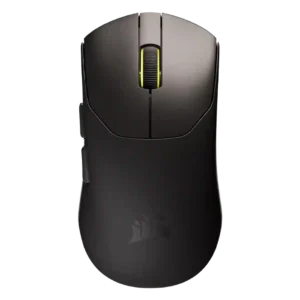
Click noise varied: some reviewers disliked elevated, hollow, or noisy feedback, while one saw muted buttons as a benefit for quiet use.
Pros: build quality, weight
Cons: software usability, battery life

Click noise was mixed; reviewers liked the click feel but some found the optical clicks loud or potentially distracting.
Pros: build quality, software usability
Cons: value for money, polling rate
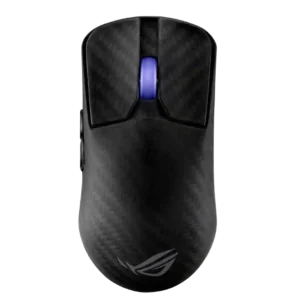
Click noise was a caveat: reviewers found the switches crisp or pleasant but often not quiet, and sometimes quite loud.
Pros: sensor performance, build quality
Cons: value for money, battery life

Click noise was a minor caveat in one review, which found the optical switches somewhat loud.
Pros: button customization, MMO gaming suitability
Cons: FPS gaming suitability

Click noise was only judged in one review, which found the clicks somewhat loud but not as loud as a pricier Logitech model.
Pros: value for money, weight
Cons: premium feel, polling rate

The main switches have a clear, tactile sound, but they are louder than some reviewers prefer.
Pros: software usability, sensor performance
Cons: RGB features, scroll wheel quality

Click noise was middle-of-the-road, with the reviewer saying it was neither very quiet nor especially loud.
Pros: MMO gaming suitability, 2.4GHz connectivity
Cons: charging convenience, value for money