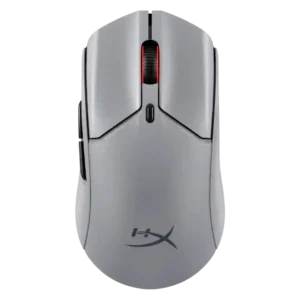
Overall: 4.2/5
Click noise was praised for satisfying audio feedback and best-sounding switch behavior.
Pros: weight, battery life
Cons: value for money

Overall: 4.2/5
Click noise was praised for satisfying audio feedback and best-sounding switch behavior.
Pros: weight, battery life
Cons: value for money
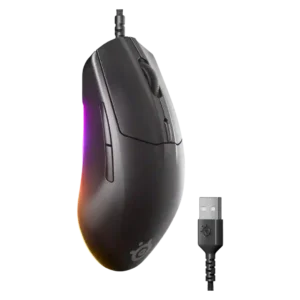
Overall: 4.1/5
Click noise was acceptable: the switches were described as crisp without being overly loud or heavy.
Pros: cable flexibility, value for money
Cons: premium feel
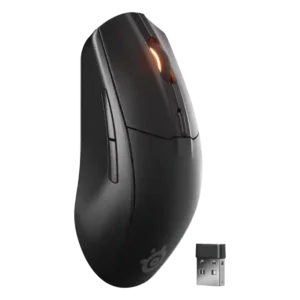
Overall: 3.9/5
Click sound was mixed, ranging from barely audible or satisfying to loud, echoey, and cheap when pressed hard.
Pros: battery life, value for money
Cons: weight, RGB features

Overall: 4.6/5
Click noise was acceptable to positive: one reviewer found clicks louder than the predecessor, while another found the optical sound mild.
Pros: glide smoothness, weight
Cons: handedness options
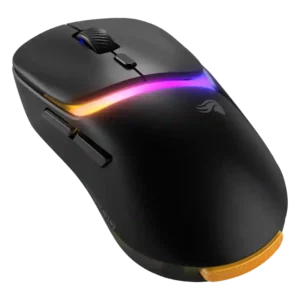
Overall: 4.3/5
Click noise was split, with one reviewer calling the mouse very quiet and another saying the switches were not especially quiet.
Pros: charging convenience, software usability
Cons: RGB features, value for money
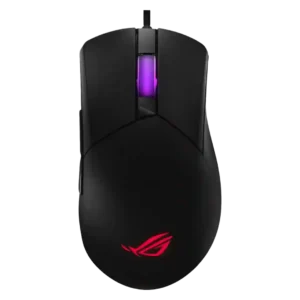
Overall: 4.2/5
Click noise was mixed, with quiet main clicks in one review but squeaking called out in another.
Pros: button responsiveness, shape comfort
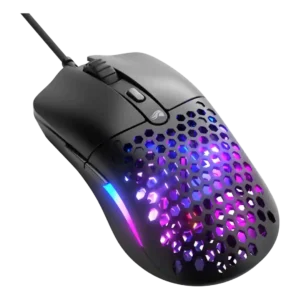
Overall: 4.2/5
Click noise was mixed: one review liked the crisp but controlled sound, another found clicks loud, and another called them prominent but not hollow.
Pros: value for money, weight
Cons: cable flexibility
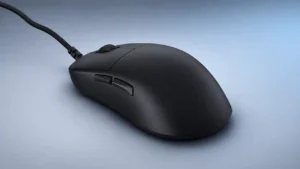
Overall: 4.3/5
Clicks are relatively quiet, though a sharper pitch or difference between left and right buttons may bother some.
Pros: responsiveness, sensor performance
Cons: Cable drag, polling rate
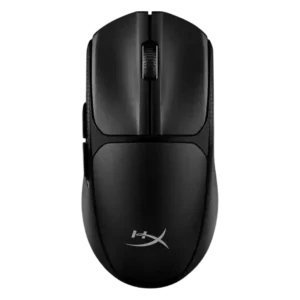
Overall: 3.7/5
Click noise was mixed, with one reviewer saying the clicks were not quiet and another saying they were not overly loud.
Pros: switch feel, weight
Cons: RGB features, handedness options
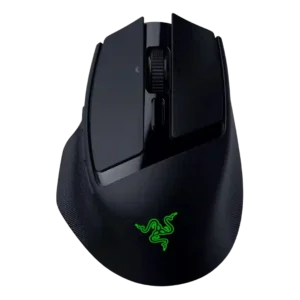
Overall: 4.1/5
Click noise was mixed, with damped clicks pleasing one reviewer while others wanted quieter buttons or found them loud.
Pros: ergonomic design, scroll wheel quality
Cons: AI Prompt Master, click noise
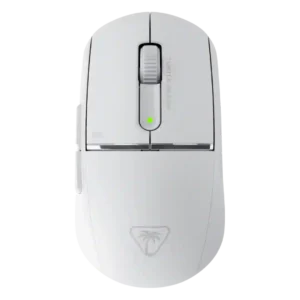
Overall: 4.3/5
Click noise was mixed to negative overall, with loud-switch complaints offset by quieter or controlled sound in one review.
Pros: battery life, weight
Cons: click noise, left and right click quality
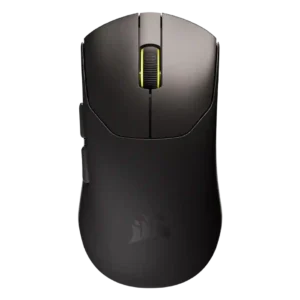
Overall: 3.6/5
Click noise varied: some reviewers disliked elevated, hollow, or noisy feedback, while one saw muted buttons as a benefit for quiet use.
Pros: build quality, weight
Cons: software usability, battery life

Overall: 4.4/5
Click noise was a minor caveat in one review, which found the optical switches somewhat loud.
Pros: button customization, MMO gaming suitability
Cons: FPS gaming suitability
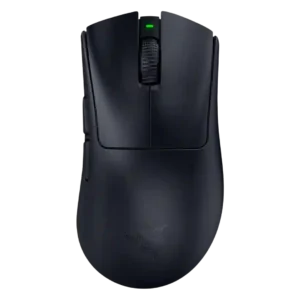
Overall: 4.2/5
Click noise was the most common tactile complaint, with many reviewers describing the main clicks as loud, hollow, pingy, or annoying.
Pros: battery life, scroll wheel quality
Cons: value for money, click noise
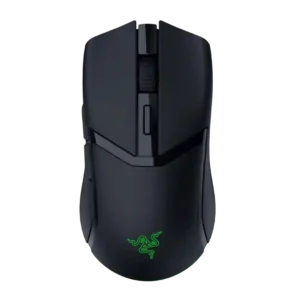
Overall: 4.1/5
Click noise was the most repeated complaint, with multiple reviewers calling the Gen-4 switches loud, hollow, pingy, or distracting.
Pros: weight, value for money
Cons: click noise, AI Prompt Master
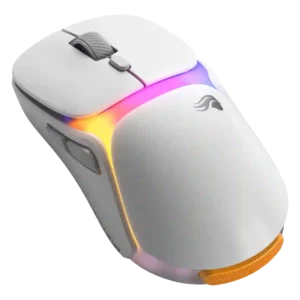
Overall: 3.8/5
Click noise was a drawback in one review, where squeak and ping stood out during quiet moments.
Pros: charging convenience, shape comfort
Cons: value for money, weight