Best for volume control
Epomaker P65
5.0 attribute score
Highest scored product for this attribute based on supporting review evidence.

Highest scored product for this attribute based on supporting review evidence.
Balances the attribute score, supporting reviews, and overall product strength.
Has the broadest review evidence for this attribute.
Strongest overall product among items with scored evidence for this attribute.

The metal knob is a standout convenience, offering smooth adjustment, tactile steps and a press-to-mute function.
Pros: overall satisfaction, build quality
Cons: portability, reliability

The redesigned metal knob is consistently praised as tactile, convenient, and easy to remap.
Pros: build quality, overall satisfaction
Cons: portability, ergonomics

Volume control was highly praised, with reviewers specifically calling the volume knob fantastic or amazing.
Pros: build quality, keycap quality
Cons: switch options, portability
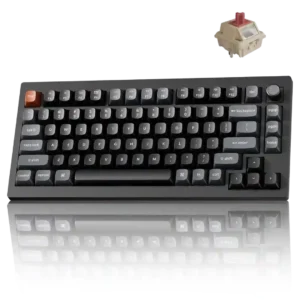
The clickable aluminum knob makes volume adjustment quick and satisfying, and it can be remapped for other functions.
Pros: gaming performance, overall satisfaction
Cons: polling rate, frame rigidity

Volume control was praised for placement that made it easy to manipulate with one hand.
Pros: sound dampening, value for money
Cons: ergonomics, polling rate

The rotary volume control was consistently praised as useful, tactile, clever, and easy to use.
Pros: typing feel, build quality
Cons: value for money, wireless performance

Volume control was a standout positive, with reviewers repeatedly praising smooth, grippy, accurate, tactile, or notchy rollers and knobs.
Pros: value for money, keycap quality
Cons: polling rate, acoustics
The volume wheel is a standout feature, widely praised for its feel and smoothness, with only minor complaints about delay or lack of tactility.
Pros: battery life, wireless performance
Cons: value for money, wrist rest quality
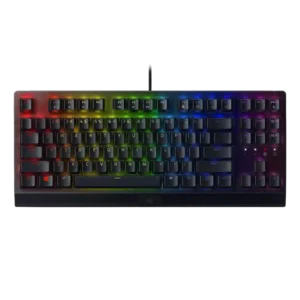
Volume control was one of the best-liked extras, with several reviewers calling the roller useful, handy, convenient, or life-giving.
Pros: RGB lighting quality, value for money
Cons: wrist rest quality, noise level

The rotary knob is generally well liked for volume and mute control, with praise for feel, usefulness, and tactile operation.
Pros: value for money, software quality
Cons: switch options, ergonomics

The volume wheel is a highlight, repeatedly praised for smoothness, premium feel, strong resistance, and better feel than some competitors.
Pros: extra gaming features, wrist rest quality
Cons: value for money, software quality

The textured rotary dial has clear steps and makes volume changes fast and precise. It can also be reassigned for brightness, scrolling, or zoom.
Pros: overall satisfaction, macro customization
Cons: value for money, software quality

Volume control was usually praised for tactile grip, quality metal feel, or convenient dial operation.
Pros: customization options, typing feel
Cons: value for money, wrist rest quality
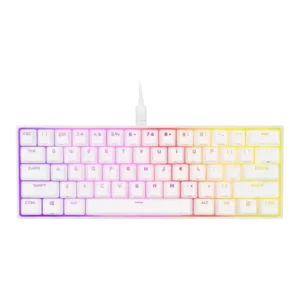
Volume control was praised as easy to reach through the secondary media controls.
Pros: switch feel, size and form factor
Cons: polling rate, value for money

The volume roller/knob was consistently praised as smooth, convenient, satisfying, or even flawless.
Pros: battery life, switch feel
Cons: value for money, ease of switch replacement

Volume control is generally useful and convenient through the touch panel, though one reviewer rated it only a decent interface.
Pros: portability, value for money
Cons: software quality, key spacing

Volume control was consistently praised for the large smooth roller, its responsiveness, and its daily convenience.
Pros: value for money, battery life
Cons: hot-swappable switches, noise level

Volume control was generally praised for the knob feel and convenience, though one reviewer preferred a different knob placement.
Pros: build quality, switch feel
Cons: switch options
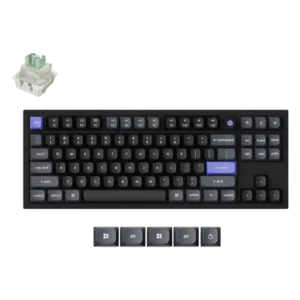
The volume knob drew an enthusiastic positive reaction from the reviewer.

The dual dials are frequently praised for volume and audio control, especially for streamers and multitaskers. Owners like being able to manage separate audio sources directly from the keyboard.
Pros: macro customization, switch feel
Cons: software quality, value for money

Volume control was positive because the knob could handle volume and be remapped to other functions.
Pros: value for money, build quality
Cons: switch options, hot-swappable switches
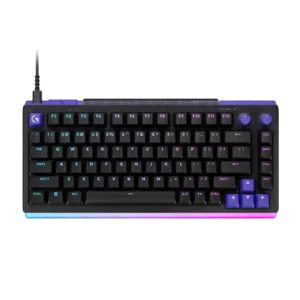
The dedicated volume dial is easy to find, pleasant to turn, and remappable. It is one of the most consistently appreciated everyday conveniences.
Pros: overall satisfaction, design aesthetics
Cons: value for money, wrist rest quality

The volume lever/flipper was generally liked for tactile feel and practical usefulness.
Pros: design aesthetics, build quality

Volume control through the dial was liked and convenient, although reviewers noted mode limits and minor dial tolerance issues.
Pros: software quality, switch feel
Cons: legend visibility, extra gaming features

Volume control is positively reviewed, especially the roller implementation, which several reviewers enjoyed or found handy.
Pros: switch feel, typing feel
Cons: software quality, key spacing
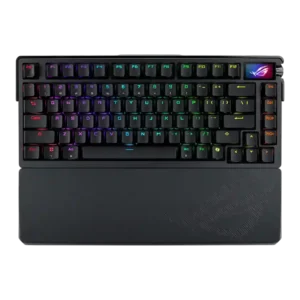
Volume control was positive but not deeply tested; reviewers liked the knob's practical volume function while noting some tactility caveats.
Pros: build quality, customization options
Cons: value for money, rapid trigger support

Volume control is generally good, with praise for tactile or notched feel, though Noisy Pixel wanted smoother rotation.
Pros: typing feel, gaming performance
Cons: software quality, value for money
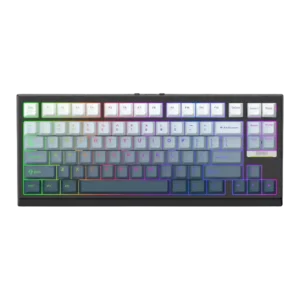
Volume control was mixed-to-positive: one reviewer missed a knob only mildly, while another found VIA remapping straightforward.
Pros: gaming performance, key responsiveness
Cons: compatibility

Volume control is praised for being accessible, satisfying, and easy to use through the knob/dial.
Pros: noise level, RGB lighting quality
Cons: rapid trigger support, extra gaming features

Volume control was useful for most reviewers, though the toggle implementation was less satisfying to some than a dedicated knob or roller.
Pros: typing feel, design aesthetics
Cons: value for money, materials quality
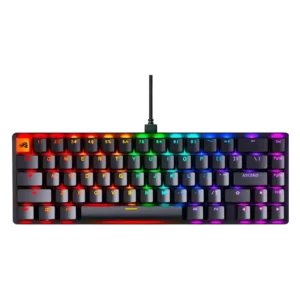
Volume control was usable through function-key commands, though the same review noted no physical volume roller or knob.
Pros: switch feel, value for money
Cons: key spacing, actuation consistency
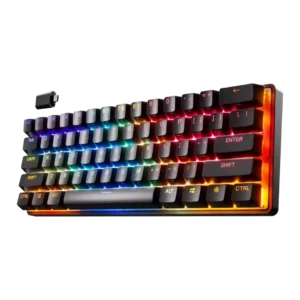
Volume control had limited but positive evidence from one review that called the printed shortcut/volume-control setup really nice.
Pros: gaming performance, key responsiveness
Cons: value for money, extra gaming features

Volume control was usually convenient and tactile, though some reviewers wanted a press-to-mute wheel or found dial-based volume less convenient.
Pros: value for money, wrist rest quality
Cons: software quality, ergonomics
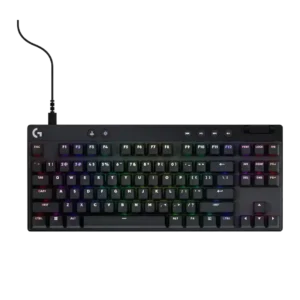
Volume control is usually appreciated as convenient, especially side rollers, though a few reviewers disliked placement or cheap feel.
Pros: build quality, software quality
Cons: value for money, hot-swappable switches

Volume control was generally praised for the dedicated wheel or premium roller feel, though one reviewer disliked the separate mute-button layout.
Pros: customization options, gaming performance
Cons: value for money, noise level

Volume control is useful and often tactile, but the knob’s plasticky look and out-of-place design are repeated complaints.
Pros: value for money, typing feel
Cons: software quality, reliability
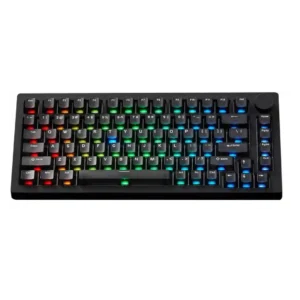
Volume control is mixed but generally useful: the knob can handle volume and mute, while one reviewer saw random volume inputs and another wanted more utility.
Pros: build quality, customization options
Cons: reliability

Volume control was useful but mixed because reviewers liked direct control while one wished the roller handled volume more naturally.
Pros: switch feel, customization options
Cons: value for money, wireless performance

Volume control was generally useful, but the small or recessed wheel hurt ergonomics on some models.
Pros: value for money, rapid trigger support
Cons: media controls, stabilizer quality

Volume control was generally useful through the dial, though some reviewers found the dial resistive or unreliable at fast scrolling.
Pros: value for money, typing feel
Cons: wrist rest quality, media controls

Volume control was mixed, with praise for feel and grip offset by criticism that the roller was imprecise or awkward.
Pros: sound dampening, switch feel
Cons: reliability, rapid trigger support
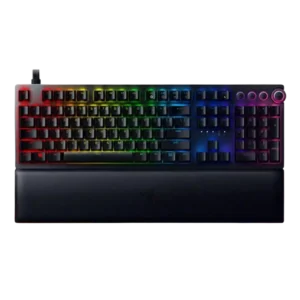
Volume control was praised by some for feel and convenience, while others disliked wobble, defaults, or the experience relative to the price.
Pros: analog input support, wrist rest quality
Cons: value for money, cable quality
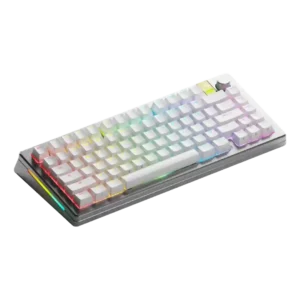
Volume control was mixed: the physical knob felt premium, but remapping limitations frustrated one reviewer.
Pros: customization options, gaming performance
Cons: value for money, software quality
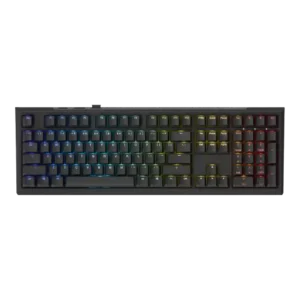
Volume control was present and sometimes appreciated as part of the simple control layout, though some reviews treated it as one of few dedicated controls.
Pros: value for money, gaming performance
Cons: software quality, customization options
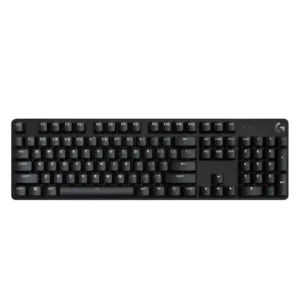
Volume control is mildly positive where mentioned, because reviewers note Fn-layer volume controls, but not dedicated hardware controls.
Pros: design aesthetics, keycap quality
Cons: value for money, software quality

Volume control opinions split: Macworld liked one-hand Fn access, while a comparison reviewer disliked the volume placement.
Pros: portability, build quality
Cons: value for money, ergonomics

Volume control was mixed: dedicated buttons exist, but several reviewers missed a roller or knob and found quick access less ideal.
Pros: gaming performance, switch feel
Cons: value for money, extra gaming features

Volume control was the most mixed feature: reviewers liked the knob’s usefulness and click feel, but repeatedly criticized wobble, looseness, and gimmicky behavior.
Pros: battery life, portability
Cons: volume control, switch options

Volume control was mixed, with reviewers appreciating easy volume access but criticizing the rocker/knob as imprecise, finicky, or cumbersome.
Pros: switch feel, typing feel
Cons: software quality, volume control
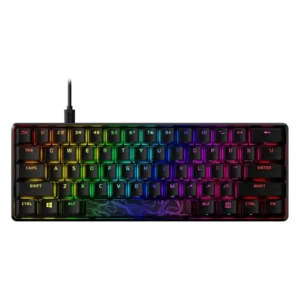
Volume control is split: full-size reviewers wanted a dial or wheel, while one long-term Core user praised the volume shortcut placement.
Pros: build quality, value for money
Cons: software quality, stabilizer quality