
The redesigned metal knob is consistently praised as tactile, convenient, and easy to remap.
Pros: build quality, overall satisfaction
Cons: portability, ergonomics

The redesigned metal knob is consistently praised as tactile, convenient, and easy to remap.
Pros: build quality, overall satisfaction
Cons: portability, ergonomics
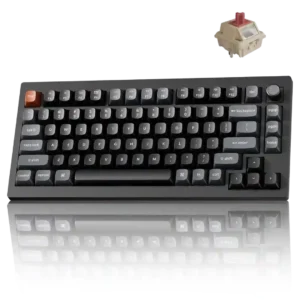
The clickable aluminum knob makes volume adjustment quick and satisfying, and it can be remapped for other functions.
Pros: gaming performance, overall satisfaction
Cons: polling rate, frame rigidity

The rotary volume control was consistently praised as useful, tactile, clever, and easy to use.
Pros: typing feel, build quality
Cons: value for money, wireless performance

The textured rotary dial has clear steps and makes volume changes fast and precise. It can also be reassigned for brightness, scrolling, or zoom.
Pros: overall satisfaction, macro customization
Cons: value for money, software quality

The dual dials are frequently praised for volume and audio control, especially for streamers and multitaskers. Owners like being able to manage separate audio sources directly from the keyboard.
Pros: macro customization, switch feel
Cons: software quality, value for money
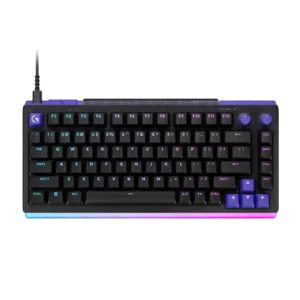
The dedicated volume dial is easy to find, pleasant to turn, and remappable. It is one of the most consistently appreciated everyday conveniences.
Pros: overall satisfaction, design aesthetics
Cons: value for money, wrist rest quality
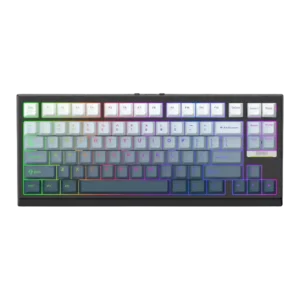
Volume control was mixed-to-positive: one reviewer missed a knob only mildly, while another found VIA remapping straightforward.
Pros: gaming performance, key responsiveness
Cons: compatibility
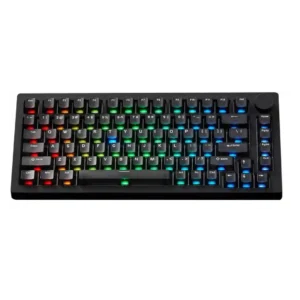
Volume control is mixed but generally useful: the knob can handle volume and mute, while one reviewer saw random volume inputs and another wanted more utility.
Pros: build quality, customization options
Cons: reliability

Volume control was useful but mixed because reviewers liked direct control while one wished the roller handled volume more naturally.
Pros: switch feel, customization options
Cons: value for money, wireless performance
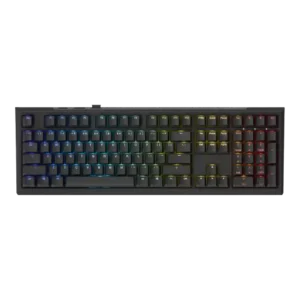
Volume control was present and sometimes appreciated as part of the simple control layout, though some reviews treated it as one of few dedicated controls.
Pros: value for money, gaming performance
Cons: software quality, customization options