Best for key spacing
Keychron Q1 HE
5.0 attribute score
Highest scored product for this attribute based on supporting review evidence.

Highest scored product for this attribute based on supporting review evidence.
Balances the attribute score, supporting reviews, and overall product strength.
Has the broadest review evidence for this attribute.
Strongest overall product among items with scored evidence for this attribute.
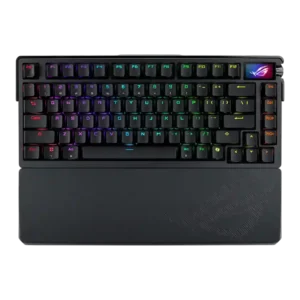
Key spacing had limited evidence but was praised as part of a very comfortable typing experience.
Pros: build quality, customization options
Cons: value for money, rapid trigger support

The key spacing feels consistent and comfortable, helping reduce typing errors despite the compact layout.
Pros: overall satisfaction, build quality
Cons: portability, reliability

Despite the compact chassis, the keys are not narrowed. The tested layout preserves comfortable spacing and remains easy to type on.
Pros: switch feel, typing feel
Cons: value for money, layout options

The only explicit spacing judgment is very positive, with one reviewer calling the key spacing just right.
Pros: value for money, software quality
Cons: switch options, ergonomics
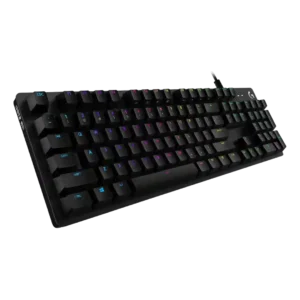
Key spacing receives strong praise from one reviewer who needed no adjustment and found it spot on.
Pros: value for money, design aesthetics
Cons: passthrough features, noise level
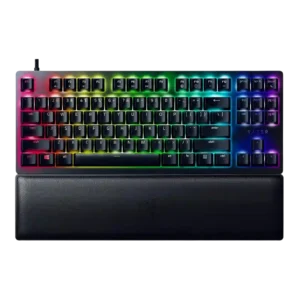
Key spacing received direct praise for avoiding a crowded feel despite the compact TKL design.
Pros: wrist rest quality, polling rate
Cons: value for money, media controls

Key spacing evidence was limited but very positive, with one reviewer saying the keys felt naturally placed and reduced mis-hits.
Pros: software quality, switch feel
Cons: legend visibility, extra gaming features
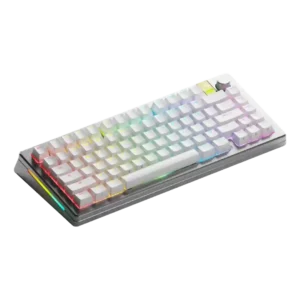
Key spacing received positive evidence from a reviewer who linked spacing to fast typing accuracy and few mistypes.
Pros: customization options, gaming performance
Cons: value for money, software quality

Key spacing was praised for avoiding a cramped feel and helping fingers move accurately across the compact deck.
Pros: sound dampening, value for money
Cons: ergonomics, polling rate

The compact layout was still considered usable, with enough arrow-key spacing and little sense of cramping.
Pros: typing feel, build quality
Cons: value for money, wireless performance

Key spacing was praised in the TKL layout because separated keys helped avoid accidental hits.
Pros: build quality, switch feel
Cons: switch options
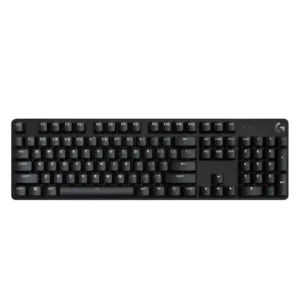
Key spacing receives limited positive evidence from one reviewer who found it comfortable for both typing and precision gameplay.
Pros: design aesthetics, keycap quality
Cons: value for money, software quality

Key spacing was praised in the 8K TKL review for helping typing feel comfortable.
Pros: customization options, typing feel
Cons: value for money, wrist rest quality

One reviewer found the key reach comfortable, with nothing too far to stretch.
Pros: value for money, rapid trigger support
Cons: media controls, stabilizer quality

Spacing is well judged for such a compact board, giving fingers enough separation without wasting space. The only caution is that highly sensitive actuation can make accidental grazes more consequential.
Pros: overall satisfaction, customization options
Cons: value for money, switch options
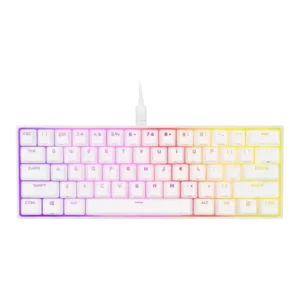
Key spacing was praised because the compact layout did not feel compressed and maintained comfortable distances.
Pros: switch feel, size and form factor
Cons: polling rate, value for money

One reviewer praised the layout gaps and spacing for making arrow navigation easy by touch.
Pros: design aesthetics, build quality
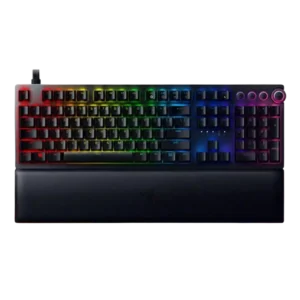
Key spacing had limited positive evidence, with one reviewer saying the well-spaced layout helped long gaming sessions.
Pros: analog input support, wrist rest quality
Cons: value for money, cable quality

Key spacing was generally comfortable and familiar, with reviewers saying the standard layout avoided a steep learning curve.
Pros: switch feel, battery life
Cons: volume control, media controls
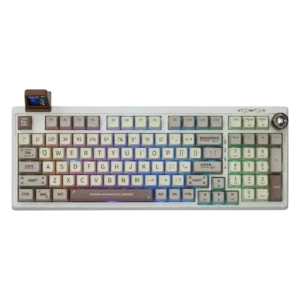
Key spacing is praised as roomy enough to avoid crowding while still compact enough to navigate efficiently.
Pros: value for money, typing feel
Cons: software quality, reliability
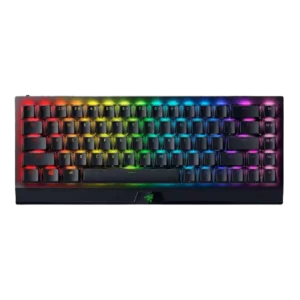
Key spacing was mostly praised for making inputs easier and avoiding distractions, with one review finding the keys slightly cramped.
Pros: size and form factor, switch feel
Cons: value for money, battery life
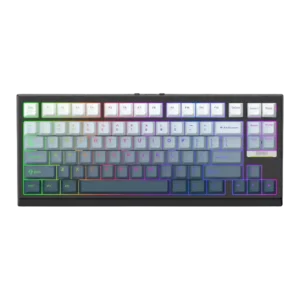
Key spacing was mixed but mostly positive, with some adjustment required on compact layouts while another reviewer praised proper key positioning.
Pros: gaming performance, key responsiveness
Cons: compatibility

Key spacing evidence was positive, with reviewers saying the spacing reduced errors and let them play without looking down.
Pros: value for money, wrist rest quality
Cons: software quality, ergonomics

Key spacing gets limited but positive feedback. One reviewer found the spacing better than a smaller keyboard and said the keys felt light and soft.
Pros: macro customization, switch feel
Cons: software quality, value for money
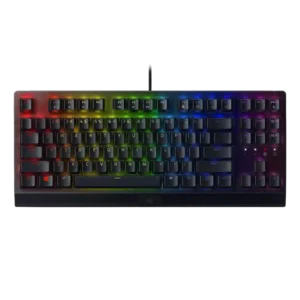
Key spacing had limited positive support, with one review crediting the standard shape and spacing for comfortable typing.
Pros: RGB lighting quality, value for money
Cons: wrist rest quality, noise level

Key spacing is mostly positive, with one reviewer calling it perfect, though TechRadar disliked the subtle F/J bumps.
Pros: typing feel, gaming performance
Cons: software quality, value for money

Only one review directly judged spacing, positively noting that extra space between keys helped finger positioning.
Pros: battery life, switch feel
Cons: value for money, ease of switch replacement

Key spacing had limited evidence, with one review saying the keys were well spaced despite some wobble.
Pros: value for money, keycap quality
Cons: polling rate, acoustics

Key spacing was positively noted because the full-size layout let the function row be spaced evenly.
Pros: typing feel, design aesthetics

Key spacing was supported by the spacious tenkeyless/75% case, which reviewers found practical rather than cramped.
Pros: value for money, build quality
Cons: switch options, hot-swappable switches
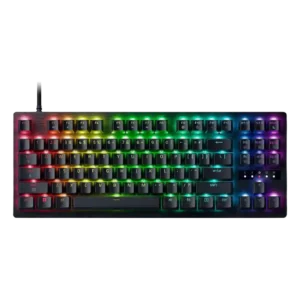
The WASD area and nearby keys are described as comfortably spaced for gaming, even by a reviewer who disliked the board more for typing.
Pros: value for money, typing feel
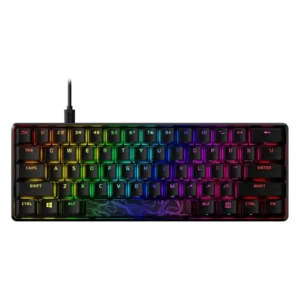
Key spacing is context-dependent: the 60% model can feel tightly packed, while other layouts are described as standard or not cramped.
Pros: build quality, value for money
Cons: software quality, stabilizer quality

Key spacing was mixed: roomy spacing helped typing for some, while the left-side G keys and cramped TKL layout caused awkwardness for others.
Pros: value for money, battery life
Cons: hot-swappable switches, noise level

Key spacing opinions were split: some liked the 75% spacing and avoided 60% compromises, while others found the crammed F-row harder to hit accurately.
Pros: switch feel, typing feel
Cons: software quality, volume control

Key spacing is mixed, with praise for standard bottom-row spacing but complaints that the left G keys can cause reaches or accidental presses.
Pros: extra gaming features, wrist rest quality
Cons: value for money, software quality

Key spacing drew mixed feedback: some reviewers struggled with cramped keys, while others praised smart spacing and avoided mis-presses.
Pros: gaming performance, switch feel
Cons: value for money, extra gaming features

Key spacing drew mixed reactions: some reviewers liked the spacing and full-size keys, while others found the compact layout cramped or hard to navigate.
Pros: portability, build quality
Cons: value for money, ergonomics

Key spacing split reviewers: one found the keys not cramped, while another reported missteps during fast gaming and typing.
Pros: build quality, gaming performance
Cons: typing feel, typing comfort
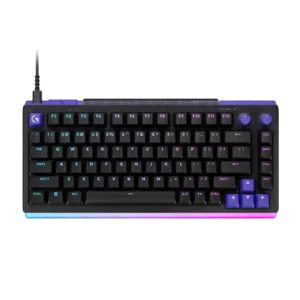
The 75% layout keeps spacing comfortable, while the compressed 98% layout may briefly challenge full-size muscle memory, particularly around the numpad.
Pros: overall satisfaction, design aesthetics
Cons: value for money, wrist rest quality

Key spacing had limited mixed evidence, with one first-impression review noting the smaller-feeling keys may require adjustment.
Pros: typing feel, design aesthetics
Cons: value for money, materials quality
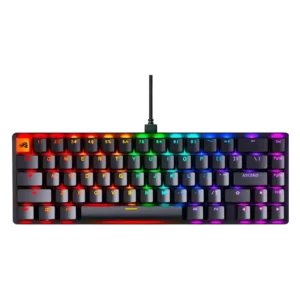
Key spacing was mixed because the compact layouts were usable for some reviewers but caused accidental presses or adjustment for others.
Pros: switch feel, value for money
Cons: key spacing, actuation consistency

Key spacing was mixed, with smaller or tightly packed keys bothering some reviewers before they adjusted.
Pros: value for money, design aesthetics
Cons: cable quality, ergonomics
Key spacing is mixed: close keys helped one reviewer settle in, but another found them easier to hit accidentally.
Pros: battery life, wireless performance
Cons: value for money, wrist rest quality

Key spacing was mixed: some reviewers found it cramped or squashed, while others said the keys were well-balanced and easy to adapt to.
Pros: software quality, build quality
Cons: value for money, connectivity
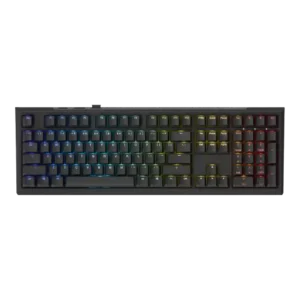
Key spacing was only directly judged in one review, which found the wider full-size spacing noticeable and mildly straining.
Pros: value for money, gaming performance
Cons: software quality, customization options

Key spacing had one mixed note: a reviewer’s speed and accuracy dipped briefly before adjustment.
Pros: battery life, portability
Cons: volume control, switch options

Key spacing is one of the main compromises, with reviewers citing cramped keys, accidental presses, and a short right Shift learning curve.
Pros: portability, value for money
Cons: software quality, key spacing

Key spacing is the most common layout complaint, with reviewers repeatedly noting cramped keys, adjustment time, or awkward muscle-memory changes.
Pros: switch feel, typing feel
Cons: software quality, key spacing

Key spacing was one of the clearest complaints, with several reviewers calling the 96% layout cramped, squished, or annoying to adjust to.
Pros: customization options, design aesthetics
Cons: switch options, key spacing

The compressed 99% arrangement is the most repeated usability complaint. Close clusters and the extra left column can cause wrong-key presses, mistyped words, and a meaningful learning curve.
Pros: overall satisfaction, macro customization
Cons: value for money, software quality