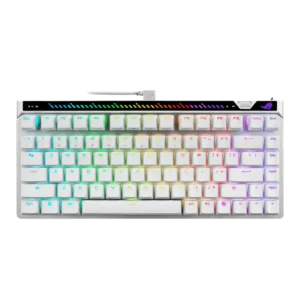
Overall: 4.2/5
Ergonomics were mostly praised, but the rear touchbar placement was criticized as awkward by one reviewer.
Pros: switch feel, customization options
Cons: value for money, wireless performance

Overall: 4.2/5
Ergonomics were mostly praised, but the rear touchbar placement was criticized as awkward by one reviewer.
Pros: switch feel, customization options
Cons: value for money, wireless performance
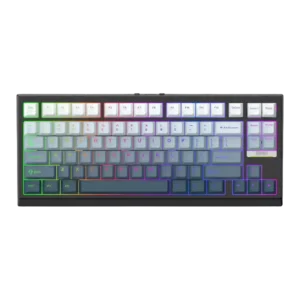
Overall: 4.3/5
Ergonomics were mixed-to-positive: typing comfort and range were praised, but one reviewer disliked how the slanted front affected wrist-rest placement.
Pros: gaming performance, key responsiveness
Cons: compatibility
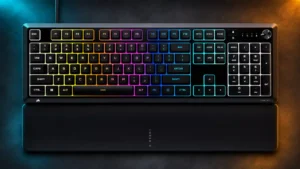
Overall: 4.0/5
Wrist support and low-profile keys improve comfort, although the rest height and shallow risers may not suit everyone.
Pros: noise level, media controls
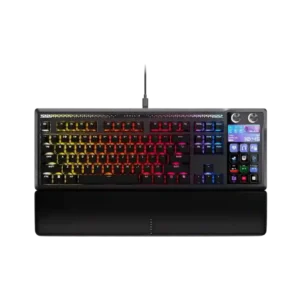
Overall: 3.5/5
Ergonomics are context-dependent. Some users like having controls closer to their hands, while others find the Stream Deck angle or keyboard legs less comfortable for visibility and reach.
Pros: macro customization, switch feel
Cons: software quality, value for money
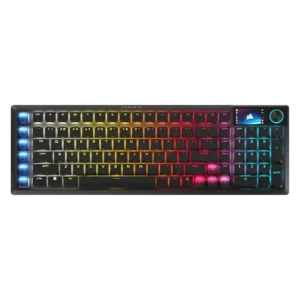
Overall: 3.9/5
The low height and adjustable feet can reduce wrist strain, but the compressed clusters and left-side SD keys divide users. Some adapted quickly; others remained uncomfortable or misaligned after days...
Pros: overall satisfaction, macro customization
Cons: value for money, software quality
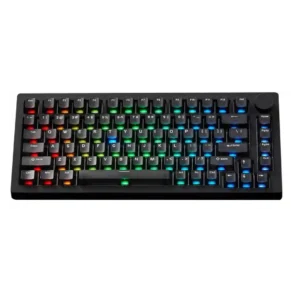
Overall: 4.4/5
Ergonomics are mixed: the typing angle and slanted case can feel comfortable, but fixed feet, sharp edges, or flatter angles bother some reviewers.
Pros: build quality, customization options
Cons: reliability
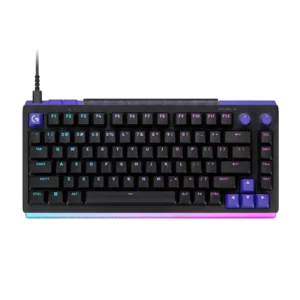
Overall: 4.0/5
The default angle and optional palm rest can support long sessions, but the tall profile and awkward puller-feet setup did not suit everyone. Low-profile keyboard users were most likely to...
Pros: overall satisfaction, design aesthetics
Cons: value for money, wrist rest quality
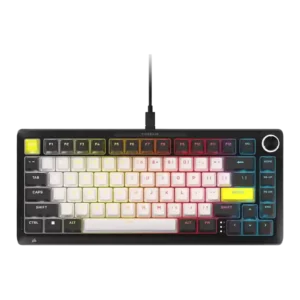
Overall: 4.1/5
Ergonomic evidence was mixed, with some appreciation for adjustable feet but recurring criticism of stiffness, height, or wrist-angle strain.
Pros: typing feel, build quality
Cons: value for money, wireless performance
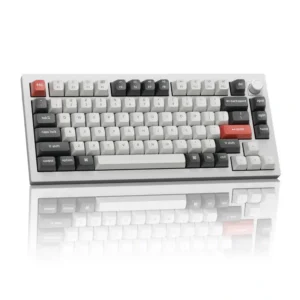
Overall: 4.3/5
The sculpted keycaps and angled case can be comfortable for long sessions, but there are no adjustable feet. Users who need a steeper or flatter angle may find that limitation...
Pros: build quality, overall satisfaction
Cons: portability, ergonomics
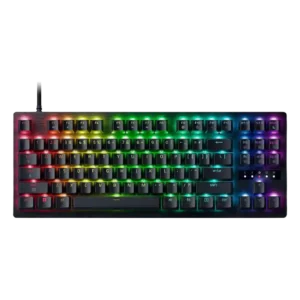
Overall: 4.4/5
Comfort is more mixed: the feet help the angle, but the elevated, thick keycaps can make movement and wrist position awkward for typing.
Pros: value for money, typing feel
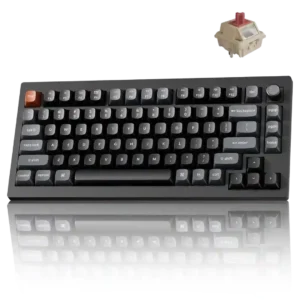
Overall: 4.3/5
Adjustable feet and a cushioned plate help, but the tall front edge often pushes wrists backward. Several reviewers recommend adding a wrist rest for extended typing.
Pros: gaming performance, overall satisfaction
Cons: polling rate, frame rigidity
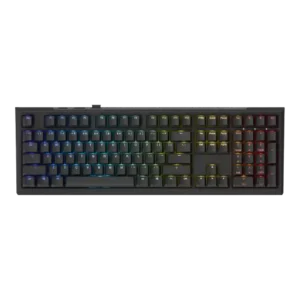
Overall: 3.7/5
Ergonomics were a concern on taller or full-size versions, with reviewers noting finger strain, missing wrist-rest support, or the need to supply their own rest.
Pros: value for money, gaming performance
Cons: software quality, customization options