Best for ergonomics
Razer Huntsman V3 Pro
5.0 attribute score
Highest scored product for this attribute based on supporting review evidence.

Highest scored product for this attribute based on supporting review evidence.
Balances the attribute score, supporting reviews, and overall product strength.
Has the broadest review evidence for this attribute.
Strongest overall product among items with scored evidence for this attribute.

Ergonomics were praised in one 8K review for comfortable spacing, angle, and low-strain long sessions.
Pros: customization options, typing feel
Cons: value for money, wrist rest quality
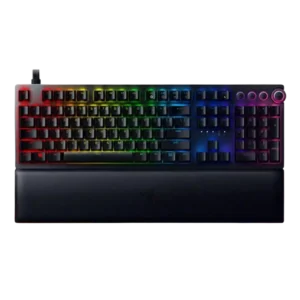
Ergonomics were generally helped by the plush wrist rest and support during long sessions, but one reviewer warned the tall keyboard makes the rest nearly necessary.
Pros: analog input support, wrist rest quality
Cons: value for money, cable quality
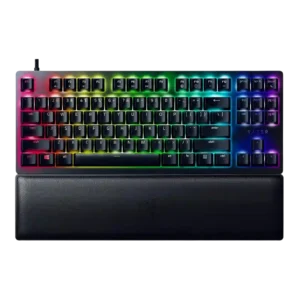
Ergonomics were mostly positive thanks to incline options, centering, and wrist support, with some caveats about feet grip and wrist-rest use.
Pros: wrist rest quality, polling rate
Cons: value for money, media controls
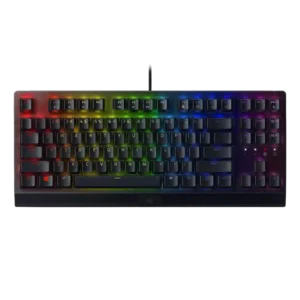
Ergonomics were mixed: the wrist rest, feet, and angled setup helped comfort, but the full-size footprint made positioning difficult for some.
Pros: RGB lighting quality, value for money
Cons: wrist rest quality, noise level
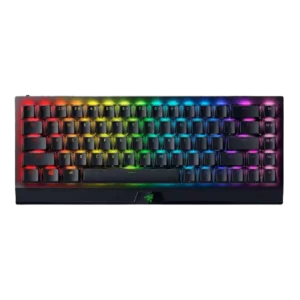
Ergonomics were mixed: the small layout and feet could help posture, but height, wrist angle, and lack of palm rest caused discomfort for some.
Pros: size and form factor, switch feel
Cons: value for money, battery life
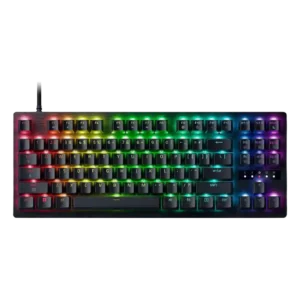
Comfort is more mixed: the feet help the angle, but the elevated, thick keycaps can make movement and wrist position awkward for typing.
Pros: value for money, typing feel

Ergonomics were mixed to negative overall: some liked the flat angle, but many criticized the lack of adjustable feet and fatigue over time.
Pros: portability, build quality
Cons: value for money, ergonomics

Ergonomics were mixed: wrist comfort and long-use ergonomics could be excellent, but side buttons and the extra left column caused accidental presses or reach issues.
Pros: value for money, wrist rest quality
Cons: software quality, ergonomics