Best for sound dampening
Epomaker P65
5.0 attribute score
Highest scored product for this attribute based on supporting review evidence.

Highest scored product for this attribute based on supporting review evidence.
Balances the attribute score, supporting reviews, and overall product strength.
Has the broadest review evidence for this attribute.
Strongest overall product among items with scored evidence for this attribute.

Five internal dampening layers and gasket mounting effectively suppress resonance, hollowness and metallic ping while preserving a full sound.
Pros: overall satisfaction, build quality
Cons: portability, reliability

Factory silencing is effective without adding the mushiness some silent switches introduce. Reviewers see the damping as a key advantage of the Type-S treatment.
Pros: switch feel, typing feel
Cons: value for money, layout options

Sound dampening was one of the clearest strengths, with reviewers praising the multi-layer foam/silicone system for reducing echo, vibration, and typing noise.
Pros: sound dampening, switch feel
Cons: reliability, rapid trigger support

Foam, silicone, and other internal dampening work well, keeping keypresses quiet and satisfying with little ping or rattle. This tuning is a major reason the board sounds better than many...
Pros: overall satisfaction, customization options
Cons: value for money, switch options

Sound dampening is praised most strongly by KitGuru, which finds the K100 noticeably more muted and less resonant than its predecessor.
Pros: extra gaming features, wrist rest quality
Cons: value for money, software quality

Sound dampening received strong praise for absorbing switch noise, reducing ping, and making the case sound more refined.
Pros: build quality, keycap quality
Cons: switch options, portability

Sound dampening is a standout, with reviewers repeatedly praising foam, gaskets, acoustic pads, and reduced ping or noise.
Pros: value for money, software quality
Cons: switch options, ergonomics

Five internal dampening layers and gasket mounting soften bottom-out, reduce vibration, and give the board a polished sound uncommon among thin keyboards.
Pros: overall satisfaction, macro customization
Cons: value for money, software quality
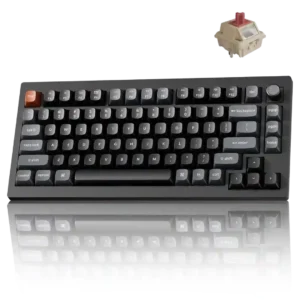
A gasket mount and several foam layers soften keypresses, suppress metallic ping, and create the rounded sound many reviewers liked.
Pros: gaming performance, overall satisfaction
Cons: polling rate, frame rigidity

Sound dampening was praised through thocky sound and acoustic foam comments that made typing more satisfying.
Pros: typing feel, design aesthetics

Sound dampening was praised for muted, premium, thocky sound from internal foam, silicone, and dampening layers.
Pros: value for money, design aesthetics
Cons: cable quality, ergonomics

Sound dampening was praised for gasket mounting and sound-absorbing materials that made the keyboard sound softer.
Pros: value for money, build quality
Cons: switch options, hot-swappable switches

Sound dampening was praised where discussed, with padding and internal construction credited for reducing unwanted noise and improving sound.
Pros: build quality, switch feel
Cons: switch options
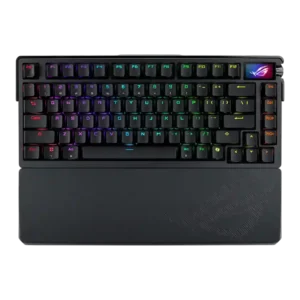
Sound dampening was strongly praised for reducing ping, hollow reverberation, and case resonance through foam and silicone layers.
Pros: build quality, customization options
Cons: value for money, rapid trigger support

Sound dampening was a major strength, with reviewers praising the layered foam, silicone, and gaskets for reducing ping, hollowness, and harshness.
Pros: switch feel, typing feel
Cons: software quality, volume control

Sound dampening was viewed positively, with reviewers linking foam, gasket design, and dampening layers to bounce, reduced ping, and a softer typing experience.
Pros: size and form factor, typing feel
Cons: switch options, portability

Sound dampening was praised through foam, silicone pads, and reduced hollow sound that contributed to a soft or warm sound profile.
Pros: customization options, design aesthetics
Cons: switch options, key spacing
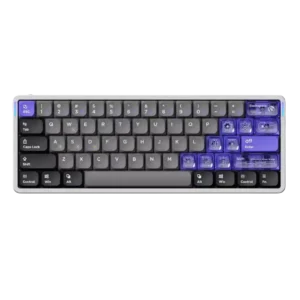
Sound dampening was praised when reviewers mentioned the foam and silicone layers, which helped make the thin board sound more refined.
Pros: software quality, switch feel
Cons: connectivity, layout options

Sound dampening was praised for reducing ping, rattle, and resonance across several reviews.
Pros: switch feel, customization options
Cons: value for money, wireless performance

Sound dampening is strongly praised for reducing ping, rattle, echo, and case noise through silicone foam layers.
Pros: portability, value for money
Cons: software quality, key spacing

Sound dampening was one of the most consistently praised attributes, with foam layers credited for lower ping, quieter typing, and better acoustics.
Pros: value for money, typing feel
Cons: wrist rest quality, media controls

Sound dampening is strongly praised, with reviewers repeatedly crediting foam, pads, and dampening materials for reducing ping, hollowness, and reverberation.
Pros: switch feel, typing feel
Cons: software quality, key spacing

Sound dampening was a major strength, with gasket, foam, and silicone changes repeatedly credited for reducing hollowness.
Pros: battery life, portability
Cons: volume control, switch options
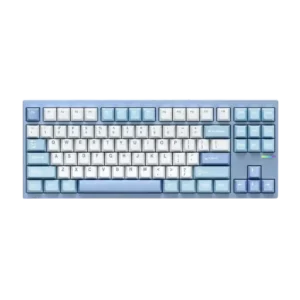
Sound dampening was praised for reducing ping, refining the sound, and isolating vibration through the case design and internal layers.
Pros: customization options, build quality
Cons: connectivity

Sound dampening was strongly praised, with reviewers crediting the foam and silicone layers for quieter, smoother, less hollow sound.
Pros: software quality, switch feel
Cons: legend visibility, extra gaming features

Sound dampening is strongly praised, especially the multilayer foam/silicone approach that reduces echo, reverb, and harsh keystroke noise.
Pros: noise level, RGB lighting quality
Cons: rapid trigger support, extra gaming features
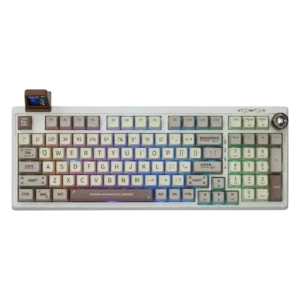
Sound dampening is widely praised; foam, gasket-style structure, and case design reduce hollowness, pinging, and harshness.
Pros: value for money, typing feel
Cons: software quality, reliability

Sound dampening was generally effective, with reviewers crediting foam, tape mods, and damping for reduced ping, reverb, and a more refined sound.
Pros: value for money, wrist rest quality
Cons: software quality, ergonomics
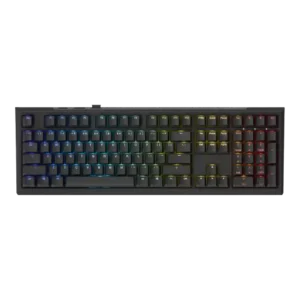
Sound dampening was strongly praised for its layers of foam, dampening materials, and controlled sound, though modders disliked how hard it was to alter.
Pros: value for money, gaming performance
Cons: software quality, customization options
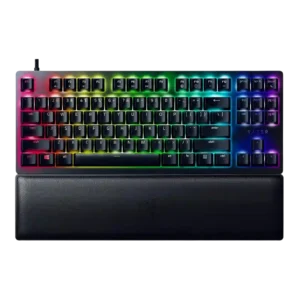
Sound dampening was widely praised on red-switch models, but one clicky-switch review found stabilizer noise undermined Razer's dampening effort.
Pros: wrist rest quality, polling rate
Cons: value for money, media controls
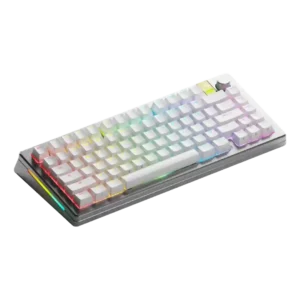
Sound dampening was a strength in positive configurations, with reviewers praising the dampened thud, gaskets, and quiet heavy-frame construction.
Pros: customization options, gaming performance
Cons: value for money, software quality

Sound dampening was one of the clearest strengths, with many reviews crediting foam and lubrication for a quieter, more refined sound.
Pros: switch feel, battery life
Cons: volume control, media controls

Sound dampening generally worked well to reduce hollowness, rattle, ping, and metallic resonance, but it did not make the board universally quiet.
Pros: gaming performance, switch feel
Cons: value for money, extra gaming features
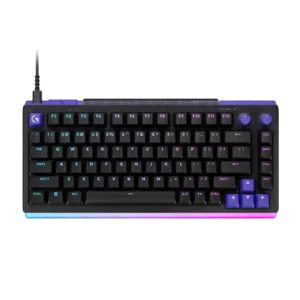
Multiple foam layers and gasket-style mounting keep the case from sounding hollow and suppress rattle, ping, and echo effectively.
Pros: overall satisfaction, design aesthetics
Cons: value for money, wrist rest quality
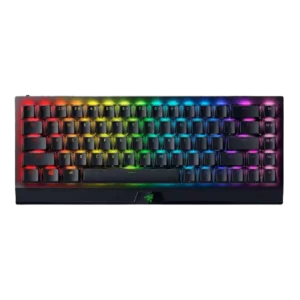
Sound dampening was praised in the Yellow-switch versions, with reviewers saying the dampeners made the board quieter and worked well.
Pros: size and form factor, switch feel
Cons: value for money, battery life

Sound dampening is widely praised, with reviewers crediting foam, gaskets, or integrated dampening for reduced harshness and better sound.
Pros: typing feel, gaming performance
Cons: software quality, value for money
Sound dampening was praised through subdued keys, spacebar foam, and internal foams shaping the board's sound profile.
Pros: gaming performance, key responsiveness
Cons: compatibility

Sound dampening was praised for reducing echo and creating a quieter, more controlled acoustic profile.
Pros: build quality, gaming performance
Cons: typing feel, typing comfort
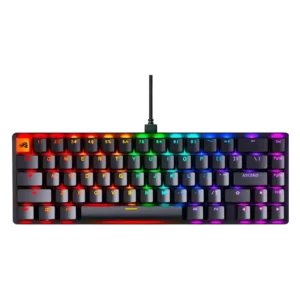
Sound dampening was praised because the foam reduced noise, improved sound, and helped avoid hollow or high-pitched acoustics.
Pros: switch feel, value for money
Cons: key spacing, actuation consistency

Multiple foam and silicone layers reduce vibration and smooth the sound profile. The tuning appeals to most users but can feel overly damped to those who prefer a sharper, louder...
Pros: build quality, overall satisfaction
Cons: portability, ergonomics

Sound dampening was a strength, with reviewers repeatedly crediting foam, dampers or gasket design for reduced noise and vibration.
Pros: RGB customization, keycap quality
Cons: frame rigidity, switch options

Sound dampening was generally praised for reducing ping and harshness, though one reviewer felt the internal foam did not do much.
Pros: sound dampening, value for money
Cons: ergonomics, polling rate

Sound dampening was a clear strength, with reviewers crediting the foam stack and damping layers for reducing ping and improving sound.
Pros: typing feel, design aesthetics
Cons: value for money, materials quality
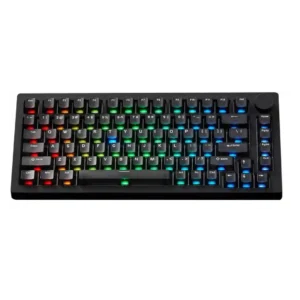
Sound dampening is effective in most builds, helping reduce hollowness and resonance, though some reviewers consider the foams typical or limiting for foamless builds.
Pros: build quality, customization options
Cons: reliability

Sound dampening is consistently appreciated, with several reviewers noting the multi-layer damping and echo-free feel. It helps the board sound fuller and less pingy than older gaming keyboards.
Pros: macro customization, switch feel
Cons: software quality, value for money
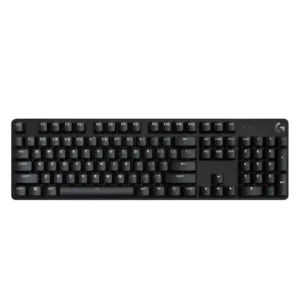
Sound dampening receives positive limited evidence from reviewers who note little reverberation or no echoing from the chassis.
Pros: design aesthetics, keycap quality
Cons: value for money, software quality

Sound dampening was usually effective, producing thocky or pleasant acoustics, though one negative review felt the gasket failed to add softness.
Pros: software quality, build quality
Cons: value for money, connectivity

Reviewers connected the board's dampened build with a clean, clacky sound and visible effort to improve acoustics.
Pros: design aesthetics, build quality

Sound dampening was generally seen as improved and effective, though one video reviewer still found the sound less refined than expected.
Pros: value for money, rapid trigger support
Cons: media controls, stabilizer quality
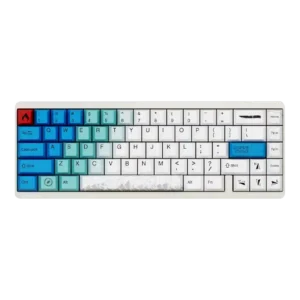
Sound dampening was viewed positively in limited evidence, with one reviewer saying the construction made the keyboard sound more premium.
Pros: design aesthetics, build quality
Cons: software quality, customization options