Best for per-key lighting control
Wooting 60HE+
5.0 attribute score
Highest scored product for this attribute based on supporting review evidence.

Highest scored product for this attribute based on supporting review evidence.
Balances the attribute score, supporting reviews, and overall product strength.
Has the broadest review evidence for this attribute.
Strongest overall product among items with scored evidence for this attribute.

Per-key RGB control is easy to access and useful for both aesthetics and function. Several reviewers use it to highlight game controls, layers, and active profiles.
Pros: overall satisfaction, customization options
Cons: value for money, switch options

Each key can be colored independently, making it easy to highlight shortcuts, gaming controls, or custom layers.
Pros: build quality, overall satisfaction
Cons: portability, ergonomics
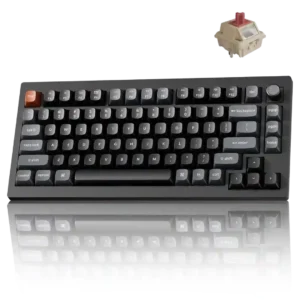
Every key can be individually lit, while Mix RGB adds two independently controlled zones for more elaborate combinations.
Pros: gaming performance, overall satisfaction
Cons: polling rate, frame rigidity
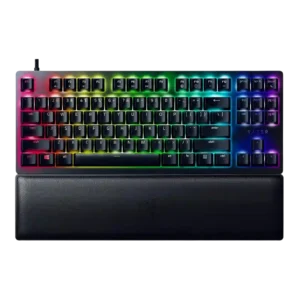
Per-key lighting control was positively covered where reviewers noted individual-key customization and per-key RGB support.
Pros: wrist rest quality, polling rate
Cons: value for money, media controls

Per-key lighting control was positively noted where discussed, especially for custom areas, individual keys, and multi-layer lighting control.
Pros: sound dampening, switch feel
Cons: reliability, rapid trigger support

Per-key lighting control was praised where discussed, with reviewers noting individual key color control and granular lighting customization.
Pros: value for money, typing feel
Cons: wrist rest quality, media controls

Per-key lighting control was viewed positively through detailed individual-key customization and programmable lighting.
Pros: typing feel, build quality
Cons: value for money, wireless performance
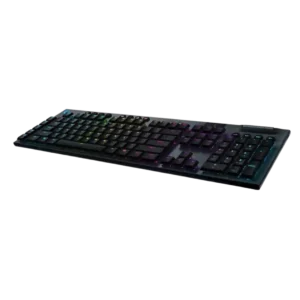
Per-key lighting control is praised when discussed, including fully programmable RGB and per-key color choices.
Pros: battery life, wireless performance
Cons: value for money, wrist rest quality
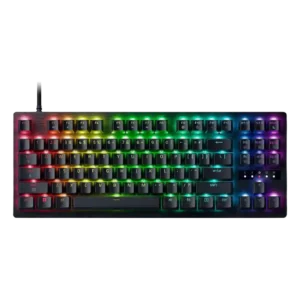
Per-key RGB control is a clear plus, with both app and web control contributing to a highly customizable lighting setup.
Pros: value for money, typing feel

Per-key lighting control receives clear positive evidence from one review that described the customization as nearly endless.
Pros: switch feel, typing feel
Cons: software quality, key spacing

Per-key lighting control had limited but positive evidence, with one review emphasizing individual key color programming as part of the keyboard’s main appeal.
Pros: value for money, keycap quality
Cons: polling rate, acoustics

Per-key lighting control was specifically praised because lighting patterns can be applied on a per-key basis.
Pros: customization options, typing feel
Cons: value for money, wrist rest quality
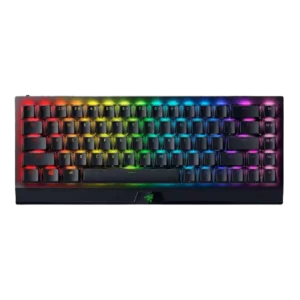
One review specifically praised per-key RGB control through Synapse, supporting a strong score for granular lighting control.
Pros: size and form factor, switch feel
Cons: value for money, battery life

Per-key lighting control was positively received, with reviewers calling it well executed and easy to customize.
Pros: gaming performance, switch feel
Cons: value for money, extra gaming features

Per-key lighting control was praised as flexible, with reviewers highlighting per-key customization and command/category color coding.
Pros: software quality, build quality
Cons: value for money, connectivity
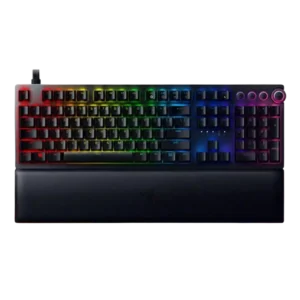
Per-key lighting control was praised when available, especially by reviewers who called per-key customization sublime or easy to configure.
Pros: analog input support, wrist rest quality
Cons: value for money, cable quality

Per-key lighting control was positively supported by the ability to adjust the RGB backlight key by key.
Pros: switch feel, typing feel
Cons: software quality, volume control

Per-key lighting control is supported positively by fully configurable RGB that can assign colors and patterns per key.
Pros: portability, value for money
Cons: software quality, key spacing
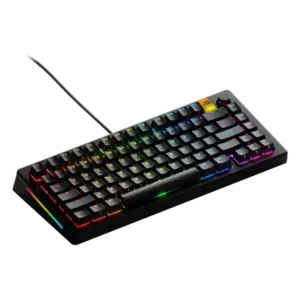
Per-key lighting control was supported by multiple reviews that liked individual-key or per-key RGB adjustment.
Pros: customization options, software quality
Cons: value for money, materials quality

Per-key lighting control was praised where reviewers highlighted individually coloring keys, buttons, and icons.
Pros: customization options, gaming performance
Cons: value for money, noise level

Per-key lighting control was well supported, with reviewers praising individual key lighting and detailed color control through G Hub.
Pros: value for money, battery life
Cons: hot-swappable switches, noise level
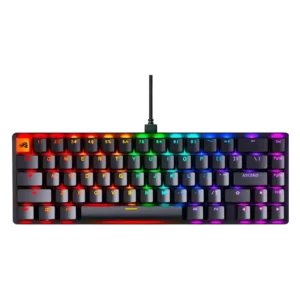
Per-key lighting control was viewed as a strong customization advantage, especially through software and individual-key lighting options.
Pros: switch feel, value for money
Cons: key spacing, actuation consistency
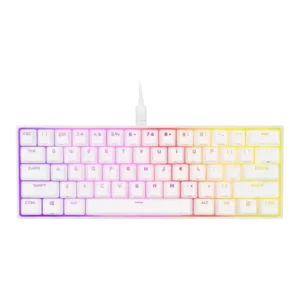
Per-key lighting control was well received, with reviewers praising granular illumination and layered customization.
Pros: switch feel, size and form factor
Cons: polling rate, value for money
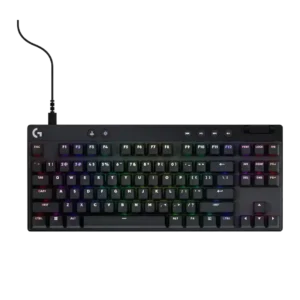
Per-key lighting control is a strength where reviewers praise easy per-key RGB, custom lighting, and G Hub control.
Pros: build quality, software quality
Cons: value for money, hot-swappable switches

Per-key lighting control was viewed positively, with reviewers highlighting thorough per-key behavior and smooth movement across the keys.
Pros: sound dampening, value for money
Cons: ergonomics, polling rate

Per-key lighting control is positively noted in reviews that appreciate the individual key lighting and access to the keyboard's 44 lighting zones.
Pros: extra gaming features, wrist rest quality
Cons: value for money, software quality

Per-key lighting control was praised where the reviewer specifically liked per-key RGB control.
Pros: typing feel, design aesthetics
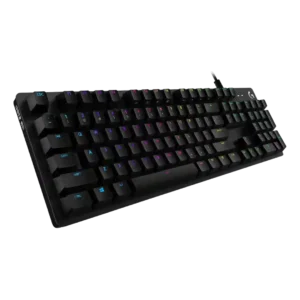
Per-key lighting control is praised in the IGN review for allowing individual key color selection.
Pros: value for money, design aesthetics
Cons: passthrough features, noise level
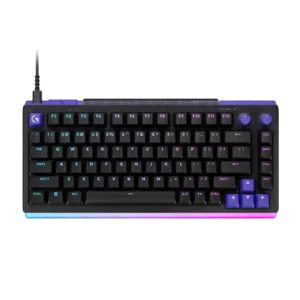
Per-key illumination covers almost all legends well, with only a few multi-character keys receiving uneven coverage.
Pros: overall satisfaction, design aesthetics
Cons: value for money, wrist rest quality

Per-key RGB control was cited as a meaningful gamer-friendly advantage over some alternatives.
Pros: switch feel, battery life
Cons: volume control, media controls

Per-key lighting control was positively described through G Hub, especially where RGB can be customized individually alongside actuation.
Pros: build quality, gaming performance
Cons: typing feel, typing comfort

Per-key lighting control is generally well received, with reviewers noting individual key assignment and easier multi-key selection workflows.
Pros: typing feel, gaming performance
Cons: software quality, value for money

Per-key RGB is available and appreciated as part of the premium feature set. Reviewers mention it mainly as a customization strength rather than a central buying reason.
Pros: macro customization, switch feel
Cons: software quality, value for money

Per-key lighting control is praised for vivid individual-key control, custom zones, and layered effects.
Pros: noise level, RGB lighting quality
Cons: rapid trigger support, extra gaming features

Per-key lighting control was useful and flexible, but some custom profiles required GG running in the background.
Pros: value for money, rapid trigger support
Cons: media controls, stabilizer quality

South-facing per-key LEDs can be configured through VIA, though the visible glow depends heavily on switch and keycap choice.
Pros: overall satisfaction, build quality
Cons: portability, reliability

The one direct per-key lighting judgment was positive, with the reviewer appreciating configurable per-key RGB.
Pros: battery life, switch feel
Cons: value for money, ease of switch replacement
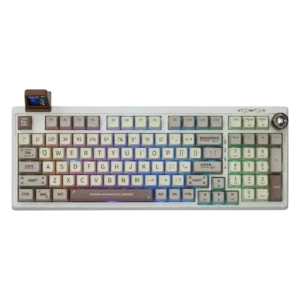
Per-key lighting control appears as a modern feature reviewers valued, though it is limited by opaque keycaps.
Pros: value for money, typing feel
Cons: software quality, reliability

Per-key lighting control was mixed because wired/iCUE use unlocks stronger customization, while wireless mode limits patterns and layers.
Pros: software quality, switch feel
Cons: legend visibility, extra gaming features
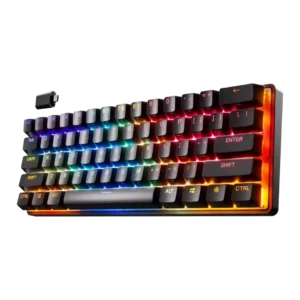
Per-key lighting control drew one strong praise for being fantastic and one criticism because the software section handling illumination was broken.
Pros: gaming performance, key responsiveness
Cons: value for money, extra gaming features

Per-key lighting control is limited; one reviewer noted that effects exist, but individual key RGB customization was not available through the app.
Pros: value for money, software quality
Cons: switch options, ergonomics
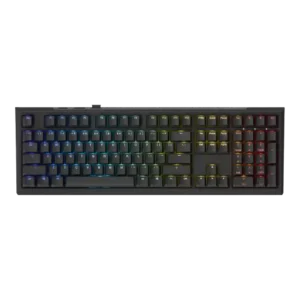
Per-key lighting control was present, yet one review found it limited to a single mode while another treated per-key adjustment as useful.
Pros: value for money, gaming performance
Cons: software quality, customization options
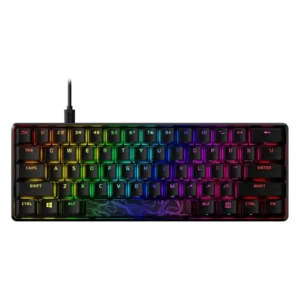
Per-key lighting control is supported, but one reviewer found the layered workflow slow and awkward for detailed per-key setups.
Pros: build quality, value for money
Cons: software quality, stabilizer quality

Per-key lighting control was a recurring limitation because reviewers noted single-zone RGB and no individual key effects.
Pros: portability, build quality
Cons: value for money, ergonomics

Per-key lighting control was a weakness because one reviewer explicitly found its absence disappointing.
Pros: battery life, portability
Cons: volume control, switch options

Per-key lighting control was a weak point because reviewers complained that true per-key RGB customization was missing.
Pros: value for money, build quality
Cons: switch options, hot-swappable switches

Although every key is illuminated, the current controls lack truly granular per-key combinations of color and effect, limiting advanced custom lighting designs.
Pros: overall satisfaction, macro customization
Cons: value for money, software quality

Per-key lighting control was specifically criticized in one review for not supporting individual key color selection.
Pros: value for money, design aesthetics
Cons: cable quality, ergonomics

Per-key lighting control was criticized because one reviewer found no per-key lighting customization despite otherwise strong customization.
Pros: customization options, design aesthetics
Cons: switch options, key spacing
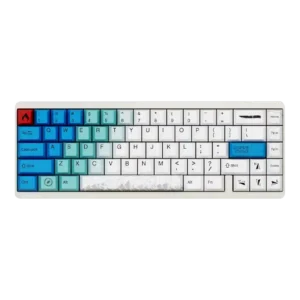
Per-key lighting control was criticized in one review because custom lighting changes did not appear to sync to the keyboard.
Pros: design aesthetics, build quality
Cons: software quality, customization options