
Each key can be colored independently, making it easy to highlight shortcuts, gaming controls, or custom layers.
Pros: build quality, overall satisfaction
Cons: portability, ergonomics

Each key can be colored independently, making it easy to highlight shortcuts, gaming controls, or custom layers.
Pros: build quality, overall satisfaction
Cons: portability, ergonomics
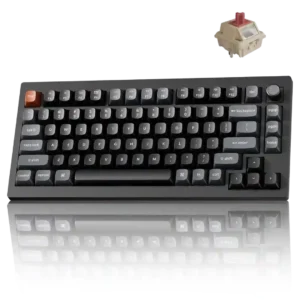
Every key can be individually lit, while Mix RGB adds two independently controlled zones for more elaborate combinations.
Pros: gaming performance, overall satisfaction
Cons: polling rate, frame rigidity

Per-key lighting control was viewed positively through detailed individual-key customization and programmable lighting.
Pros: typing feel, build quality
Cons: value for money, wireless performance
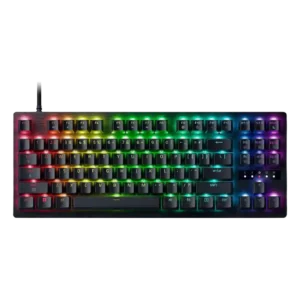
Per-key RGB control is a clear plus, with both app and web control contributing to a highly customizable lighting setup.
Pros: value for money, typing feel
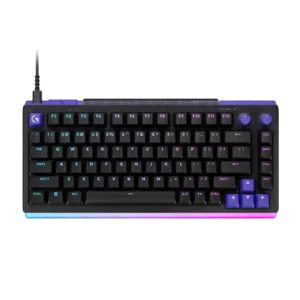
Per-key illumination covers almost all legends well, with only a few multi-character keys receiving uneven coverage.
Pros: overall satisfaction, design aesthetics
Cons: value for money, wrist rest quality

Per-key RGB is available and appreciated as part of the premium feature set. Reviewers mention it mainly as a customization strength rather than a central buying reason.
Pros: macro customization, switch feel
Cons: software quality, value for money
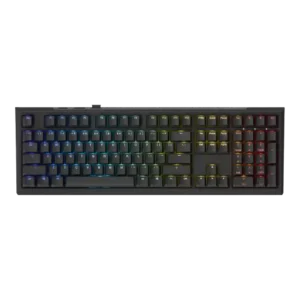
Per-key lighting control was present, yet one review found it limited to a single mode while another treated per-key adjustment as useful.
Pros: value for money, gaming performance
Cons: software quality, customization options

Although every key is illuminated, the current controls lack truly granular per-key combinations of color and effect, limiting advanced custom lighting designs.
Pros: overall satisfaction, macro customization
Cons: value for money, software quality