Best for onboard memory
Wooting 60HE+
5.0 attribute score
Highest scored product for this attribute based on supporting review evidence.

Highest scored product for this attribute based on supporting review evidence.
Balances the attribute score, supporting reviews, and overall product strength.
Has the broadest review evidence for this attribute.
Strongest overall product among items with scored evidence for this attribute.

Onboard memory keeps profiles and settings on the keyboard itself, so configurations follow the board to another computer without background software. Reviewers see this as a major convenience.
Pros: overall satisfaction, customization options
Cons: value for money, switch options
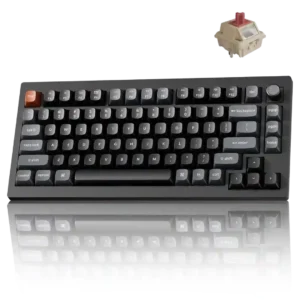
Changes made in the launcher are stored on the keyboard, allowing remaps, lighting, and other settings to carry across devices and connection modes.
Pros: gaming performance, overall satisfaction
Cons: polling rate, frame rigidity

Onboard memory was praised because mappings or settings stayed on the keyboard and transferred across devices.
Pros: value for money, design aesthetics
Cons: cable quality, ergonomics

Customized layouts remain stored on the keyboard, so remaps continue working without VIA running.
Pros: overall satisfaction, build quality
Cons: portability, reliability

Onboard memory was repeatedly praised for storing profiles, lighting layers, macros, and settings directly on the keyboard.
Pros: value for money, keycap quality
Cons: polling rate, acoustics

Onboard memory was useful for carrying lighting and profile settings, with reviewers valuing quick access to saved profiles.
Pros: gaming performance, switch feel
Cons: value for money, extra gaming features
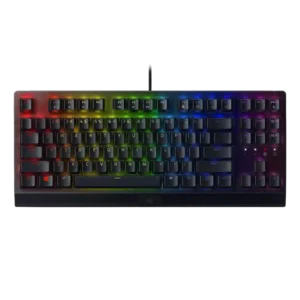
Onboard memory had limited but positive evidence, with up to five profiles described as convenient.
Pros: RGB lighting quality, value for money
Cons: wrist rest quality, noise level

Onboard memory is praised where discussed because settings or configurations can be saved directly to the keyboard.
Pros: typing feel, gaming performance
Cons: software quality, value for money

Onboard memory is praised as unusually large or impressive, especially the ability to store many profiles and lighting layers on the keyboard.
Pros: extra gaming features, wrist rest quality
Cons: value for money, software quality
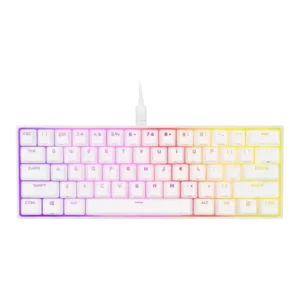
Onboard memory was a clear strength, letting reviewers store profiles, macros, lighting, and assignments for use across computers.
Pros: switch feel, size and form factor
Cons: polling rate, value for money

Onboard memory was praised where discussed, especially for saving settings or using board-level controls without constant software dependence.
Pros: sound dampening, switch feel
Cons: reliability, rapid trigger support

Onboard storage preserves key assignments, lighting, and at least one hardware profile, making configured settings portable across computers and consoles.
Pros: overall satisfaction, macro customization
Cons: value for money, software quality

Onboard memory was positively received because it lets users carry profiles or settings without relying on G Hub on every PC.
Pros: switch feel, battery life
Cons: volume control, media controls
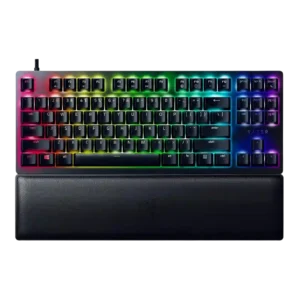
Onboard memory was positively mentioned for saving profiles to the board or hybrid storage.
Pros: wrist rest quality, polling rate
Cons: value for money, media controls

Onboard memory was praised because settings and profiles could be preserved when moving between computers.
Pros: customization options, design aesthetics
Cons: switch options, key spacing

Onboard memory is praised for letting users store profiles on the keyboard and reduce dependence on the software.
Pros: switch feel, typing feel
Cons: software quality, key spacing

One review praised retained settings through onboard profiles, giving the keyboard useful standalone configuration behavior.
Pros: typing feel, build quality
Cons: value for money, wireless performance
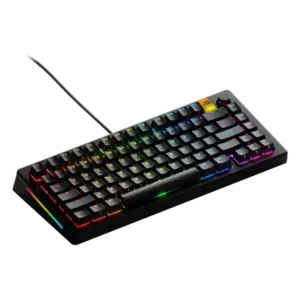
Onboard memory was positively tied to saving and switching up to three keyboard profiles from the board.
Pros: customization options, software quality
Cons: value for money, materials quality

The only scored evidence is positive, with one reviewer valuing that configurations can be stored on the keyboard.
Pros: value for money, software quality
Cons: switch options, ergonomics

Onboard memory was praised in the one review that evaluated it, because saved setups can follow the keyboard to another PC.
Pros: build quality, gaming performance
Cons: typing feel, typing comfort
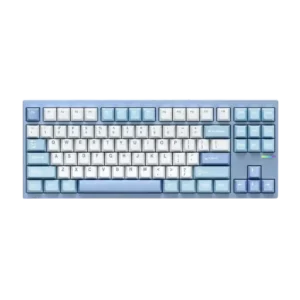
Onboard memory was positively supported by stored keyboard customizations that persist when moving between devices.
Pros: customization options, build quality
Cons: connectivity
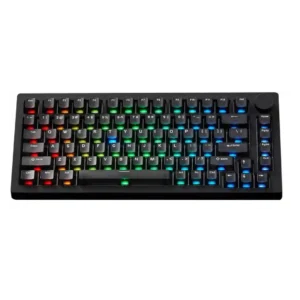
Onboard memory is praised for preserving settings across computers without making PC changes an issue.
Pros: build quality, customization options
Cons: reliability

Macworld praised the ability to save function changes directly on the keyboard, supporting onboard memory usefulness.
Pros: portability, build quality
Cons: value for money, ergonomics

Onboard memory was valued because it lets users save settings locally and avoid keeping software running.
Pros: sound dampening, value for money
Cons: ergonomics, polling rate

Onboard memory was praised for storing many profiles and allowing settings to travel without relying on iCUE.
Pros: battery life, switch feel
Cons: value for money, ease of switch replacement

Onboard memory is useful for saved lighting/profile behavior and reducing reliance on always-running software.
Pros: noise level, RGB lighting quality
Cons: rapid trigger support, extra gaming features
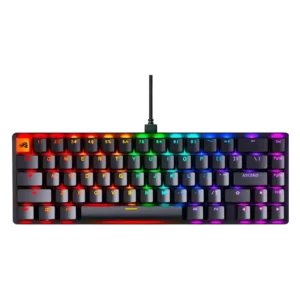
Onboard memory was positively mentioned for saving profiles and settings, but evidence was limited to a few reviews.
Pros: switch feel, value for money
Cons: key spacing, actuation consistency
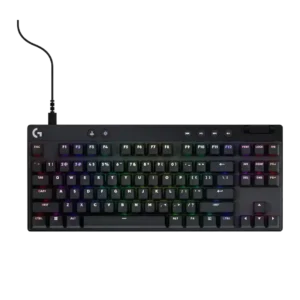
Onboard memory is useful when present, letting reviewers save settings or profiles and avoid keeping software open.
Pros: build quality, software quality
Cons: value for money, hot-swappable switches

Onboard memory receives positive but limited evidence, with one review noting storage for five profiles.
Pros: portability, value for money
Cons: software quality, key spacing

Onboard memory was praised because stored layouts made multi-platform use feel more intentional.
Pros: typing feel, design aesthetics

Onboard memory was useful for saving multiple profiles, with reviewers praising profile storage for switching games or setups.
Pros: software quality, build quality
Cons: value for money, connectivity
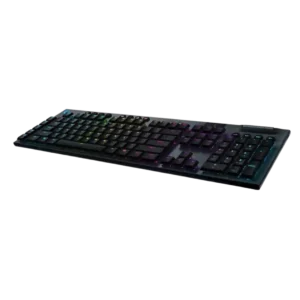
Onboard memory is useful for profiles, but implementation can feel counterintuitive or limited in software.
Pros: battery life, wireless performance
Cons: value for money, wrist rest quality

Onboard memory helps the keyboard retain settings and offer useful hardware modes without the full Stream Deck app running. It makes the board more usable on secondary or managed computers.
Pros: macro customization, switch feel
Cons: software quality, value for money

Onboard memory was mostly valued for portable profiles, though one review wanted stronger onboard behavior and another noted software-profile limitations.
Pros: value for money, typing feel
Cons: wrist rest quality, media controls
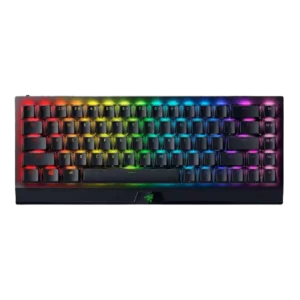
Onboard memory was useful for saved profiles and basic settings, but reviewers noted limitations such as RGB settings not carrying over.
Pros: size and form factor, switch feel
Cons: value for money, battery life

Onboard memory had limited positive evidence, with one reviewer finding the number of onboard profiles more than most users need.
Pros: customization options, gaming performance
Cons: value for money, noise level
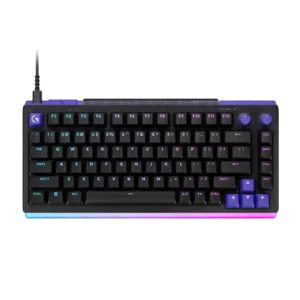
Three onboard profile layers are useful, but one reviewer found that advanced functions still depend heavily on G Hub running, limiting true hardware independence.
Pros: overall satisfaction, design aesthetics
Cons: value for money, wrist rest quality

Onboard memory was positively noted because four editable onboard profiles were enough for the reviewer.
Pros: customization options, typing feel
Cons: value for money, wrist rest quality
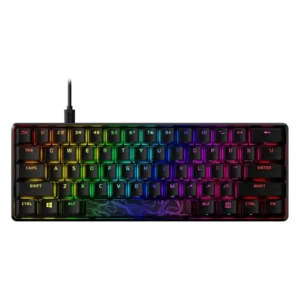
Onboard memory is helpful for saving profiles across systems, but several reviewers considered the three-profile limit modest.
Pros: build quality, value for money
Cons: software quality, stabilizer quality

Onboard profile evidence was mixed: some reviewers liked saved profiles, while others criticized the lack of true hardware-profile behavior.
Pros: software quality, switch feel
Cons: legend visibility, extra gaming features
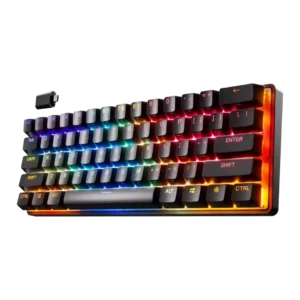
Onboard memory was mixed: one review praised up to five onboard profiles, while another criticized the inability to save lighting profiles to onboard memory.
Pros: gaming performance, key responsiveness
Cons: value for money, extra gaming features

Onboard memory was mixed: one reviewer valued portable saved profiles, while another found onboard support too limited for complex macros.
Pros: value for money, battery life
Cons: hot-swappable switches, noise level
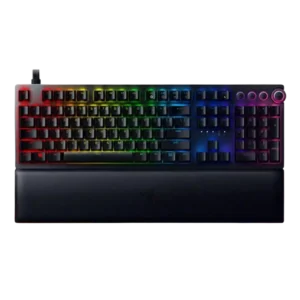
Onboard memory was appreciated in principle, but reviewers noted limitations such as lighting not being stored or profiles not assigning automatically.
Pros: analog input support, wrist rest quality
Cons: value for money, cable quality

Onboard memory was useful for profiles and cross-PC settings, but lighting behavior and profile requirements limited the experience.
Pros: value for money, rapid trigger support
Cons: media controls, stabilizer quality

Onboard memory was useful for profiles but limited by Synapse dependency, especially where custom dial modes did not carry over.
Pros: value for money, wrist rest quality
Cons: software quality, ergonomics
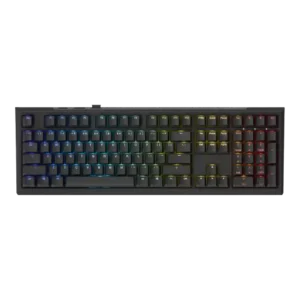
Onboard memory evidence was split: one reviewer praised saved macros/settings, while another criticized the absence of onboard profiles.
Pros: value for money, gaming performance
Cons: software quality, customization options

Onboard memory was criticized because some settings did not behave as expected across connection modes despite the keyboard supposedly having onboard storage.
Pros: switch feel, typing feel
Cons: software quality, volume control

One exact Classic Type-S review criticizes the lack of persistent onboard configuration memory, saying travel between systems can require repeated setup. That weakens the keyboard’s otherwise portable design.
Pros: switch feel, typing feel
Cons: value for money, layout options
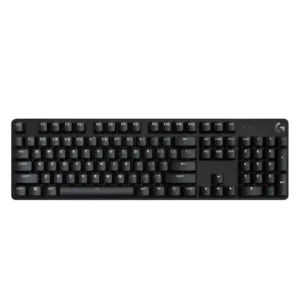
Onboard memory is criticized by one reviewer because lighting settings reset without built-in memory.
Pros: design aesthetics, keycap quality
Cons: value for money, software quality