Best for layout options
Keychron Q1 Ultra 8K
5.0 attribute score
Highest scored product for this attribute based on supporting review evidence.

Highest scored product for this attribute based on supporting review evidence.
Balances the attribute score, supporting reviews, and overall product strength.
Has the broadest review evidence for this attribute.
Strongest overall product among items with scored evidence for this attribute.

The compact 75% layout retains function keys, arrows, and navigation controls, while the wider Ultra family offers 80% and full-size alternatives.
Pros: build quality, overall satisfaction
Cons: portability, ergonomics
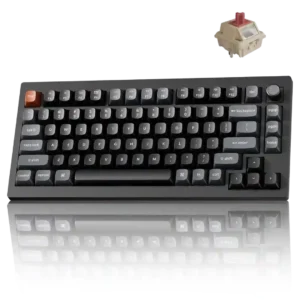
The 75% layout is repeatedly called a practical sweet spot because it retains arrows, the function row, navigation keys, and a knob without full-size bulk.
Pros: gaming performance, overall satisfaction
Cons: polling rate, frame rigidity
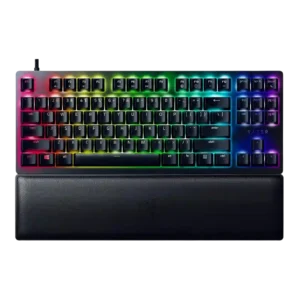
Layout options were praised where the TKL layout was judged one of the best balances for gaming and typing.
Pros: wrist rest quality, polling rate
Cons: value for money, media controls

Layout options were praised on the Mini because its dual-step arrow-key implementation felt intuitive and useful.
Pros: customization options, typing feel
Cons: value for money, wrist rest quality

The 75% layout itself was praised as well balanced, spacious for its footprint, and close to ideal for several reviewers.
Pros: typing feel, build quality
Cons: value for money, wireless performance
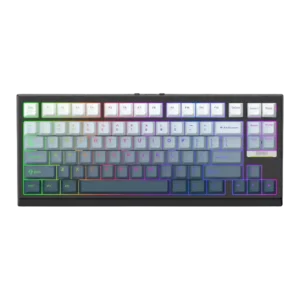
Layout options were praised for functional 75% or compact layouts that avoided missing important keys.
Pros: gaming performance, key responsiveness
Cons: compatibility
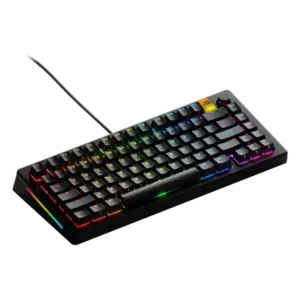
Layout options were viewed as a strength because reviewers noted 65%, 75%, and 100% choices serving different preferences.
Pros: customization options, software quality
Cons: value for money, materials quality

Layout options were a major strength, with praise for the TKL/full-size modular design, ambidextrous numpad, and many possible configurations.
Pros: sound dampening, switch feel
Cons: reliability, rapid trigger support

Layout evidence is highly positive, especially among reviewers who preferred the Q1 HE's 75% layout over smaller gaming boards.
Pros: value for money, software quality
Cons: switch options, ergonomics

Layout options improve because reviewers appreciate the standard bottom row and easier compatibility with aftermarket keycap sets.
Pros: extra gaming features, wrist rest quality
Cons: value for money, software quality

Layout options were praised because the 96% layout preserves productivity keys while remaining more compact than a full-size board.
Pros: size and form factor, typing feel
Cons: switch options, portability

Included Windows and Mac keycaps plus a physical OS switch make the board unusually accommodating across desktop platforms.
Pros: overall satisfaction, macro customization
Cons: value for money, software quality
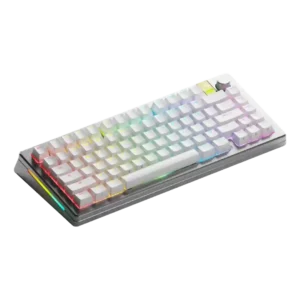
Layout options were praised because the range can be tailored by size and use case.
Pros: customization options, gaming performance
Cons: value for money, software quality

Layout options were praised, especially ISO and JIS support, and reviewers generally liked the practical 75% layout.
Pros: battery life, portability
Cons: volume control, switch options
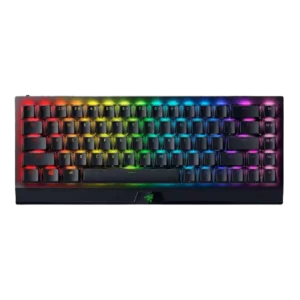
The 65% layout with arrows was widely praised as a useful middle ground, although some reviewers noted a learning curve and missing full-size keys.
Pros: size and form factor, switch feel
Cons: value for money, battery life

The 65% layout earned strong praise for keeping arrow/navigation keys and useful functions while avoiding much of the adjustment pain of smaller boards.
Pros: sound dampening, value for money
Cons: ergonomics, polling rate
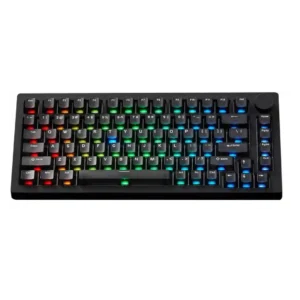
Layout options are well received, especially 75% navigation keys, knob placement, ISO availability, and Windows/Mac support, even with the hidden mode switch caveat.
Pros: build quality, customization options
Cons: reliability
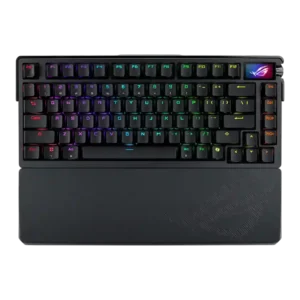
Layout options were viewed positively, especially the 75% layout and improved function-row spacing.
Pros: build quality, customization options
Cons: value for money, rapid trigger support

Layout options were praised for the full TKL arrangement and separated navigation area, especially for users who value a knob and traditional spacing.
Pros: build quality, switch feel
Cons: switch options

Layout evidence favored the 75% layout as a useful, welcome middle ground while the full-size layout drew space and adjustment complaints.
Pros: value for money, wrist rest quality
Cons: software quality, ergonomics

Layout evidence was limited but positive, with one reviewer saying the layout made sense and was clearly labeled.
Pros: typing feel, design aesthetics
Cons: value for money, materials quality
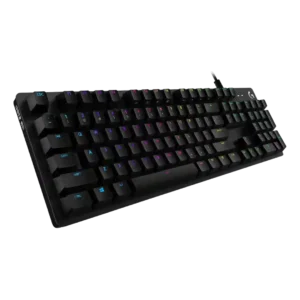
Layout options receive narrow but positive support from one reviewer who praised the standard bottom row for easier keycap changes.
Pros: value for money, design aesthetics
Cons: passthrough features, noise level

Layout options were appreciated in the review that noted full-size, tenkeyless, and wireless variants.
Pros: value for money, rapid trigger support
Cons: media controls, stabilizer quality

Layout options were praised for balancing compact size with retained function-row, arrow, and navigation utility.
Pros: switch feel, typing feel
Cons: software quality, volume control

The 75% layout was broadly liked for keeping function keys, arrows, and productivity-friendly controls while staying compact.
Pros: switch feel, customization options
Cons: value for money, wireless performance

Layout options received limited positive evidence, with the full-size layout described as sensible and complete.
Pros: value for money, battery life
Cons: hot-swappable switches, noise level

Layout-related feedback was positive for alternative layout presets and a liked layout with function layers.
Pros: design aesthetics, build quality

Layout options were praised by users who needed a number pad and found the full-size layout useful for work tasks.
Pros: typing feel, design aesthetics
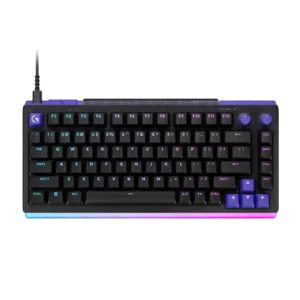
The choice between compact 75% and near-full-size 96/98% layouts covers both mouse-space priorities and numpad needs.
Pros: overall satisfaction, design aesthetics
Cons: value for money, wrist rest quality

The TKL layout was considered easy to adapt to and standard enough for broad use, though numpad users may miss the extra keys.
Pros: switch feel, battery life
Cons: volume control, media controls
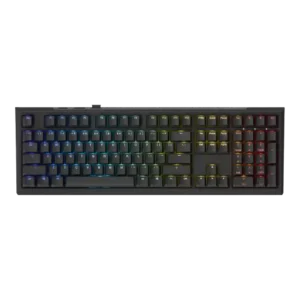
Layout options received positive evidence from reviewers who appreciated the full-size and 60% choices and broader layout availability.
Pros: value for money, gaming performance
Cons: software quality, customization options

Layout options evidence was positive but limited, covering useful full-size gaming benefits and alternative layout support through software.
Pros: value for money, keycap quality
Cons: polling rate, acoustics
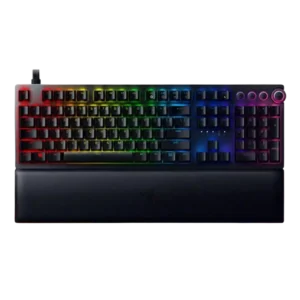
Layout evidence was limited but positive where the standard keycap/bottom-row arrangement made customization easier.
Pros: analog input support, wrist rest quality
Cons: value for money, cable quality
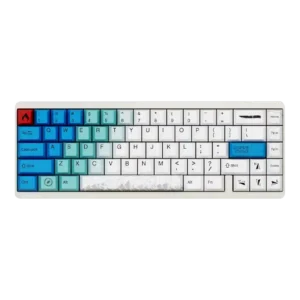
Layout options had limited positive evidence from a reviewer who liked the 65% layout because it includes arrow keys.
Pros: design aesthetics, build quality
Cons: software quality, customization options
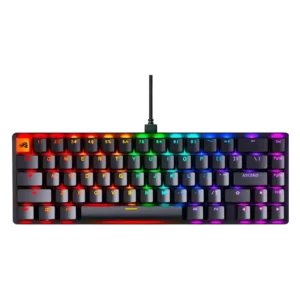
Layout options were mostly appreciated for 65% and 96% choices, although some reviewers wanted a tenkeyless option or noted compressed layouts.
Pros: switch feel, value for money
Cons: key spacing, actuation consistency

The TKL layout was mostly viewed as clean and space-saving, but users who need a numpad or more top controls may miss them.
Pros: build quality, gaming performance
Cons: typing feel, typing comfort
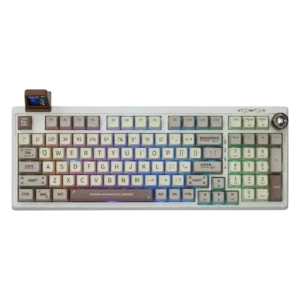
Layout options are praised mainly through the compact full-size/number-pad layout, which suits office work and number-heavy use.
Pros: value for money, typing feel
Cons: software quality, reliability

The 75% layout was praised as a productivity-and-gaming compromise, but reviewers also noted missing or awkwardly relocated keys and limited regional layouts.
Pros: software quality, switch feel
Cons: legend visibility, extra gaming features

The 60% layout removes dedicated arrows, function keys, and navigation controls, but Wootility layers and remapping can restore much of that functionality. Some users love the efficiency; others still find...
Pros: overall satisfaction, customization options
Cons: value for money, switch options
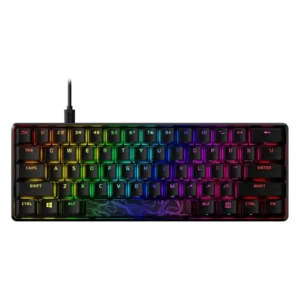
Layout options are useful for gamers who want smaller boards, but the 60% layout creates productivity tradeoffs for some users.
Pros: build quality, value for money
Cons: software quality, stabilizer quality

Layout options are mixed: reviewers value the 75% balance and full-size choice, but some dislike missing or remapped keys.
Pros: typing feel, gaming performance
Cons: software quality, value for money
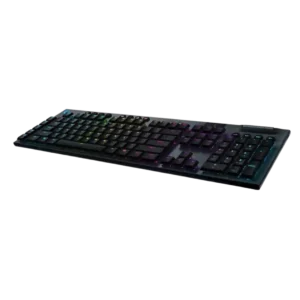
Layout feedback is mixed: tenkeyless versions improve compactness, while some reviewers disliked the large full-size footprint.
Pros: battery life, wireless performance
Cons: value for money, wrist rest quality

Layout feedback is mixed: reviewers like the compact function access, but missing dedicated function-row keys can be inconvenient.
Pros: portability, value for money
Cons: software quality, key spacing
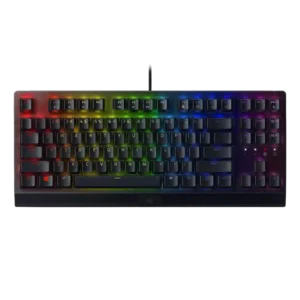
Layout options received limited support, mainly from the suggestion that some users would be better served by the TKL version.
Pros: RGB lighting quality, value for money
Cons: wrist rest quality, noise level
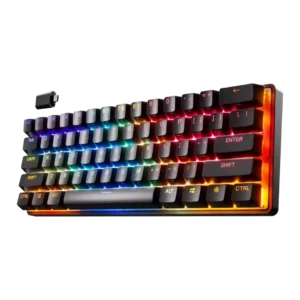
Layout options were the clearest usability tradeoff: some reviewers loved the intuitive secondary bindings, but others struggled with missing arrow, function, and navigation keys.
Pros: gaming performance, key responsiveness
Cons: value for money, extra gaming features
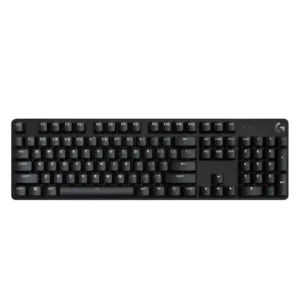
Layout options are mixed: one reviewer criticizes the TKL layout omissions, while another praises the choice between full-size and TKL versions.
Pros: design aesthetics, keycap quality
Cons: value for money, software quality

Layout opinions split sharply: some reviewers found the 75% layout efficient, while others disliked the small Shift, spacebar, or right-side key choices.
Pros: portability, build quality
Cons: value for money, ergonomics

The HHKB layout is the product’s biggest tradeoff. Fans find it efficient and eventually intuitive, while critics consider the Fn-layer arrows and missing dedicated keys frustrating enough to be deal-breakers.
Pros: switch feel, typing feel
Cons: value for money, layout options

Layout options are mixed: ISO/ANSI availability helps, but the lack of TKL or smaller layouts limits choice.
Pros: noise level, RGB lighting quality
Cons: rapid trigger support, extra gaming features

Layout options were mixed: the 75% layout kept useful keys, but missing numpad, print screen, or full-size spacing bothered some users.
Pros: value for money, design aesthetics
Cons: cable quality, ergonomics