Best for compatibility
Keychron V1 Ultra 8K
5.0 attribute score
Highest scored product for this attribute based on supporting review evidence.

Highest scored product for this attribute based on supporting review evidence.
Balances the attribute score, supporting reviews, and overall product strength.
Has the broadest review evidence for this attribute.
Strongest overall product among items with scored evidence for this attribute.

Compatibility evidence was positive, with reviewers reporting Windows/Mac support and console testing without issues.
Pros: value for money, typing feel
Cons: wrist rest quality, media controls
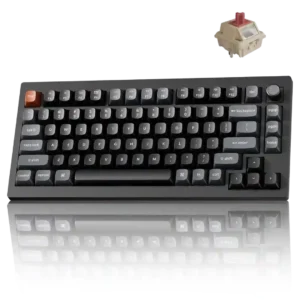
Windows and macOS support is smooth, with painless mode switching and a browser launcher that works well on both platforms.
Pros: gaming performance, overall satisfaction
Cons: polling rate, frame rigidity

Compatibility is highly praised, especially for users moving between Windows and macOS, with several reviewers valuing the platform switch and included alternate keycaps.
Pros: value for money, software quality
Cons: switch options, ergonomics

Compatibility was praised for Mac/Windows switching, Linux mentions, and cross-device use, with no major platform problem in scored evidence.
Pros: value for money, design aesthetics
Cons: cable quality, ergonomics

Compatibility is positive where evaluated, with reviewers noting broad switch/keycap support and device versatility.
Pros: typing feel, gaming performance
Cons: software quality, value for money
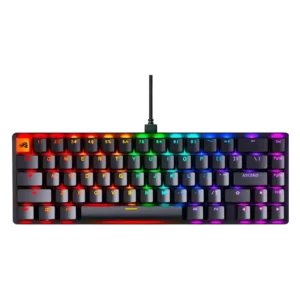
Compatibility evidence was positive but limited, with one reviewer reporting smooth use across Windows, Mac, consoles, and Android.
Pros: switch feel, value for money
Cons: key spacing, actuation consistency

Compatibility is strong in several areas, including major operating systems, consoles through rollover settings, and universal 60% cases. A cable-related stability caveat shows that not every accessory combination is equally...
Pros: overall satisfaction, customization options
Cons: value for money, switch options

Compatibility was a strength because reviewers praised the web-based software for Mac, Linux, browser use, and situations where installing software is not allowed.
Pros: sound dampening, switch feel
Cons: reliability, rapid trigger support

Windows and macOS support is strong, and the keyboard also works with PlayStation and Xbox under the appropriate connection mode. Included Mac keycaps and a hardware OS switch make platform...
Pros: overall satisfaction, macro customization
Cons: value for money, software quality

Reviewers liked the broad platform support, including Windows, Mac, mobile devices, consoles, and multiple-device use cases.
Pros: software quality, switch feel
Cons: legend visibility, extra gaming features

Compatibility is a strength because reviewers appreciated Mac support, Mac/PC switching, and usefulness across operating systems.
Pros: portability, value for money
Cons: software quality, key spacing

Compatibility was praised for easy Mac and Windows use and usefulness across different platforms.
Pros: build quality, switch feel
Cons: switch options

Compatibility was praised for working across Mac and Windows, with reviewers noting Mac-friendly behavior and OS support.
Pros: size and form factor, typing feel
Cons: switch options, portability

Hardware switches and extra keycaps support both macOS and Windows, with wired, Bluetooth, and 2.4GHz options. Some Apple-specific controls, such as external display brightness, may need third-party software.
Pros: build quality, overall satisfaction
Cons: portability, ergonomics

Compatibility was strong thanks to Mac support, PC/Mac switching, MX-style switch compatibility, and south-facing PCB keycap compatibility.
Pros: typing feel, design aesthetics
Cons: value for money, materials quality

Compatibility was praised for Mac and Windows support plus broad platform use, especially for users who switch systems.
Pros: build quality, keycap quality
Cons: switch options, portability

Compatibility was a major strength, especially for Mac users, Windows toggling, iPad use, and Magic Keyboard-like layout familiarity.
Pros: battery life, portability
Cons: volume control, switch options

Compatibility is a strength thanks to web-based IO Center access for Mac, Linux, Chromium browsers, and locked-down machines.
Pros: noise level, RGB lighting quality
Cons: rapid trigger support, extra gaming features

Compatibility evidence was positive, with reviewers reporting smooth use across Windows, macOS, Linux-oriented programming, and multiple-device workflows.
Pros: customization options, design aesthetics
Cons: switch options, key spacing
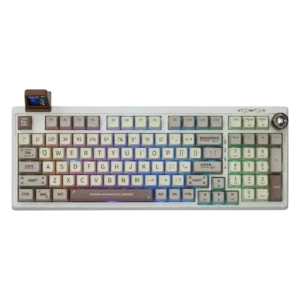
Compatibility is positive where discussed, especially dual OS support and broad wired/Bluetooth/2.4GHz device support.
Pros: value for money, typing feel
Cons: software quality, reliability

Compatibility evidence was positive where reviewers connected QMK and VIA support to deep, flexible keyboard customization.
Pros: customization options, build quality
Cons: connectivity

Compatibility was praised in the software context for platform independence across computers.
Pros: switch feel, customization options
Cons: value for money, wireless performance

Compatibility was praised in a broad multi-device context, with the reviewer saying the keyboard does it all at a reasonable price.
Pros: typing feel, design aesthetics
One reviewer positively framed the device-switching use case as helpful for smart TVs and other devices.
Pros: battery life, wireless performance
Cons: value for money, wrist rest quality
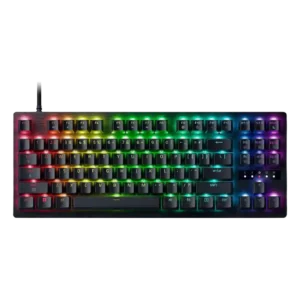
Gaming features are described as useful across many games, though Snap Tap may be restricted in some competitive titles.
Pros: value for money, typing feel

Compatibility was a major strength, especially for users switching between Windows, macOS, mobile devices, and multiple paired systems.
Pros: portability, build quality
Cons: value for money, ergonomics
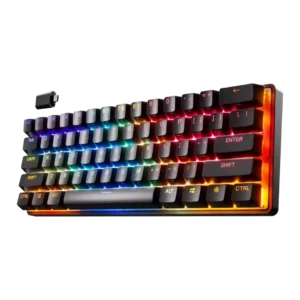
Compatibility evidence was positive, with reviewers citing useful profiles or successful operation across phones, tablets, PlayStation, and mobile devices.
Pros: gaming performance, key responsiveness
Cons: value for money, extra gaming features

Compatibility receives positive evidence from iCue recognizing another Corsair device, suggesting useful ecosystem integration.
Pros: extra gaming features, wrist rest quality
Cons: value for money, software quality
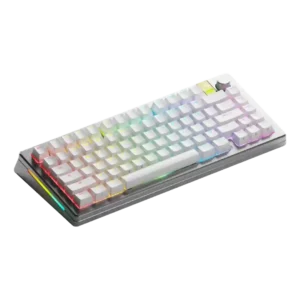
Compatibility was strong overall because the HE board could accept MX and Hall effect switches, though one reviewer found some magnetic switches incompatible.
Pros: customization options, gaming performance
Cons: value for money, software quality

Compatibility was mostly positive for PC, Mac, Linux, Xbox, and multi-device use, though PS5 support was criticized elsewhere in the source.
Pros: value for money, keycap quality
Cons: polling rate, acoustics
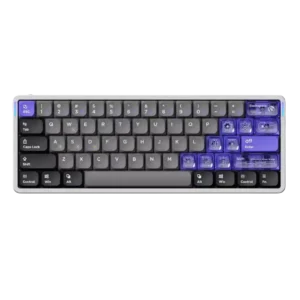
Compatibility was positive in the reviews that tested or valued laptop use plus Mac, PC, and Linux support.
Pros: software quality, switch feel
Cons: connectivity, layout options

Compatibility evidence was positive overall, with reviewers noting successful use across PCs, consoles, Mac, and mobile devices, though one Mac layout caveat remained.
Pros: battery life, switch feel
Cons: value for money, ease of switch replacement
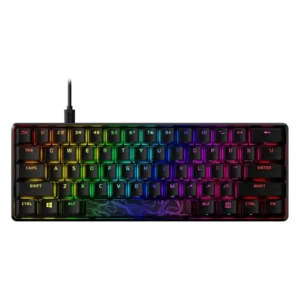
Compatibility evidence is generally favorable for consoles and major platforms, though one review notes no macOS or Linux support for that model.
Pros: build quality, value for money
Cons: software quality, stabilizer quality

Compatibility comments were modestly positive for keycap support and Windows/Mac switching.
Pros: design aesthetics, build quality

Compatibility evidence centered on iCUE being one of the few peripheral apps noted as macOS compatible.
Pros: customization options, gaming performance
Cons: value for money, noise level
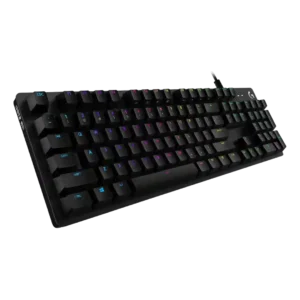
Compatibility earns limited positive support through LIGHTSYNC, which one reviewer called a cool cross-device or media-sync feature.
Pros: value for money, design aesthetics
Cons: passthrough features, noise level
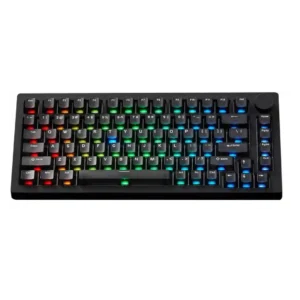
Compatibility is positive for OS, switch, and device support, but repeatedly held back by the hidden Caps Lock mode switch.
Pros: build quality, customization options
Cons: reliability
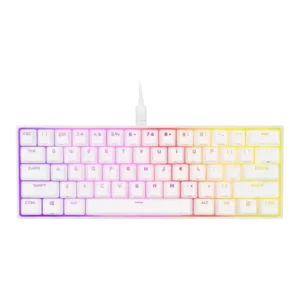
Compatibility was mostly positive for Corsair ecosystem users and supported platforms, though console use lacked iCUE support.
Pros: switch feel, size and form factor
Cons: polling rate, value for money

Compatibility evidence was mildly positive for Windows and Mac, but one review noted the lack of dedicated Mac hotkeys.
Pros: RGB customization, keycap quality
Cons: frame rigidity, switch options
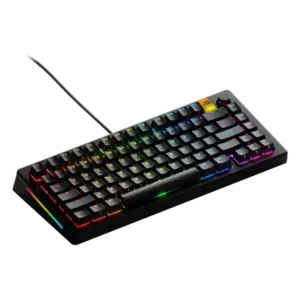
Compatibility was mixed: one reviewer had seamless console use, while another warned about possible north-facing LED keycap compatibility issues.
Pros: customization options, software quality
Cons: value for money, materials quality

Compatibility is mixed: reviewers liked device flexibility and ROG receiver pairing, but macOS software customization is limited.
Pros: switch feel, typing feel
Cons: software quality, key spacing
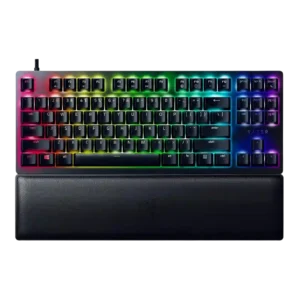
Compatibility was mixed: standard keycaps were a plus, but long-key fit and cable/customization friction lowered some scores.
Pros: wrist rest quality, polling rate
Cons: value for money, media controls

Windows and macOS both work, but Mac users do not get dedicated keycaps or an easy hardware layout toggle.
Pros: overall satisfaction, build quality
Cons: portability, reliability

Compatibility evidence centered on useful macOS support and a limitation around single-device Bluetooth, making it good but not universally flexible.
Pros: switch feel, battery life
Cons: volume control, media controls

Compatibility was mixed: reviewers liked Windows, macOS, Bluetooth, and USB use, but called out missing Bolt/Unifying support, Linux gaps, and limited Bluetooth switching.
Pros: value for money, battery life
Cons: hot-swappable switches, noise level

Compatibility was mixed: basic Windows and Mac use worked, but customization and firmware support were notably more limited outside Windows.
Pros: switch feel, typing feel
Cons: software quality, volume control
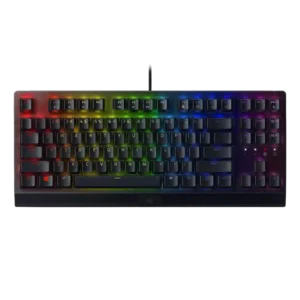
Compatibility was mixed: basic USB PC use was easy, but deeper customization was limited for Linux and macOS users.
Pros: RGB lighting quality, value for money
Cons: wrist rest quality, noise level

Compatibility was mixed: Mac testing and switch support helped, but non-standard key sizing complicated keycap replacement.
Pros: gaming performance, switch feel
Cons: value for money, extra gaming features
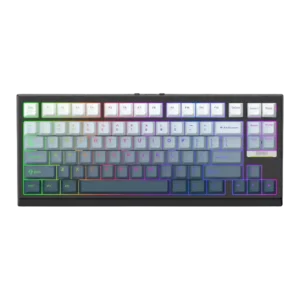
Compatibility was mixed: reviewers liked broad compatibility in general, but Mac-specific keycap omissions were a recurring caveat.
Pros: gaming performance, key responsiveness
Cons: compatibility
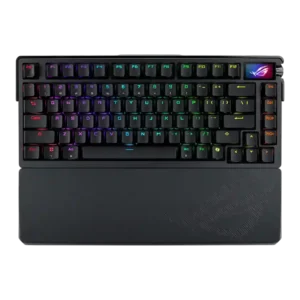
Compatibility was mixed: aftermarket switch and keycap flexibility was appreciated, but north-facing switches created Cherry-profile and enthusiast-keycap caveats.
Pros: build quality, customization options
Cons: value for money, rapid trigger support