Best for backlight brightness
HyperX Alloy Origins
5.0 attribute score
Highest scored product for this attribute based on supporting review evidence.

Highest scored product for this attribute based on supporting review evidence.
Balances the attribute score, supporting reviews, and overall product strength.
Has the broadest review evidence for this attribute.
Strongest overall product among items with scored evidence for this attribute.
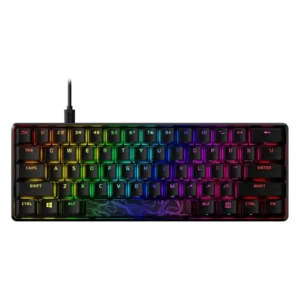
Backlight brightness is a major strength, with reviewers repeatedly describing the lighting as extremely bright or easy to adjust.
Pros: build quality, value for money
Cons: software quality, stabilizer quality

The two direct brightness judgments were strongly positive, with reviewers calling the RGB bright or much brighter than expected.
Pros: battery life, switch feel
Cons: value for money, ease of switch replacement

Backlight brightness had limited but very positive evidence, with the lighting described as crisp, bright, and even.
Pros: gaming performance, switch feel
Cons: value for money, extra gaming features

Backlight brightness is strongly praised where mentioned, especially by reviewers who call the lighting impressively bright.
Pros: extra gaming features, wrist rest quality
Cons: value for money, software quality
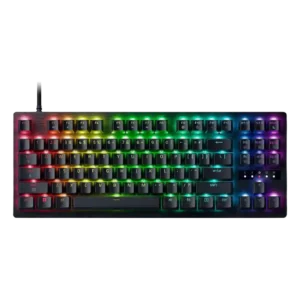
The lighting comes through the keycaps cleanly and vividly, giving the board a bright look without reviewers calling it harsh.
Pros: value for money, typing feel
Reviewers generally found the backlighting bright, with praise for vivid illumination even when running wirelessly.
Pros: battery life, wireless performance
Cons: value for money, wrist rest quality

The backlight is consistently described as very bright and easy to see, even in daylight or poor room lighting. Brightness is a standout part of the RGB presentation.
Pros: overall satisfaction, customization options
Cons: value for money, switch options

Backlighting is judged bright enough for low-light use, with one reviewer especially praising its daytime brightness.
Pros: portability, value for money
Cons: software quality, key spacing
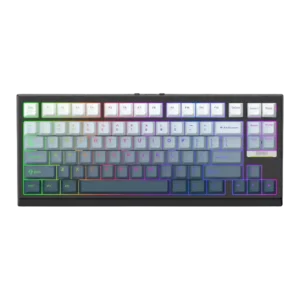
Backlight brightness was praised in most evidence as bright and usable in the dark, though the overall RGB quality had one unevenness complaint elsewhere.
Pros: gaming performance, key responsiveness
Cons: compatibility

RGB output is bright and clearly visible even under strong room or video lighting, yet the white model can keep the glow soft rather than harsh.
Pros: overall satisfaction, macro customization
Cons: value for money, software quality
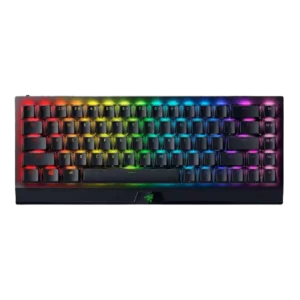
One review gave explicit positive evidence for brightness, describing the RGB as nice, bright, and vivid.
Pros: size and form factor, switch feel
Cons: value for money, battery life

Brightness was judged strong enough for daylight visibility with readable legends.
Pros: typing feel, build quality
Cons: value for money, wireless performance

Backlighting brightness was praised as bright and useful, especially with per-key lighting, though it directly affected battery expectations.
Pros: value for money, battery life
Cons: hot-swappable switches, noise level
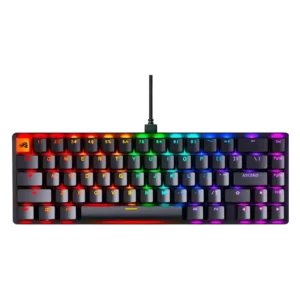
Backlight brightness was mostly praised as bright and vivid, though one reviewer found the ABS caps slightly subdued the effect.
Pros: switch feel, value for money
Cons: key spacing, actuation consistency

Backlight brightness was praised because the shine-through keycaps and north-facing lighting made legends clearly illuminated.
Pros: value for money, build quality
Cons: switch options, hot-swappable switches

Backlight brightness earned positive remarks, with reviewers calling the lighting impressively bright or noting strong shine.
Pros: value for money, typing feel
Cons: wrist rest quality, media controls
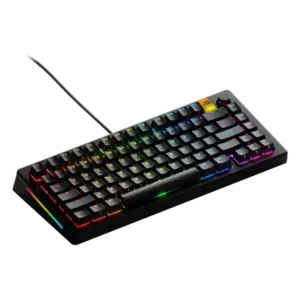
Backlighting was viewed positively, with powerful LEDs and transparent caps helping the RGB stand out.
Pros: customization options, software quality
Cons: value for money, materials quality

Backlight brightness is praised for strong saturation and non-dim maximum brightness without becoming irritating.
Pros: typing feel, gaming performance
Cons: software quality, value for money
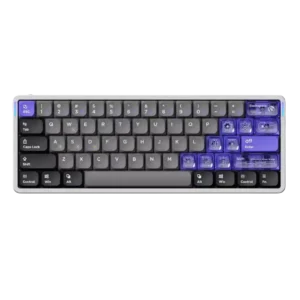
Backlight brightness was praised as bright and usable without being obnoxious.
Pros: software quality, switch feel
Cons: connectivity, layout options
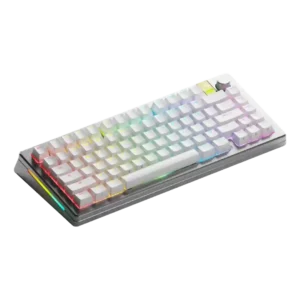
Backlight brightness received direct praise from a reviewer who described the lighting as bright.
Pros: customization options, gaming performance
Cons: value for money, software quality

Backlight brightness was praised in one review because the RGB remained visible even under bright lighting.
Pros: typing feel, design aesthetics

Backlight brightness received positive evidence from a reviewer who described the lighting as bright with excellent underglow.
Pros: size and form factor, typing feel
Cons: switch options, portability
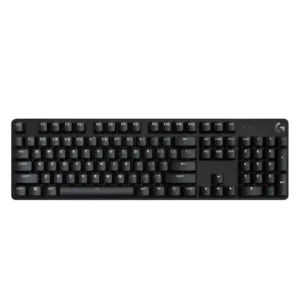
Backlight brightness is praised where discussed, with reviewers calling it bright, useful in the dark, or easy to see even in a sunlit room.
Pros: design aesthetics, keycap quality
Cons: value for money, software quality

Backlighting was treated as useful and bright enough for dim conditions, with one reviewer praising illumination and another finding it helpful during load-shedding.
Pros: switch feel, typing feel
Cons: software quality, volume control
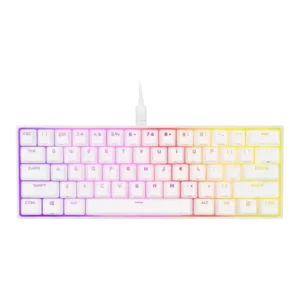
Backlight brightness earned positive marks, with reviewers praising vivid output and good white/light performance despite minor color caveats.
Pros: switch feel, size and form factor
Cons: polling rate, value for money

Reviewers generally found the lighting bright or visible around the caps, helped by the reflective plate, even though it does not shine through legends.
Pros: software quality, switch feel
Cons: legend visibility, extra gaming features

Backlight brightness was positively described as bright and vibrant.
Pros: switch feel, customization options
Cons: value for money, wireless performance

Backlight brightness split reviewers: several found it exceptional or very bright, while one reviewer felt the lighting was underwhelming.
Pros: typing feel, design aesthetics
Cons: value for money, materials quality

Backlight brightness was generally positive because reviewers found it bright, dimmable, and controllable, though legend shine-through was still a separate caveat.
Pros: build quality, keycap quality
Cons: switch options, portability
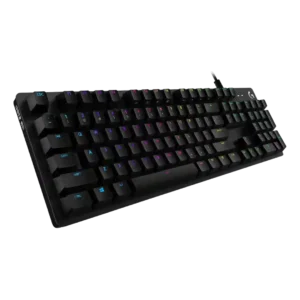
Backlight brightness is rated well because reviewers found it bright, clean, vibrant, or subtle without becoming blinding.
Pros: value for money, design aesthetics
Cons: passthrough features, noise level

One reviewer said the RGB backlighting gets pretty bright.
Pros: design aesthetics, build quality

Backlight diffusion was judged clean in one hands-on review, though lighting criticism appeared more often around uneven legends than raw brightness.
Pros: build quality, gaming performance
Cons: typing feel, typing comfort
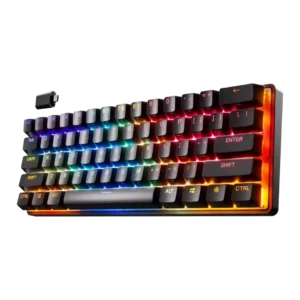
Backlight brightness was mostly praised for visibility and brightness, though one gaming-focused review noted the RGB was not the brightest.
Pros: gaming performance, key responsiveness
Cons: value for money, extra gaming features

GamesRadar found the RGB strong enough that half brightness still looked fantastic, though this was discussed alongside battery impact.
Pros: portability, build quality
Cons: value for money, ergonomics

Backlighting is usually praised as bright and vivid, though some reviewers find the top bar jarring or the underside lighting too dim.
Pros: noise level, RGB lighting quality
Cons: rapid trigger support, extra gaming features

Backlighting was generally bright enough, with reviewers calling out bright RGB and visible lighting through the keycaps.
Pros: customization options, gaming performance
Cons: value for money, noise level
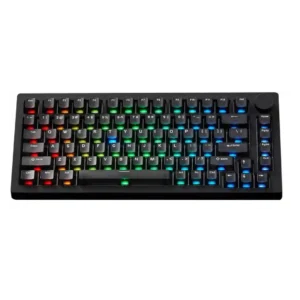
Backlight brightness is praised in several VIA/HE variants but criticized on one TMR setup as not bright enough for side legends.
Pros: build quality, customization options
Cons: reliability

Backlight brightness evidence was limited but positive, with reviewers finding it visible without becoming distracting.
Pros: value for money, keycap quality
Cons: polling rate, acoustics

Brightness controls are available for the keyboard and display, and the LCD/lighting elements are considered clear enough in normal rooms. The control is useful, though not a major focus.
Pros: macro customization, switch feel
Cons: software quality, value for money

Backlight brightness was mostly praised as vibrant or bright enough, though one reviewer found the side underglow weak.
Pros: RGB customization, keycap quality
Cons: frame rigidity, switch options

Backlighting was bright enough for low-light use and described as vibrant, with only minor caveats about presentation.
Pros: sound dampening, value for money
Cons: ergonomics, polling rate
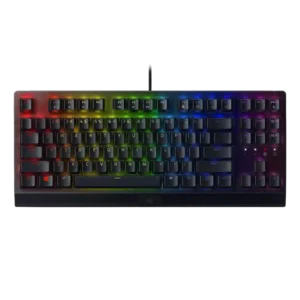
Backlight brightness drew mixed but mostly favorable comments, with vibrant Chroma praise balanced against one reviewer finding the lights more toned down.
Pros: RGB lighting quality, value for money
Cons: wrist rest quality, noise level

The RGB lighting gets fairly bright, though internal dampening absorbs some of the glow and prevents a completely even light cloud.
Pros: build quality, overall satisfaction
Cons: portability, ergonomics
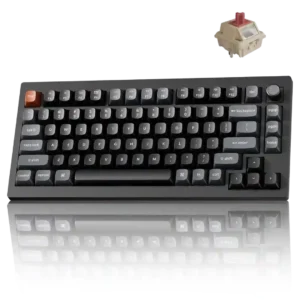
The lighting has strong intensity and saturated color, although the opaque keycaps prevent much of that brightness from reaching the legends.
Pros: gaming performance, overall satisfaction
Cons: polling rate, frame rigidity

Backlighting was generally viewed as focused and granular, with reviewers noticing improved brightness control and stronger LED presentation.
Pros: value for money, wrist rest quality
Cons: software quality, ergonomics

Backlighting was often bright and vivid, but some reviewers found perimeter brightness inconsistent or not as bright as expected.
Pros: software quality, build quality
Cons: value for money, connectivity

Backlight brightness was viewed as restrained rather than intense, with reviewers describing it as not overly bright or not super bright.
Pros: build quality, switch feel
Cons: switch options
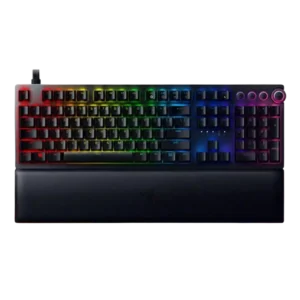
Backlight brightness was mixed: some found the lighting bright, colorful, or sharp, while others found legends dimmer than expected.
Pros: analog input support, wrist rest quality
Cons: value for money, cable quality

Lighting impressions vary: some reviewers found it bright and attractive, while others said the south-facing glow is muted behind the non-shine-through caps.
Pros: overall satisfaction, build quality
Cons: portability, reliability

Backlight brightness was mixed: reviewers praised bright shine-through lighting, but one found the lighting dimmer than expected and another noted a whine.
Pros: customization options, typing feel
Cons: value for money, wrist rest quality