Best for media controls
Keychron Q1 Ultra 8K
5.0 attribute score
Highest scored product for this attribute based on supporting review evidence.

Highest scored product for this attribute based on supporting review evidence.
Balances the attribute score, supporting reviews, and overall product strength.
Has the broadest review evidence for this attribute.
Strongest overall product among items with scored evidence for this attribute.

Dedicated media functions and Mac shortcuts add convenience without consuming much space.
Pros: build quality, overall satisfaction
Cons: portability, ergonomics
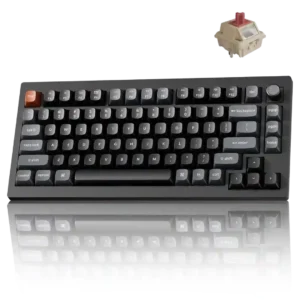
The rotary knob is convenient for media use and can be remapped for scrolling, zooming, tab switching, brightness, and other actions.
Pros: gaming performance, overall satisfaction
Cons: polling rate, frame rigidity

The metal rotary knob provides smooth volume adjustment, mute control and programmable functions with satisfying tactile feedback.
Pros: overall satisfaction, build quality
Cons: portability, reliability

Media controls were praised for practical usefulness, especially quickly muting or stopping music while working.
Pros: build quality, keycap quality
Cons: switch options, portability

Media controls were praised as easy to access through the Fn layer and useful despite the compact layout.
Pros: sound dampening, value for money
Cons: ergonomics, polling rate

Media-control evidence was positive where reviewers praised the knob's broad functions and creative-control usefulness.
Pros: typing feel, build quality
Cons: value for money, wireless performance

Media controls were praised through positive comments about the rotary wheel, dedicated controls, and customizable knob behavior.
Pros: size and form factor, typing feel
Cons: switch options, portability

Media controls were praised through the clickable knob, including satisfying quick mute behavior and a nice click-down control.
Pros: build quality, switch feel
Cons: switch options

The programmable knob was praised as useful for volume and more complex functions, especially for editing workflows.
Pros: value for money, software quality
Cons: switch options, ergonomics

Media controls are widely praised as useful and space-efficient, though a few reviewers found the touch panel less useful or only moderately responsive.
Pros: portability, value for money
Cons: software quality, key spacing

Media controls were mostly praised for convenience, dedicated buttons, and immediate usefulness, though one TKL review found the buttons unresponsive.
Pros: value for money, keycap quality
Cons: polling rate, acoustics

Media controls were generally useful and accessible, especially given the compact layout, though they are not as full-featured as a wheel or dial.
Pros: gaming performance, switch feel
Cons: value for money, extra gaming features
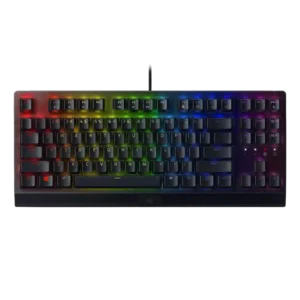
Media controls were mostly liked, with reviewers praising the roller/button convenience even when some preferred dedicated media keys.
Pros: RGB lighting quality, value for money
Cons: wrist rest quality, noise level
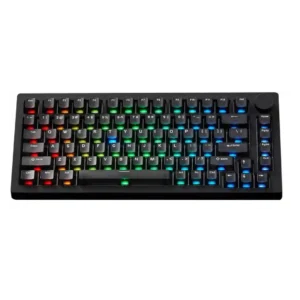
Media controls are useful through the knob and software remapping, but one reviewer found the knob's default usefulness limited.
Pros: build quality, customization options
Cons: reliability

Media controls were mostly liked for convenience and productivity, though some reviewers disliked the awkward height or difficult-to-see legends.
Pros: value for money, wrist rest quality
Cons: software quality, ergonomics
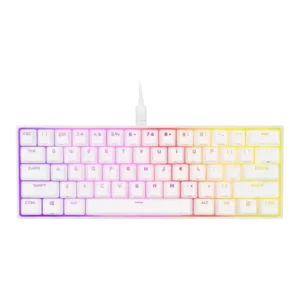
Media controls were considered useful and reachable despite being secondary-layer functions.
Pros: switch feel, size and form factor
Cons: polling rate, value for money

Media controls were viewed positively thanks to the customizable knob and reprogrammable dial.
Pros: value for money, build quality
Cons: switch options, hot-swappable switches

Media controls were received positively as tactile and useful, especially for editing and day-to-day use.
Pros: design aesthetics, build quality

Media controls were usually praised, especially the dedicated top controls, though some reviewers found them wasteful or less tactile than main switches.
Pros: value for money, battery life
Cons: hot-swappable switches, noise level
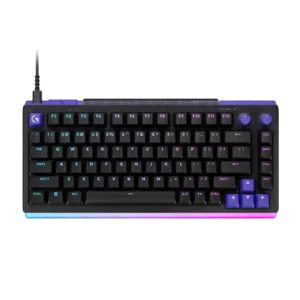
The two programmable dials are easy to reach and commonly used for volume and RGB brightness. Their tactile action and remapping flexibility make them a practical daily feature.
Pros: overall satisfaction, design aesthetics
Cons: value for money, wrist rest quality

Media controls are convenient through the Stream Deck, dials, and hardware shortcuts. Reviewers call out Spotify, playback, audio controls, and quick-access shortcuts as everyday benefits.
Pros: macro customization, switch feel
Cons: software quality, value for money

The control dial was generally liked for volume, scroll, zoom, and brightness, but several reviewers wanted deeper remapping or noted slight wobble.
Pros: software quality, switch feel
Cons: legend visibility, extra gaming features
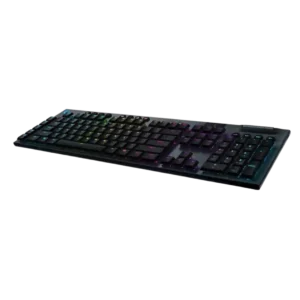
Media controls are generally valued, though some reviewers criticize the rubber buttons as mushy, cheap, or inconsistent at the edges.
Pros: battery life, wireless performance
Cons: value for money, wrist rest quality

Dedicated media controls were well received as handy, convenient, and welcome.
Pros: battery life, switch feel
Cons: value for money, ease of switch replacement

Media controls were useful and clever for some reviewers, but the rear touchbar placement was awkward for another.
Pros: switch feel, customization options
Cons: value for money, wireless performance
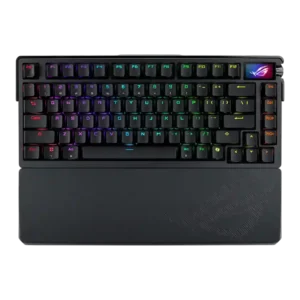
Media controls were generally liked for tactile or improved knob control, though one reviewer wanted a more tactile feel.
Pros: build quality, customization options
Cons: value for money, rapid trigger support

Media controls had limited but positive evidence around the programmable knob’s tactile twist and press.
Pros: battery life, portability
Cons: volume control, switch options

Media controls were generally useful through the OLED and knob, but some reviewers wanted a more conventional or more satisfying control.
Pros: typing feel, design aesthetics
Cons: value for money, materials quality

Media controls are useful and flexible for many reviewers, but one reviewer considered the compact wheel-and-button setup lacklustre.
Pros: switch feel, typing feel
Cons: software quality, key spacing

Media controls are mostly praised for easy access and satisfying operation, though one review finds the knob somewhat wobbly.
Pros: noise level, RGB lighting quality
Cons: rapid trigger support, extra gaming features

Media controls are mostly praised for dedicated keys, a metal scroll wheel, and usable feedback, although some buttons feel odd or less satisfying.
Pros: extra gaming features, wrist rest quality
Cons: value for money, software quality
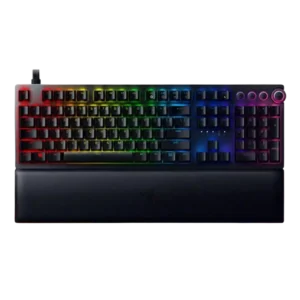
Media controls were generally liked for convenience and feel, but some reviewers criticized dark symbols or awkward-looking controls.
Pros: analog input support, wrist rest quality
Cons: value for money, cable quality

Media controls are mixed: reviewers often praise tactile dedicated buttons, but Tom's Hardware finds onboard controls limited and TechRadar finds the buttons cheap.
Pros: typing feel, gaming performance
Cons: software quality, value for money

The rotary dial is useful for volume and other incremental actions, while secondary media functions remain accessible. The lack of a full dedicated media-key bank may disappoint some users.
Pros: overall satisfaction, macro customization
Cons: value for money, software quality

Media controls received a positive feature mention through the function shortcuts used to control media.
Pros: typing feel, design aesthetics

Media controls were usually appreciated, especially dedicated keys, though one reviewer found some buttons stiff or spongy.
Pros: customization options, gaming performance
Cons: value for money, noise level
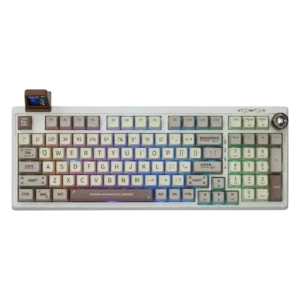
Media controls are useful overall, though the knob design and feel range from excellent tactile feedback to cheap-looking plastic.
Pros: value for money, typing feel
Cons: software quality, reliability
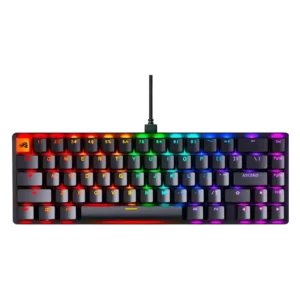
Media controls were functional but somewhat limited because control relies on function shortcuts rather than a physical knob or roller.
Pros: switch feel, value for money
Cons: key spacing, actuation consistency

Media controls were mixed: reviewers liked the dock concept and utility, but many criticized shallow buttons, mushy feel, confusing navigation, or limited flexibility.
Pros: sound dampening, switch feel
Cons: reliability, rapid trigger support
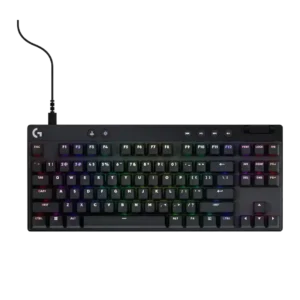
Media controls are useful when dedicated, but placement and limited customization create mixed opinions across models.
Pros: build quality, software quality
Cons: value for money, hot-swappable switches

Media controls were mixed: some reviewers liked the dial and buttons, but others found buttons stiff, unclear, awkward, or unsatisfying.
Pros: customization options, typing feel
Cons: value for money, wrist rest quality
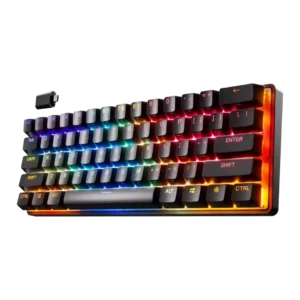
Media controls were mixed: one reviewer found secondary media toggles clunky in the 60-percent layout, while another successfully mapped play/pause behavior.
Pros: gaming performance, key responsiveness
Cons: value for money, extra gaming features

Media controls were mixed: reviewers liked the multifunction dial, but criticized registration issues, limited programmability, and lack of dedicated media keys.
Pros: value for money, typing feel
Cons: wrist rest quality, media controls

Media controls worked through function layers and were reachable for some, but other reviewers found their placement awkward or annoying.
Pros: portability, build quality
Cons: value for money, ergonomics

Media controls were mixed: OLED and volume controls were useful, but small wheels, cumbersome processes, and missing buttons drew complaints.
Pros: value for money, rapid trigger support
Cons: media controls, stabilizer quality
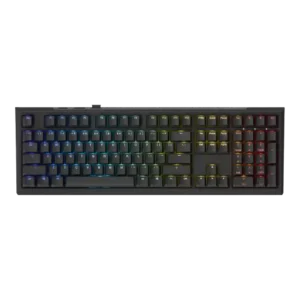
Media controls were mixed: some liked Ducky’s simple media-key approach, while others missed playback controls or broader dedicated buttons.
Pros: value for money, gaming performance
Cons: software quality, customization options
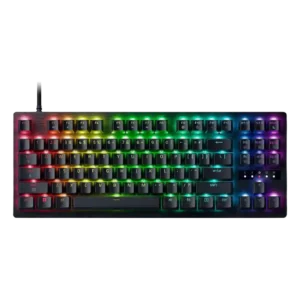
Media controls are a compromise. The board still has regular media keys, but reviewers note that the dial and dedicated multi-function controls from pricier variants are gone.
Pros: value for money, typing feel

Media controls were a recurring weakness because reviewers wanted a knob or dedicated controls, despite remapping and function-row workarounds.
Pros: value for money, design aesthetics
Cons: cable quality, ergonomics
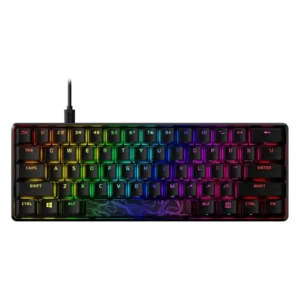
Media controls are adequate through function layers, but reviewers repeatedly wished for separate or dedicated media keys.
Pros: build quality, value for money
Cons: software quality, stabilizer quality
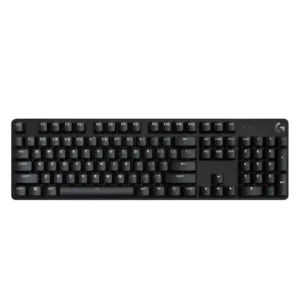
Media controls are mixed: some reviewers appreciate function-layer controls, while others criticize the lack of dedicated media keys.
Pros: design aesthetics, keycap quality
Cons: value for money, software quality