Best for connectivity
Keychron Q1 Ultra 8K
5.0 attribute score
Highest scored product for this attribute based on supporting review evidence.

Highest scored product for this attribute based on supporting review evidence.
Balances the attribute score, supporting reviews, and overall product strength.
Has the broadest review evidence for this attribute.
Strongest overall product among items with scored evidence for this attribute.

Wired USB-C, Bluetooth 5.3, and 2.4GHz wireless provide flexible switching across multiple devices and use cases.
Pros: build quality, overall satisfaction
Cons: portability, ergonomics

Bluetooth, 2.4GHz wireless and wired USB-C provide flexible everyday use, with convenient external mode switching and dongle storage.
Pros: overall satisfaction, build quality
Cons: portability, reliability

Connectivity was a clear strength, with reviewers praising multiple connection options and solid wired, 2.4GHz, Bluetooth, and multi-device use.
Pros: build quality, keycap quality
Cons: switch options, portability
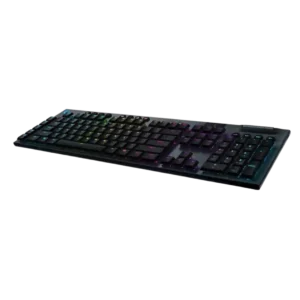
Reviewers consistently liked the mix of Lightspeed, Bluetooth, wired use, and fast device switching, with only minor caveats about Bluetooth latency.
Pros: battery life, wireless performance
Cons: value for money, wrist rest quality
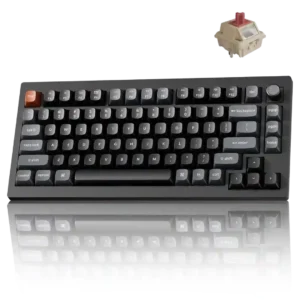
Wired USB-C, 2.4GHz wireless, and Bluetooth cover nearly every setup, including multi-device use. Physical switching is easy, though Bluetooth runs at a much lower polling rate than 2.4GHz.
Pros: gaming performance, overall satisfaction
Cons: polling rate, frame rigidity

Connectivity was highly praised: reviewers liked tri-mode support, dongle convenience, and smooth switching between wireless modes or devices.
Pros: typing feel, design aesthetics
Cons: value for money, materials quality

Connectivity is repeatedly praised for wired, Bluetooth, and 2.4GHz options, with several reviewers calling switching or setup easy.
Pros: portability, value for money
Cons: software quality, key spacing

Tri-mode connectivity is excellent, offering fast Slipstream 2.4GHz, Bluetooth, and detachable USB-C wired use. Switching modes is easy and the wireless link generally behaves like a wired connection.
Pros: overall satisfaction, macro customization
Cons: value for money, software quality
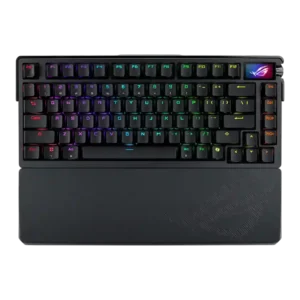
Connectivity was praised for tri-mode support, seamless wireless setup, Bluetooth flexibility, and USB-port-saving receiver options.
Pros: build quality, customization options
Cons: value for money, rapid trigger support

Connectivity was a major positive: wired, 2.4GHz, and Bluetooth modes were repeatedly described as versatile, smooth, and easy to use.
Pros: software quality, switch feel
Cons: legend visibility, extra gaming features

Connectivity was praised across wired, Bluetooth, and 2.4GHz use, with reviewers reporting easy setup, reliable pairing, and no trouble in normal testing.
Pros: switch feel, typing feel
Cons: software quality, volume control

Connectivity was praised for Bluetooth, 2.4GHz, wired use, easy setup, and multi-device wireless options.
Pros: size and form factor, typing feel
Cons: switch options, portability

Connectivity is broadly strong thanks to wired, Bluetooth, and 2.4GHz options, although one reviewer found the mode switch fiddly.
Pros: value for money, software quality
Cons: switch options, ergonomics

Connectivity was consistently positive, with wired, 2.4GHz, and Bluetooth options described as versatile and reliable.
Pros: value for money, build quality
Cons: switch options, hot-swappable switches

Connectivity was a strength overall thanks to wired, 2.4GHz, and Bluetooth options, though one reviewer disliked the hidden connection controls.
Pros: gaming performance, switch feel
Cons: value for money, extra gaming features

Connectivity is a major strength, with repeated praise for tri-mode wired, 2.4GHz, Bluetooth, multi-device, and dual-PC flexibility.
Pros: switch feel, typing feel
Cons: software quality, key spacing

Connectivity was judged positively when discussed, mainly because the wired connection avoided disconnects and wireless-interference concerns.
Pros: value for money, typing feel
Cons: wrist rest quality, media controls

Connectivity evidence was narrow but positive where the wired connection was described as reliable.
Pros: customization options, gaming performance
Cons: value for money, noise level

Connectivity was praised for easy switching between wireless modes and devices.
Pros: typing feel, design aesthetics

Connectivity was generally strong across Bluetooth, 2.4GHz, and wired use, though side-port design and occasional wake behavior created caveats.
Pros: value for money, design aesthetics
Cons: cable quality, ergonomics

Connectivity was a strong point, with reviewers praising tri-mode flexibility, easy switching and multi-device productivity.
Pros: RGB customization, keycap quality
Cons: frame rigidity, switch options
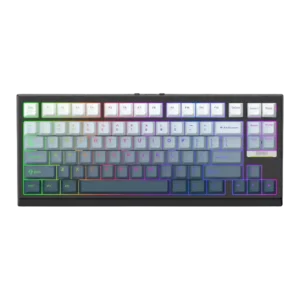
Connectivity was consistently positive, with reviewers praising flexible wired, Bluetooth, 2.4GHz, and fast mode-switching options.
Pros: gaming performance, key responsiveness
Cons: compatibility

Connectivity was widely praised for easy pairing, useful Bluetooth/2.4GHz/wired versatility, and straightforward switching across devices.
Pros: customization options, design aesthetics
Cons: switch options, key spacing

Connectivity was mostly strong thanks to wired, Bluetooth, and 2.4GHz options, though one reviewer disliked flipping the rear switch between modes.
Pros: build quality, switch feel
Cons: switch options
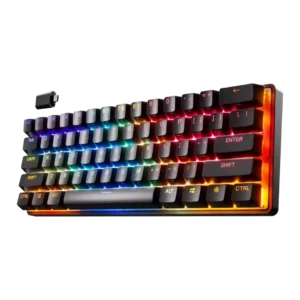
Connectivity was praised in wireless reviews for Bluetooth, 2.4GHz, wired options, and quick dongle performance, with multi-device use seen as useful.
Pros: gaming performance, key responsiveness
Cons: value for money, extra gaming features

Connectivity was widely praised for tri-mode flexibility and easy switching, with the main caveat being limited multi-device Bluetooth support.
Pros: value for money, battery life
Cons: hot-swappable switches, noise level
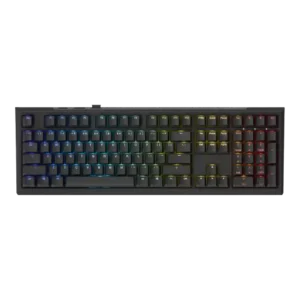
Connectivity was consistently useful, with reviewers appreciating wired, Bluetooth, 2.4 GHz, dongle storage, and stable connection options.
Pros: value for money, gaming performance
Cons: software quality, customization options

Connectivity was consistently praised for quick switching, Bluetooth and Slipstream flexibility, easy pairing, and stable multi-device use.
Pros: battery life, switch feel
Cons: value for money, ease of switch replacement
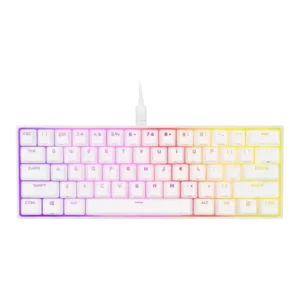
Connectivity was praised around detachable USB-C convenience and easier travel use.
Pros: switch feel, size and form factor
Cons: polling rate, value for money

Connectivity was mostly praised for physical toggles and dongle storage, but some reviewers reported dongle or general connection issues.
Pros: battery life, portability
Cons: volume control, switch options
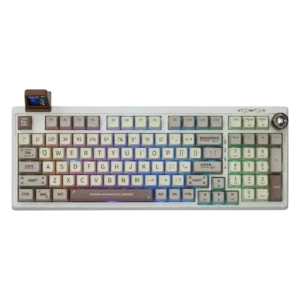
Connectivity is a consistent strength across wired, Bluetooth, and 2.4GHz, although one reviewer had cable-specific wired finickiness.
Pros: value for money, typing feel
Cons: software quality, reliability
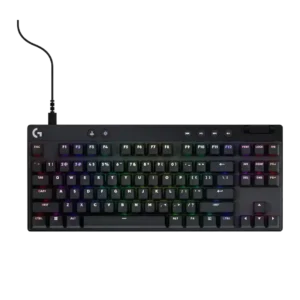
Connectivity is usually praised for easy Bluetooth/Lightspeed switching and stable use, but one reviewer disliked that a TKL unit could only be used wirelessly.
Pros: build quality, software quality
Cons: value for money, hot-swappable switches
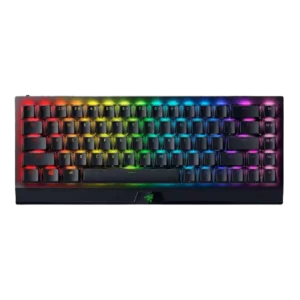
Connectivity was broadly strong thanks to USB-C, Bluetooth, HyperSpeed, and multi-device support, but a few reviews noted buggy pairing or inconvenient mode switching.
Pros: size and form factor, switch feel
Cons: value for money, battery life

Connectivity is strong on wireless models thanks to tri-mode and multi-device support, while wired-only versions are treated as a limitation.
Pros: typing feel, gaming performance
Cons: software quality, value for money
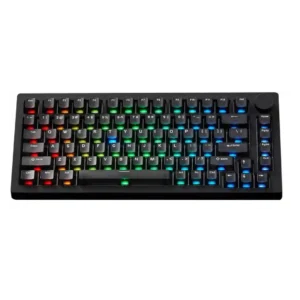
Connectivity is broadly strong thanks to tri-mode support, though Bluetooth delays, cable-fit issues, and the hidden mode switch create caveats.
Pros: build quality, customization options
Cons: reliability
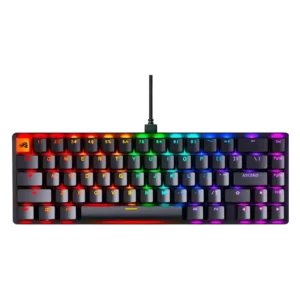
Connectivity was mixed: wired USB connections worked reliably, but one reviewer treated wired-only operation as a downside.
Pros: switch feel, value for money
Cons: key spacing, actuation consistency

Connectivity was praised for easy pairing and device switching, but Bluetooth-only wireless and dongle omissions created caveats.
Pros: portability, build quality
Cons: value for money, ergonomics

Connectivity ranged from smooth setup and simple wired use to serious wireless/dongle complaints in one PCMag review.
Pros: value for money, rapid trigger support
Cons: media controls, stabilizer quality

Reviewers liked the mix of Lightspeed, Bluetooth, and wired modes, but Bluetooth limitations and single-profile comments kept this from being uniformly perfect.
Pros: switch feel, battery life
Cons: volume control, media controls
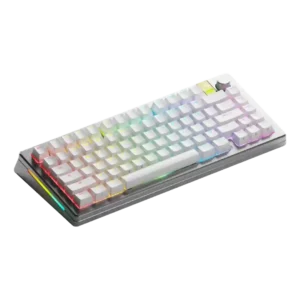
Connectivity was mostly positive, with decent options and no issues in one review, offset by unclear Bluetooth pairing and selector labeling in another.
Pros: customization options, gaming performance
Cons: value for money, software quality

Connectivity was mixed: wired and modular connections could be sturdy and easy, but reviewers also criticized play, no wireless, or wired-only limitations.
Pros: sound dampening, switch feel
Cons: reliability, rapid trigger support

Connectivity gets positive marks for USB passthrough as a handy extra, though the wired-only setup and thick cable remain contextual limitations.
Pros: extra gaming features, wrist rest quality
Cons: value for money, software quality
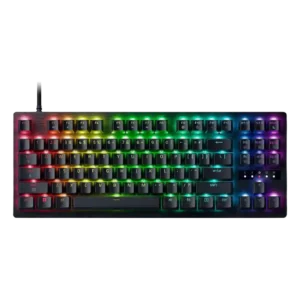
The wired USB-C setup is generally fine, with praise for the detachable cable. One reviewer notes the recessed port is harder to reach, but also sees the secure fit as...
Pros: value for money, typing feel
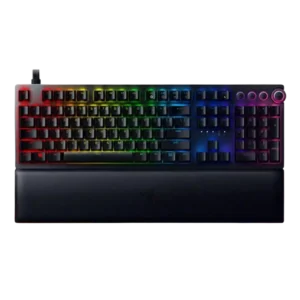
Connectivity was mixed: USB-C and passthrough support were appreciated, but port requirements, cable behavior, and inconsistent setup frustrated some reviewers.
Pros: analog input support, wrist rest quality
Cons: value for money, cable quality

Connectivity was praised for easy wired plug-and-play and USB-C, but several reviewers disliked the lack of wireless choice.
Pros: value for money, keycap quality
Cons: polling rate, acoustics
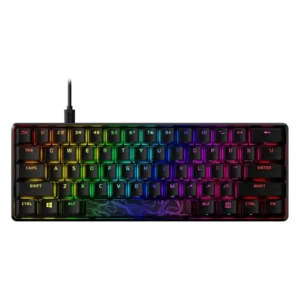
Connectivity is mixed: detachable USB-C is appreciated, but reviewers noted software detection issues and no multi-device use.
Pros: build quality, value for money
Cons: software quality, stabilizer quality

Connectivity was mixed: reviewers liked the wireless and tri-mode feature set, but noted mode-switch delay, visible front controls, and minor connectivity issues.
Pros: customization options, build quality
Cons: connectivity

Connectivity is mostly wired and functional, with some reviewers liking the stability and single-cable operation for basic use. Customer defect reports about failed connections and recognition problems are the caution.
Pros: macro customization, switch feel
Cons: software quality, value for money

Connectivity was mixed: reviewers liked standard USB-C plug-and-play behavior, but repeatedly criticized the lack of wireless and one noted 8,000Hz connection issues.
Pros: sound dampening, value for money
Cons: ergonomics, polling rate

Connectivity is mixed because reviewers appreciate the reliable wired connection but repeatedly note the absence of wireless.
Pros: noise level, RGB lighting quality
Cons: rapid trigger support, extra gaming features