Best for connection stability
Razer DeathAdder V3 HyperSpeed
5.0 attribute score
Highest scored product for this attribute based on supporting review evidence.

Highest scored product for this attribute based on supporting review evidence.
Balances the attribute score, supporting reviews, and overall product strength.
Has the broadest review evidence for this attribute.
Strongest overall product among items with scored evidence for this attribute.

Connection stability was a strength, with reviewers reporting no lag, no signal issues, and stable wireless behavior in gaming.
Pros: value for money, weight
Cons: Bluetooth support, cable flexibility

Connection stability was strongly praised, with reviewers reporting no dropouts, hiccups, or interference.
Pros: value for money, sensor performance
Cons: software usability, grip texture

Connection stability was a strong positive, with reviewers reporting no lag, jitter, signal loss, or testing issues.
Pros: value for money, grip texture
Cons: weight, charging convenience

Connection stability was praised by reviewers who tried multiple modes, with no lag, dropouts, or mode-specific issues reported.
Pros: button customization, MMO gaming suitability
Cons: FPS gaming suitability

Connection stability was strong, with reviewers reporting no dropped connections and no issues in their testing.
Pros: shape comfort, programmable buttons
Cons: value for money, side button quality

Connection stability was excellent in the scored evidence, with reviewers reporting no hiccups or meaningful slip-ups.
Pros: RGB features, weight
Cons: value for money, scroll wheel quality

Connection stability was excellent in the two reviews that discussed it, with no disconnections or stutters reported.
Pros: MMO gaming suitability, 2.4GHz connectivity
Cons: charging convenience, value for money

Connection stability was praised for lag-free, dropout-free wireless performance during games.
Pros: button customization, scroll wheel quality
Cons: weight, value for money
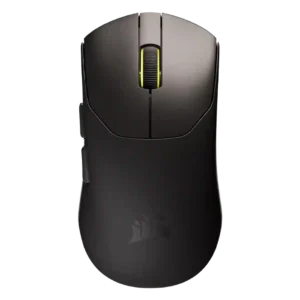
Connection stability had limited but strong evidence, with one reviewer reporting no wireless issues during testing.
Pros: build quality, weight
Cons: software usability, battery life

Connection stability was praised in one review for not faltering even in a difficult RF environment.
Pros: switch feel, polling rate
Cons: value for money, side button quality
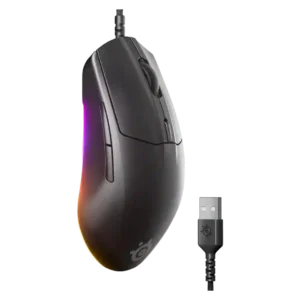
The wired setup was praised for stable, consistent performance without connection drops or battery-related interruptions.
Pros: cable flexibility, value for money
Cons: premium feel

Connection stability was one of the clearest strengths, with reviewers reporting no hitches, no input delay, flawless switching, and no letdowns.
Pros: battery life, software usability
Cons: weight, FPS gaming suitability

Wireless reliability is a consistent strength. Testers reported stable Bluetooth and 2.4GHz operation without dropouts or signal instability.
Pros: software usability, sensor performance
Cons: RGB features, scroll wheel quality

Connection stability was repeatedly praised, especially over the 2.4GHz dongle, with reviewers reporting no dropouts or lag.
Pros: battery life, weight
Cons: side button quality, value for money
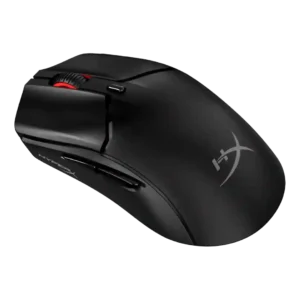
Connection stability was praised, with reports of no drops or missed beats.
Pros: side button quality, scroll wheel quality
Cons: weight, FPS gaming suitability
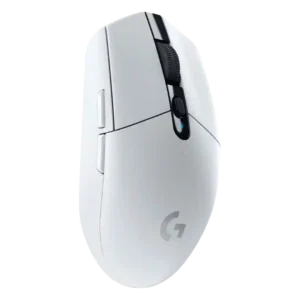
Connection stability was a standout strength, with reviewers reporting no dropouts, lag, freezes, or range problems in normal setups.
Pros: value for money, weight
Cons: charging convenience, palm grip comfort

Connection stability was praised in the reviews that discussed it, with strong-signal, fast-connect, and no-input-issue evidence.
Pros: RGB features, battery life
Cons: value for money, scroll wheel quality

Connection stability was strong overall, with reviewers reporting stable wireless behavior and no lag or drops.
Pros: battery life, software usability
Cons: click noise, fingertip grip comfort
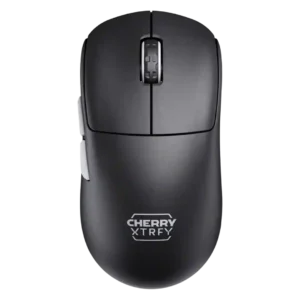
Connection stability was strong, especially over 2.4GHz, with repeated reports of no hiccups, lag, or stuttering.
Pros: build quality, shape comfort
Cons: value for money, charging convenience
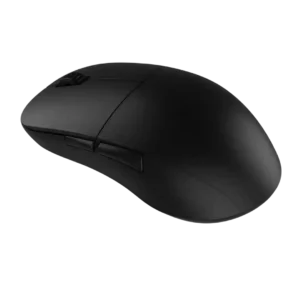
Connection stability was praised, with reviewers reporting no dropouts, no hiccups, and no cutouts during wireless use.
Pros: value for money, glide smoothness
Cons: fingertip grip comfort, surface compatibility

Connection stability was strong where tested, with reviewers reporting trouble-free gaming connections, easy connectivity, and no hiccups or lag.
Pros: value for money, weight
Cons: premium feel, polling rate

Connection stability was strong, with no-disconnect, stable-connection, and locked-in comments.
Pros: battery life, weight
Cons: click noise, left and right click quality

Connection stability was a major positive thanks to the Gen-2 dongle, strong signal, and stable desk placement.
Pros: value for money, weight
Cons: click noise, RGB features

Connection stability was a strength across Bluetooth, dongle, and wireless sessions, with no dropouts, desyncs, or odd behavior reported.
Pros: glide smoothness, weight
Cons: handedness options

Connection stability was strong, with reviewers noting quick recognition, no stuttering, and hassle-free receiver pairing.
Pros: weight, value for money
Cons: click noise, AI Prompt Master

Connection stability was positive where tested, with no issues on Windows, reliable wireless impressions, and supportive receiver setup comments.
Pros: weight, shape comfort
Cons: side button quality, value for money
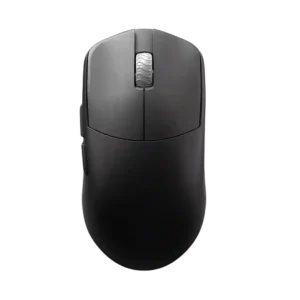
Connection stability receives positive evidence from no-anomaly testing and a very good wireless feel.
Pros: glide smoothness, build quality
Cons: side button quality, cable flexibility
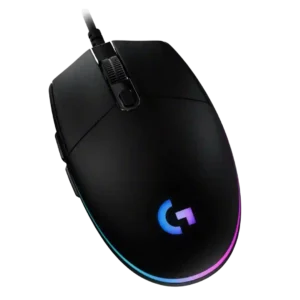
Connection stability has limited but positive evidence, with reviewers reporting no connection differences through a dock and no weird disconnection issues over time.
Pros: value for money, RGB features
Cons: palm grip comfort, click noise
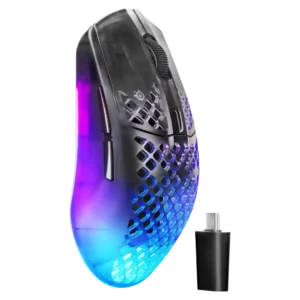
Connection stability was positive in the limited direct evidence, with reviewers reporting stable modes and reliable connection behavior.
Pros: software usability, polling rate
Cons: palm grip comfort, fingertip grip comfort

Connection stability is strong where tested, with reviewers reporting no signal loss, no connectivity issues, and a strong signal.
Pros: Accuracy and tracking precision, shape comfort
Cons: long-session comfort

Connection stability was a strength, with reviewers reporting seamless switching, parity across modes, and no connectivity issues.
Pros: shape comfort, battery life
Cons: value for money, DPI range

Connection stability was usually excellent, with several reviewers reporting no stutter or dropouts, though one long-term owner noted past dropouts.
Pros: value for money, battery life
Cons: cable flexibility, RGB features

Connection stability was positively supported by reviewers who reported no connectivity or reliability issues.
Pros: value for money, battery life
Cons: weight, balance and weight distribution

Connection stability was strongly praised through no-drop testing, stable dongle behavior, and reliable transmission.
Pros: battery life, scroll wheel quality
Cons: value for money, click noise
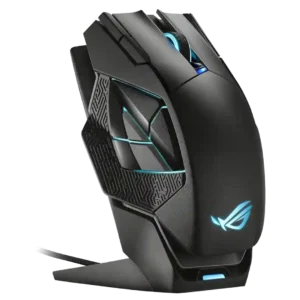
Connection stability was highly praised, with reviewers reporting flawless connectivity, no dropouts, and fast setup.
Pros: charging convenience, RGB features
Cons: side button quality, weight
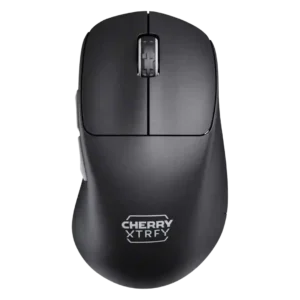
Connection stability was strong in the scored reviews, with no hiccups, no stuttering, and no reliability problems called out.
Pros: build quality, weight
Cons: value for money, charging convenience

Connection stability was strongly positive, with reviewers reporting stable use and no hiccups or slowdowns.
Pros: value for money, shape comfort
Cons: scroll wheel quality, left and right click quality

Connection stability was praised in the reviews that tested it, with no random disconnects and seamless switching reported.
Pros: weight, battery life
Cons: polling rate, RGB features

Connection stability was broadly positive across wired, Bluetooth, and 2.4GHz modes, with reviewers reporting easy, reliable, or trouble-free use.
Pros: shape comfort, value for money
Cons: handedness options

Connection stability was consistently positive, with reviewers reporting no lag, no stutters, no connectivity issues, and strong connectivity options.
Pros: weight, battery life
Cons: value for money

Connection stability was strong across reviews, with no dropouts or lag issues reported in normal wireless use.
Pros: weight, shape comfort
Cons: battery life, side button quality
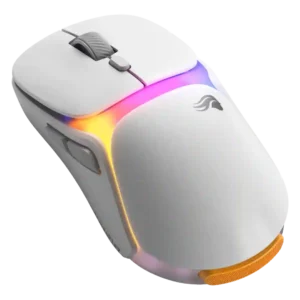
Connection stability was a standout during battery swaps, although one firmware-related receiver issue tempered the overall picture.
Pros: charging convenience, shape comfort
Cons: value for money, weight
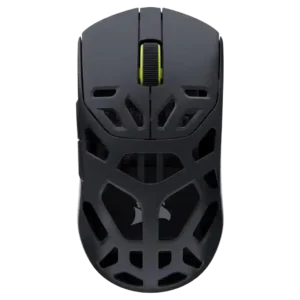
Connection stability was positive overall, including no dropouts, no signal problems, and useful connection options.
Pros: shape comfort, sensor performance
Cons: value for money, side button quality

Connection stability was positive overall, led by praise that the wireless connection never failed; one reviewer only lightly qualified a tracking concern as possibly subjective.
Pros: value for money, button customization
Cons: fingertip grip comfort, portability

Connection stability has limited direct evidence but is praised where mentioned, tied to the reviewer’s approval of 2.4GHz reliability.
Pros: left and right click quality, build quality
Cons: macro support, palm grip comfort
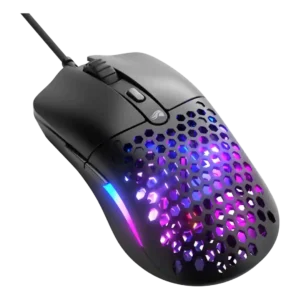
The wired USB connection drew positive stability evidence from PC Gamer, which reported no issues and immediate operation.
Pros: value for money, weight
Cons: cable flexibility
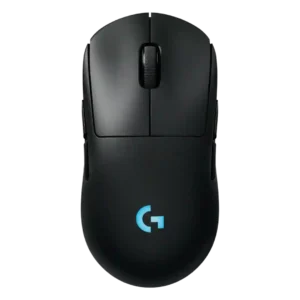
Connection stability feedback is positive, with one reviewer saying the wireless connection usually works without hiccups.
Pros: battery life, handedness options
Cons: value for money, polling rate
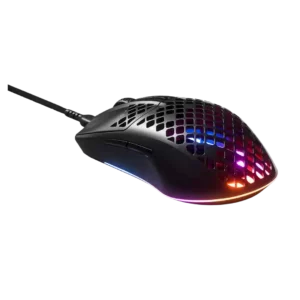
Connection stability was positive where the detachable cable did not disconnect during quick movements.
Pros: glide smoothness, RGB features
Cons: build quality, cable flexibility

Connection stability is generally positive in play, with no issues reported in one review and low-latency wireless modes praised in another.
Pros: tilt gesture controls, MMO gaming suitability
Cons: battery life, software usability

Connection stability was mostly strong, especially during battery swaps, though one review reported occasional switching failure.
Pros: charging convenience, software usability
Cons: RGB features, value for money