Best for RGB customization
Razer Huntsman V3 TKL
5.0 attribute score
Highest scored product for this attribute based on supporting review evidence.

Highest scored product for this attribute based on supporting review evidence.
Balances the attribute score, supporting reviews, and overall product strength.
Has the broadest review evidence for this attribute.
Strongest overall product among items with scored evidence for this attribute.
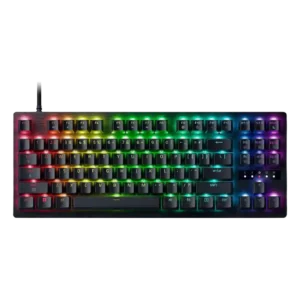
RGB customization is rich, with presets and per-key lighting giving users plenty of room to build a flashy or personalized look.
Pros: value for money, typing feel

RGB customization was praised for seemingly endless options through Chroma and Synapse.
Pros: customization options, typing feel
Cons: value for money, wrist rest quality
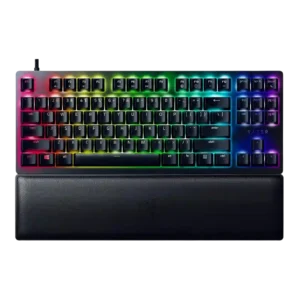
RGB customization was praised as extensive, with Synapse and Chroma offering abundant lighting effects and profile-level control.
Pros: wrist rest quality, polling rate
Cons: value for money, media controls
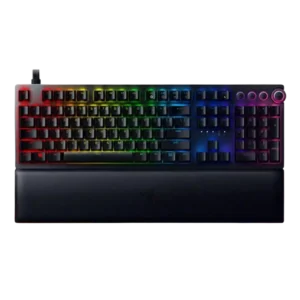
RGB customization received strong praise through Synapse and Chroma, especially for color control, profiles, and Razer’s broader lighting ecosystem.
Pros: analog input support, wrist rest quality
Cons: value for money, cable quality
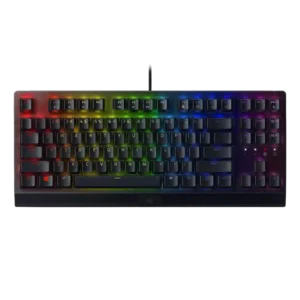
RGB customization was consistently praised through Razer Chroma and Synapse controls, with reviewers noting flexible profiles, custom effects, and game-integrated lighting.
Pros: RGB lighting quality, value for money
Cons: wrist rest quality, noise level
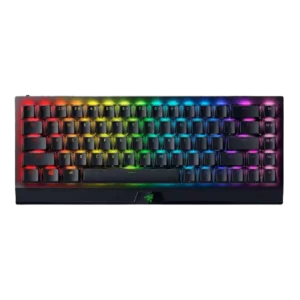
RGB customization was a clear strength, with reviewers noting broad Chroma color options, effects, sync, and onboard or software-based control.
Pros: size and form factor, switch feel
Cons: value for money, battery life

RGB customization was a consistent Razer strength, with reviewers praising complex-to-simple controls, Chroma syncing, and game-reactive lighting.
Pros: value for money, wrist rest quality
Cons: software quality, ergonomics

RGB customization was considered useful through Synapse and onboard controls, though it remained constrained by single-zone behavior.
Pros: portability, build quality
Cons: value for money, ergonomics