Best for profile management
Keychron Q1 Ultra 8K
5.0 attribute score
Highest scored product for this attribute based on supporting review evidence.

Highest scored product for this attribute based on supporting review evidence.
Balances the attribute score, supporting reviews, and overall product strength.
Has the broadest review evidence for this attribute.
Strongest overall product among items with scored evidence for this attribute.

Multiple programmable layers let users create alternate layouts and workflow-specific control schemes.
Pros: build quality, overall satisfaction
Cons: portability, ergonomics
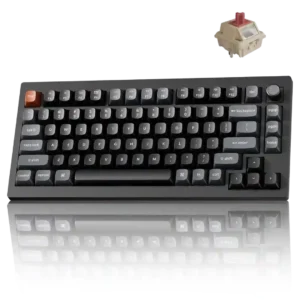
Multiple personalized profiles can be saved to internal memory for different devices or uses.
Pros: gaming performance, overall satisfaction
Cons: polling rate, frame rigidity

Profiles are easy to create, switch, download, and tailor for different games or work. Per-app settings and onboard storage make it practical to carry tuned configurations between systems.
Pros: overall satisfaction, customization options
Cons: value for money, switch options

Profile management was a strength, with repeated praise for onboard profiles, game/typing setups, and saved settings without running software.
Pros: value for money, keycap quality
Cons: polling rate, acoustics
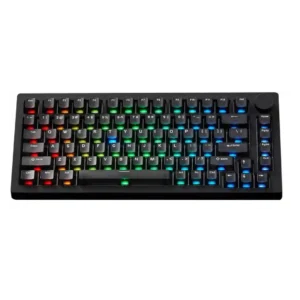
Profile management gets limited but positive evidence, especially quick profile switching that one reviewer explicitly loved.
Pros: build quality, customization options
Cons: reliability

Profile management was praised for saved gaming and general-use profiles, onboard custom profiles, and quick switching between work and game actuation.
Pros: customization options, typing feel
Cons: value for money, wrist rest quality

Profile management was positive, with reviewers valuing locally stored profiles and separate typing/gaming setups.
Pros: value for money, design aesthetics
Cons: cable quality, ergonomics

One reviewer found profile switching easy.
Pros: design aesthetics, build quality

Profile management is positive, with reviewers noting five or six profiles and customization that can carry between devices.
Pros: portability, value for money
Cons: software quality, key spacing

Profile management was generally useful for app and game-specific setups, but some dependence on G Hub remained a limitation.
Pros: value for money, battery life
Cons: hot-swappable switches, noise level

Profiles and pages are a major strength once configured, including app-specific setups and hardware-mode fallbacks. Setup takes some time, but reviewers like the flexibility.
Pros: macro customization, switch feel
Cons: software quality, value for money

Profile management was praised for storing multiple gaming/work or Windows/macOS profiles.
Pros: customization options, design aesthetics
Cons: switch options, key spacing
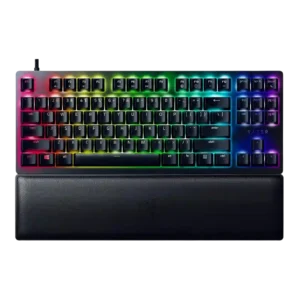
Profile management was consistently praised, especially for game-specific profiles and onboard/hybrid memory.
Pros: wrist rest quality, polling rate
Cons: value for money, media controls
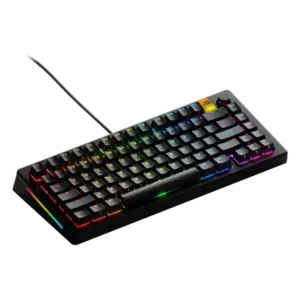
Profile management was praised for handy physical switching and game-specific profile support.
Pros: customization options, software quality
Cons: value for money, materials quality

Profile management had limited positive evidence, with one reviewer saying profile switching was quick and easy.
Pros: typing feel, design aesthetics
Cons: value for money, materials quality

Profile management was praised for cloud saving and usefulness across multiple systems.
Pros: switch feel, customization options
Cons: value for money, wireless performance

Profile management earned positive evidence from the keyboard retaining saved onboard profiles when disconnected.
Pros: typing feel, build quality
Cons: value for money, wireless performance

VIA layouts can be saved to onboard memory, allowing customized keymaps to persist without background software.
Pros: overall satisfaction, build quality
Cons: portability, reliability
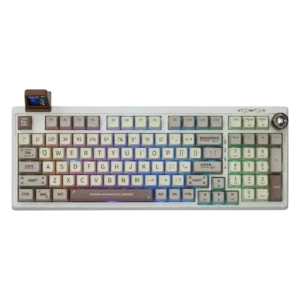
Profile management was directly praised in one review as intuitive inside the Epomaker driver workflow.
Pros: value for money, typing feel
Cons: software quality, reliability
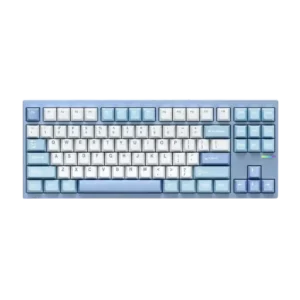
Profile management was supported by the ability to store customizations on the keyboard so settings persist across devices.
Pros: customization options, build quality
Cons: connectivity

Up to five profiles and hardware storage support switching between gaming, work, and other systems. Browser-based management is convenient when local software cannot be installed.
Pros: overall satisfaction, macro customization
Cons: value for money, software quality
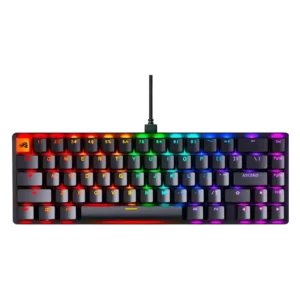
Profile management was praised where tested, especially saving multiple profiles for different uses through software or onboard memory.
Pros: switch feel, value for money
Cons: key spacing, actuation consistency

Profile handling was praised for onboard profile storage and the ability to configure many setups.
Pros: sound dampening, value for money
Cons: ergonomics, polling rate

Profile management was often praised for quick switching and onboard presets, but one review found expected profile controls missing at the time of writing.
Pros: gaming performance, switch feel
Cons: value for money, extra gaming features

Profile management was viewed positively, with reviewers liking per-game or per-app profiles, shared presets, and onboard profile storage.
Pros: switch feel, battery life
Cons: volume control, media controls

Profile management was useful through QuickSet, presets, and OLED controls, but five always-loaded profiles and clunky menus created friction.
Pros: value for money, rapid trigger support
Cons: media controls, stabilizer quality

Profile management is positive where discussed, especially because profiles can be tweaked for games and used after software setup.
Pros: switch feel, typing feel
Cons: software quality, key spacing
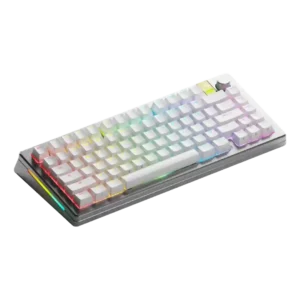
Profile management was praised in one review as easy to use for setting profiles by use case.
Pros: customization options, gaming performance
Cons: value for money, software quality

Profile management was praised through the ability to store two layouts onboard for multi-platform use.
Pros: typing feel, design aesthetics
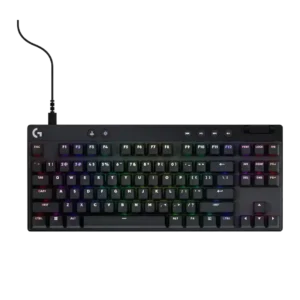
Profile management is useful through saved onboard profiles, game profiles, and quick profile switching, though onboard limits appear on some models.
Pros: build quality, software quality
Cons: value for money, hot-swappable switches
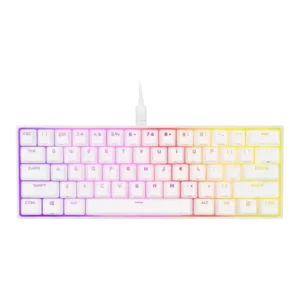
Profile management was powerful but not always simple, with praise for travel-ready profiles and criticism of complicated hardware-profile handling.
Pros: switch feel, size and form factor
Cons: polling rate, value for money

Profile management was helpful through onboard profiles, although one reviewer still found broader customization flexibility limited.
Pros: portability, build quality
Cons: value for money, ergonomics

Profile management was useful for switching setups and game-linked profiles, though some functions still depended on Synapse or required manual management.
Pros: value for money, wrist rest quality
Cons: software quality, ergonomics

Profile management is capable but can be overwhelming; reviewers praise large onboard profile capacity while noting the profile system can become complex.
Pros: extra gaming features, wrist rest quality
Cons: value for money, software quality
Profile switching is useful, but one reviewer found the onboard profile workflow counterintuitive.
Pros: battery life, wireless performance
Cons: value for money, wrist rest quality

One reviewer praised profile management because settings could travel between systems without being reset.
Pros: battery life, switch feel
Cons: value for money, ease of switch replacement
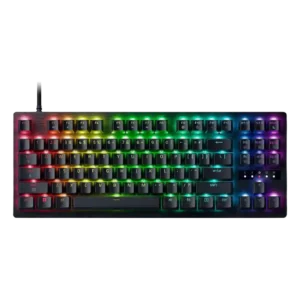
Profiles are useful in Synapse, including game-oriented presets that can be selected with Fn shortcuts.
Pros: value for money, typing feel
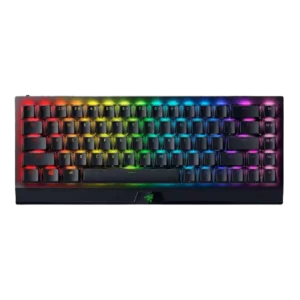
Profile management was helpful thanks to onboard/local profiles, though one review found toggling profiles unintuitive and onboard behavior limited.
Pros: size and form factor, switch feel
Cons: value for money, battery life
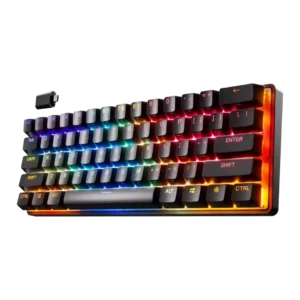
Profile management was useful but not seamless, with praise for onboard/game/device profiles and a caveat that Bluetooth profile swapping takes time to learn.
Pros: gaming performance, key responsiveness
Cons: value for money, extra gaming features

Profile management is mixed: onboard/profile switching is praised, but Tom's Hardware and How-To Geek found profile or lighting control limitations.
Pros: typing feel, gaming performance
Cons: software quality, value for money

Profile management was useful overall, especially onboard profiles, though one reviewer wanted savable custom presets beyond included ones.
Pros: software quality, build quality
Cons: value for money, connectivity

Profile management is mostly positive where IO Center profiles are discussed, but one reviewer reports confusion between hardware and software profiles.
Pros: noise level, RGB lighting quality
Cons: rapid trigger support, extra gaming features

Profile management was useful but imperfect, with onboard/browser profile handling praised and profile switching or web limitations criticized.
Pros: sound dampening, switch feel
Cons: reliability, rapid trigger support

Profile management was useful for switching setups, but opinions were mixed because onboard limits and preset behavior constrain software-free use.
Pros: software quality, switch feel
Cons: legend visibility, extra gaming features
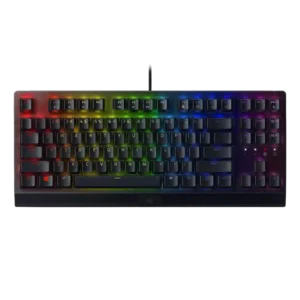
Profile management was mixed: onboard/profile customization was convenient in positive reviews, but one long-term reviewer reported profiles going missing.
Pros: RGB lighting quality, value for money
Cons: wrist rest quality, noise level
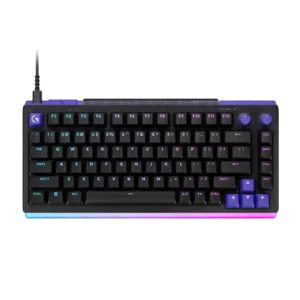
Game-specific profiles are the practical way to separate hair-trigger gaming settings from normal typing. G Hub makes profiles approachable, though software dependence and reset limitations reduce independence.
Pros: overall satisfaction, design aesthetics
Cons: value for money, wrist rest quality
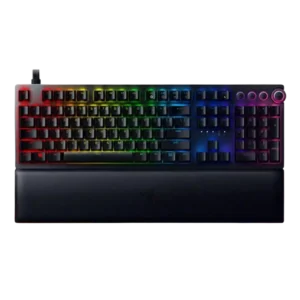
Profile management was useful but imperfect, with onboard/profile support praised while RGB memory limits and lack of grouping drew complaints.
Pros: analog input support, wrist rest quality
Cons: value for money, cable quality
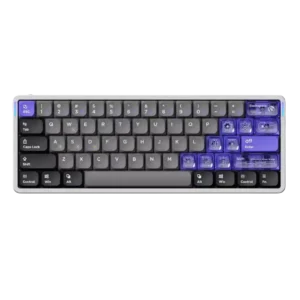
Profile management was mixed: the physical switch was appreciated, but the three-profile limit was a possible deal-breaker.
Pros: software quality, switch feel
Cons: connectivity, layout options

Profile management was mixed: reviewers liked profile features, but several criticized cumbersome onboard saving or unreliable automatic switching.
Pros: build quality, gaming performance
Cons: typing feel, typing comfort

Profile management was split between easy profile swapping in one review and serious profile-reset problems tied to Armoury Crate in another.
Pros: switch feel, typing feel
Cons: software quality, volume control