Best for onboard memory
MSI Versa 300 Wireless 8K
5.0 attribute score
Highest scored product for this attribute based on supporting review evidence.

Highest scored product for this attribute based on supporting review evidence.
Balances the attribute score, supporting reviews, and overall product strength.
Has the broadest review evidence for this attribute.
Strongest overall product among items with scored evidence for this attribute.

Onboard memory was praised because configured settings could carry to another PC without needing the software again.
Pros: button responsiveness, shape comfort

Onboard memory was praised by one reviewer for saving sensitivity profiles to the mouse and using them on a computer without G Hub.
Pros: value for money, weight
Cons: premium feel, polling rate

Settings save directly to the mouse, allowing the same configuration to carry over without repeated setup.
Pros: software usability, sensor performance
Cons: RGB features, scroll wheel quality

Onboard memory was praised as a major convenience because profiles can live on the mouse without constant Synapse use.
Pros: button customization, scroll wheel quality
Cons: weight, value for money

Onboard memory was praised because saved profiles allow users to keep settings without running iCUE constantly.
Pros: button customization, MMO gaming suitability
Cons: FPS gaming suitability

Onboard memory was considered useful for tournaments, LAN parties, and moving settings between computers.
Pros: shape comfort, programmable buttons
Cons: value for money, side button quality

Onboard control and memory features were praised when reviewers could change settings or avoid software.
Pros: value for money, sensor performance
Cons: software usability, grip texture

Onboard memory was valued for saving profiles and reducing dependence on G Hub, with reviewers noting multiple memory slots or dongle/profile convenience.
Pros: weight, shape comfort
Cons: side button quality, value for money

Onboard memory was valued because settings appeared to persist on the device and could carry across systems.
Pros: battery life, weight
Cons: click noise, left and right click quality
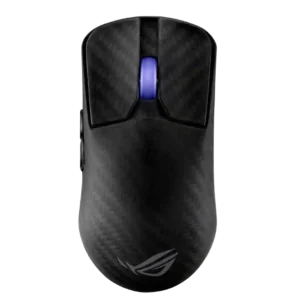
Onboard memory was appreciated because settings could be saved and the software avoided after setup.
Pros: sensor performance, build quality
Cons: value for money, battery life

Onboard memory is treated positively because reviewers connect it with saved presets, calibration, profile storage, and portability across devices.
Pros: Accuracy and tracking precision, shape comfort
Cons: long-session comfort

Onboard memory was viewed positively because stored profiles supported extra use cases and game/task-specific setups.
Pros: weight, battery life
Cons: polling rate, RGB features

Onboard memory received limited but positive evidence as a useful feature for gamers using multiple systems.
Pros: battery life, software usability
Cons: click noise, fingertip grip comfort

Onboard memory earns praise because configured profiles and lighting can run without keeping iCUE open.
Pros: tilt gesture controls, MMO gaming suitability
Cons: battery life, software usability
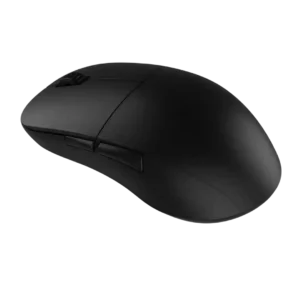
Onboard memory was praised because saved profiles let the mouse run well without keeping software installed.
Pros: value for money, glide smoothness
Cons: fingertip grip comfort, surface compatibility

Onboard memory was praised for helping the mouse move between devices.
Pros: weight, shape comfort
Cons: battery life, side button quality
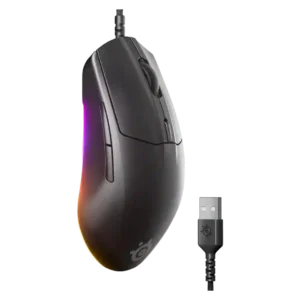
Onboard memory was useful for preserving settings across computers without relying on local software.
Pros: cable flexibility, value for money
Cons: premium feel

Onboard profile handling was described as straightforward in the software, supporting a positive score for onboard memory/profile use.
Pros: value for money, button customization
Cons: fingertip grip comfort, portability

Onboard memory was praised in one review for saving settings directly to the mouse for use on other computers.
Pros: battery life, software usability
Cons: weight, FPS gaming suitability

Onboard profile storage was useful for mobile use, letting users carry configurations without constantly relying on background software.
Pros: ergonomic design, scroll wheel quality
Cons: AI Prompt Master, click noise

Onboard memory was useful for profile storage and for reducing dependence on Synapse after setup.
Pros: scroll wheel quality, battery life
Cons: value for money, weight

Onboard memory was praised for storing profiles and reducing dependence on software once settings were configured.
Pros: value for money, battery life
Cons: weight, balance and weight distribution
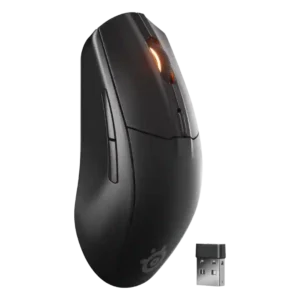
Reviewers liked that settings or DPI profiles could be saved to the mouse and carried between devices.
Pros: battery life, value for money
Cons: weight, RGB features

Onboard memory/profile storage was praised where mentioned because browser-based changes can be saved directly to the mouse.
Pros: value for money, weight
Cons: click noise, RGB features

Onboard memory had limited positive evidence, with one reviewer praising memory profiles for use on the go.
Pros: shape comfort, value for money
Cons: handedness options
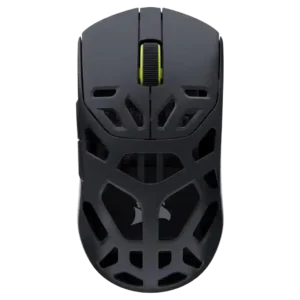
Onboard memory/profile retention was praised because profiles remain available without running software.
Pros: shape comfort, sensor performance
Cons: value for money, side button quality
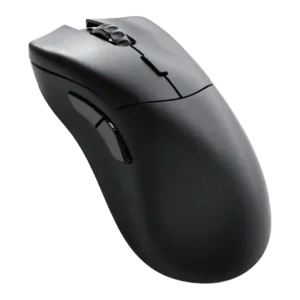
Onboard memory was praised because settings and multiple profiles could be stored without relying on software every time.
Pros: value for money, glide smoothness
Cons: battery life, polling rate
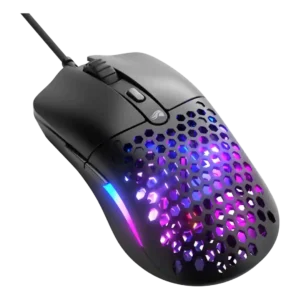
Onboard memory was viewed positively for storing profiles and for clear save-to-mouse behavior.
Pros: value for money, weight
Cons: cable flexibility

Onboard memory was useful for profile storage and for reducing dependence on software after setup.
Pros: weight, grip texture
Cons: software usability, profile switching

Onboard memory was useful for carrying profiles and settings between computers or tournament setups.
Pros: value for money, battery life
Cons: cable flexibility, RGB features
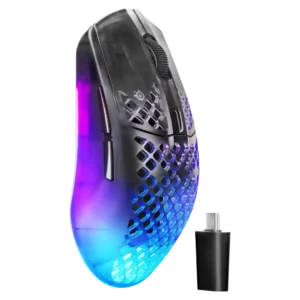
Onboard memory was seen as practical because saved profiles can make settings easier to carry across systems without software.
Pros: software usability, polling rate
Cons: palm grip comfort, fingertip grip comfort
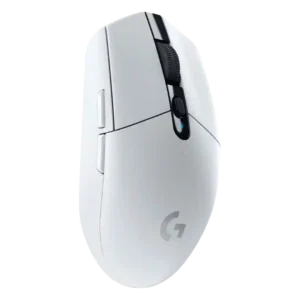
Onboard memory was useful for travel and multi-PC use because settings can be stored on the mouse rather than only in software.
Pros: value for money, weight
Cons: charging convenience, palm grip comfort

Onboard memory was praised for preserving tweaks/profiles without needing to redo settings every time.
Pros: shape comfort, battery life
Cons: value for money, DPI range

Onboard memory was supported by saved programmable profiles that could be quickly loaded by game or preference.
Pros: charging convenience, software usability
Cons: RGB features, value for money

Onboard memory received positive but limited evidence for storing profiles and making the mouse useful across systems.
Pros: RGB features, battery life
Cons: value for money, scroll wheel quality

Onboard memory was appreciated because settings could be saved and iCUE avoided after setup, though only one profile was noted.
Pros: battery life, glide smoothness
Cons: side button quality, value for money

Onboard memory has limited positive evidence because a reviewer liked that switch-related settings could be saved directly on the mouse.
Pros: left and right click quality, build quality
Cons: macro support, palm grip comfort

Onboard memory was supported by the ability to save multiple profiles, though evidence was more about usefulness than enthusiasm.
Pros: switch feel, polling rate
Cons: value for money, side button quality
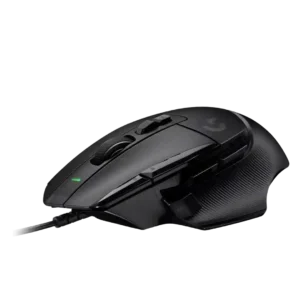
Onboard memory was only discussed by one reviewer, who valued saving profiles for use without software.
Pros: button customization, switch feel
Cons: RGB features, weight tuning

Onboard memory was useful for carrying profiles or avoiding software after setup, but one review criticized Logitech's implementation.
Pros: RGB features, weight
Cons: value for money, scroll wheel quality

Onboard memory is useful but limited, with reviewers liking saved hardware settings while noting only one profile in one review.
Pros: weight, battery life
Cons: value for money, profile switching
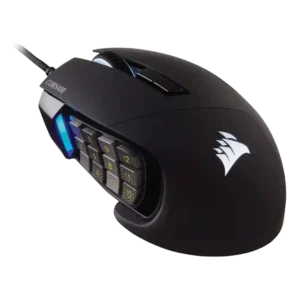
Onboard memory was useful but mixed: reviewers liked storing settings, while one found three profiles low for such a configurable mouse.
Pros: value for money, side button quality
Cons: FPS gaming suitability, weight

Onboard memory was useful for saving profiles, but one reviewer criticized Bluetooth mode for not preserving some settings.
Pros: battery life, weight
Cons: side button quality, value for money

Onboard memory is mixed: some reviews praise saved profiles, while another says key settings did not save to the mouse.
Pros: switch feel, click latency
Cons: value for money, glide smoothness

Onboard memory was useful for carrying settings, but multiple reviewers criticized the single-profile limit.
Pros: value for money, shape comfort
Cons: scroll wheel quality, left and right click quality

Onboard memory was mixed because profiles exist, but one reviewer criticized internal memory limitations for button assignments.
Pros: value for money, weight
Cons: fingertip grip comfort, profile switching

Onboard memory was valued for carrying settings between PCs, but the single-profile limitation drew criticism.
Pros: build quality, software usability
Cons: value for money, polling rate

Onboard memory was mixed: saving settings was useful, but the single onboard profile limited travel or multi-game convenience.
Pros: value for money, weight
Cons: Bluetooth support, cable flexibility
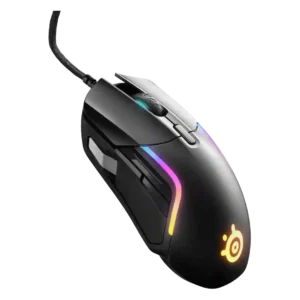
Onboard memory was a recurring weakness because RGB or broader profiles often required software, though one reviewer found saved DPI and polling adequate for events.
Pros: value for money, software usability
Cons: side button quality, onboard memory
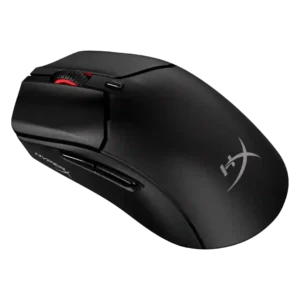
Onboard memory was a weakness, with reviewers disappointed by the lack of multiple onboard profiles even when app-based presets partly softened the issue.
Pros: weight, value for money
Cons: side button quality, RGB features