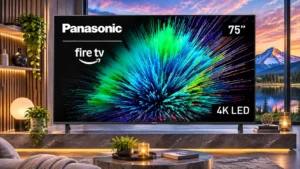
Overall: 3.3/5
Fire TV and Alexa can make finding something to watch easy, especially for viewers familiar with Amazon's interface.
Pros: picture quality, motion handling
Cons: HDR performance, HDR brightness

Overall: 3.3/5
Fire TV and Alexa can make finding something to watch easy, especially for viewers familiar with Amazon's interface.
Pros: picture quality, motion handling
Cons: HDR performance, HDR brightness
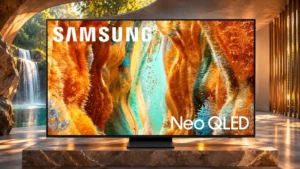
Overall: 3.8/5
Tizen's shortcuts and familiar layout are generally intuitive, notwithstanding occasional slow startup behavior.
Pros: picture quality, 4K at 144 Hz support
Cons: sound quality, value for money
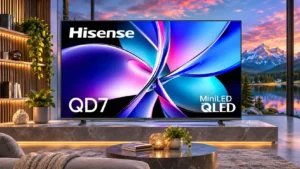
Overall: 3.9/5
The basic interface layout is straightforward to navigate, although slow loading can undermine otherwise simple menus.
Pros: picture quality, contrast ratio
Cons: HDR performance, motion handling
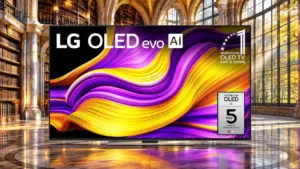
Overall: 4.2/5
Ease of use draws favorable reactions, with clear strengths noted in the G5’s real-world performance.
Pros: overall satisfaction, picture quality
Cons: banding control, remote control quality
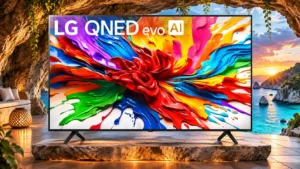
Overall: 3.9/5
webOS menus are generally approachable and customizable, even if the growing collection of AI tools adds complexity.
Pros: gaming performance, overall satisfaction
Cons: sound quality, value for money
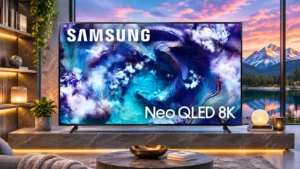
Overall: 4.2/5
The interface and setup are generally easy to use once configured, although deeper picture settings can take practice.
Pros: high-refresh-rate gaming, gaming performance
Cons: value for money, bass performance
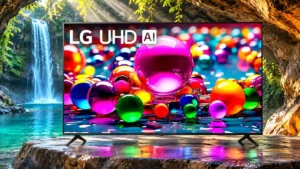
Overall: 3.0/5
webOS is generally straightforward to navigate, with abundant apps and accessible everyday functions.
Pros: viewing angles, smart TV platform
Cons: overall satisfaction, refresh rate
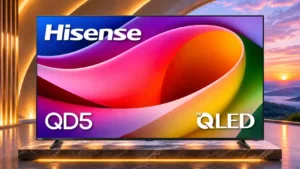
Overall: 3.9/5
Most owners find Google TV straightforward to navigate and setup simple, although one Wi-Fi connection failure made everyday use frustrating.
Pros: overall satisfaction, picture quality
Cons: Weight and handling, black levels
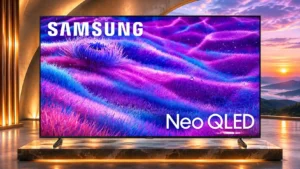
Overall: 3.8/5
The platform and quick menus are generally approachable, though advanced settings can take extra searching.
Pros: overall satisfaction, picture quality
Cons: value for money, local dimming performance
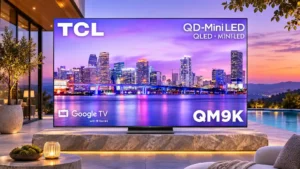
Overall: 3.9/5
Google TV's straightforward content organization helps day-to-day use, even if initial account setup can take longer than desired.
Pros: peak brightness, overall satisfaction
Cons: value for money, shadow detail
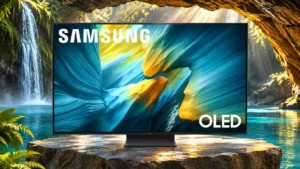
Overall: 4.0/5
The interface is usable for routine tasks but some menu paths, AI options and startup choices demand extra patience.
Pros: reflection handling, overall satisfaction
Cons: Dolby Vision support, bass performance
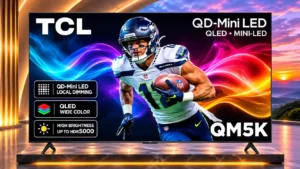
Overall: 3.6/5
Backlit controls, sensible remote buttons, and an approachable smart-TV interface make daily operation straightforward.
Pros: black levels, picture quality
Cons: HDR performance, blooming control
Overall: 3.9/5
The Google TV interface and settings menus are approachable, despite some account setup and deep options.
Pros: peak brightness, value for money
Cons: reflection handling, glare resistance
Overall: 3.9/5
Newer settings menus are easier to navigate, though initial setup and layered options may take some learning.
Pros: value for money, overall satisfaction
Cons: Dolby Vision support, sound quality
Overall: 3.0/5
Basic controls are approachable thanks to the uncomplicated remote and integrated streaming interface.
Pros: color accuracy, Picture detail
Cons: HDR performance, motion clarity
Overall: 3.3/5
The basic menus are approachable and common adjustments are accessible, despite some delays during navigation.
Pros: color accuracy, upscaling quality
Cons: picture quality, sound quality
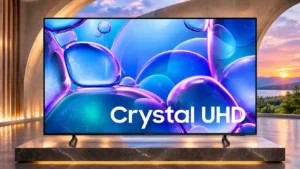
Overall: 3.0/5
Despite occasional sluggishness, finding shows and moving through Tizen content remains straightforward.
Pros: picture quality, smart TV platform
Cons: value for money, refresh rate
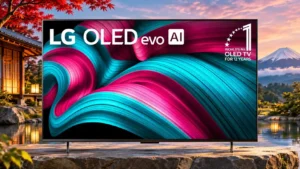
Overall: 4.0/5
Most find webOS straightforward after setup, while a few dislike the menu depth, slower navigation or learning curve.
Pros: value for money, overall satisfaction
Cons: Remote control usability, sound quality
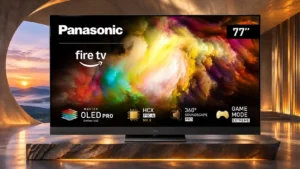
Overall: 4.0/5
Fire TV runs smoothly, though its busy organization divides opinions about how enjoyable it is to navigate.
Pros: overall satisfaction, picture quality
Cons: size options, value for money
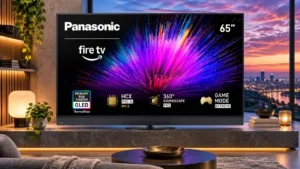
Overall: 4.3/5
Basic Fire TV navigation can be straightforward, although added settings layers and app-management steps hurt convenience.
Pros: picture quality, color accuracy
Cons: bass performance, HDMI 2.1 port count
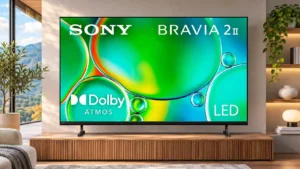
Overall: 3.6/5
The simple remote and familiar apps please many households, but account setup, menu navigation and occasional faults can overwhelm less technical users.
Pros: picture quality, overall satisfaction
Cons: sound quality, reliability
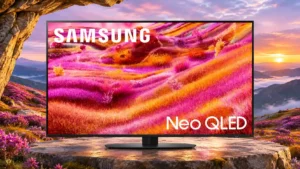
Overall: 4.2/5
Core everyday viewing is manageable, but the deep settings hierarchy and sparse remote can make less common tasks laborious.
Pros: picture quality, glare resistance
Cons: value for money, bass performance
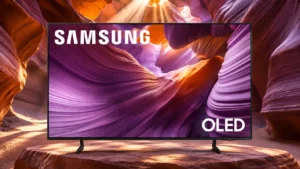
Overall: 3.9/5
Basic streaming and settings shortcuts are straightforward, although more advanced picture adjustments can be buried in submenus.
Pros: color volume, black levels
Cons: Inconsistent panel and coating by size, sound quality
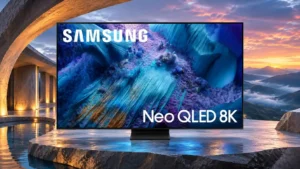
Overall: 3.8/5
Tizen can respond quickly, but some find its layers of suggestions and settings unnecessarily complicated. Comfort with smart-TV menus makes a difference.
Pros: glare resistance, overall satisfaction
Cons: input lag, value for money
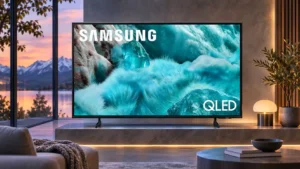
Overall: 3.0/5
Basic viewing tasks are manageable, but slow on-screen keyboards and menus can make account entry and navigation tiresome.
Pros: color gamut, smart TV platform
Cons: value for money, overall satisfaction
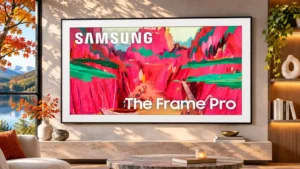
Overall: 3.8/5
Brightness options and layered menus can turn supposedly simple changes into a frustrating search.
Pros: Wireless One Connect compatibility, art display mode
Cons: value for money, input lag