Best for ease of use
Samsung The Frame 2026
5.0 attribute score
Highest scored product for this attribute based on supporting review evidence.

Highest scored product for this attribute based on supporting review evidence.
Balances the attribute score, supporting reviews, and overall product strength.
Has the broadest review evidence for this attribute.
Strongest overall product among items with scored evidence for this attribute.

Controls and app navigation feel approachable to the enthusiastic owner, with a mobile-like simplicity.
Pros: art display mode, design and appearance
Cons: overall satisfaction, HDMI port accessibility
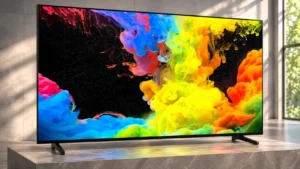
Clear menus and straightforward Fire TV navigation keep everyday operation approachable, even with many adjustable picture settings.
Pros: picture quality, black levels
Cons: bass performance, HDR brightness
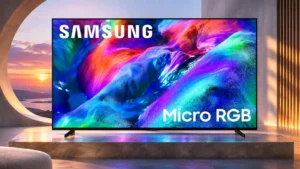
The redesigned Tizen home screen and straightforward navigation make everyday operation less cumbersome.
Pros: overall satisfaction, color gamut
Cons: value for money, local dimming performance
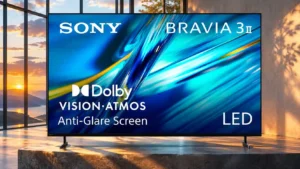
Simple Google TV navigation and accessible quick settings keep daily operation straightforward. Advanced HDMI input formats may still require manual configuration.
Pros: HDMI 2.1 port count, overall satisfaction
Cons: HDR performance, bass performance
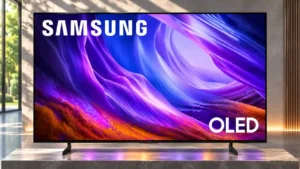
Settings and apps are easier to navigate.
Pros: black levels, picture quality
Cons: glare resistance, reflection handling
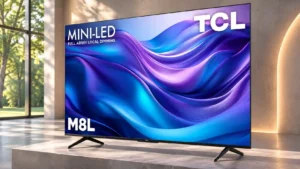
It is easy to settle into movies or streaming without constant picture adjustments or menu hunting.
Pros: value for money, overall satisfaction
Cons: HDR brightness
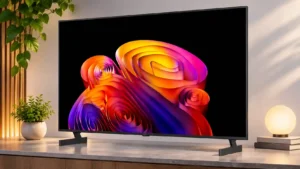
webOS menus are generally intuitive and well organized, even if the software can occasionally feel heavier than expected.
Pros: contrast ratio, black levels
Cons: reflection handling, color accuracy
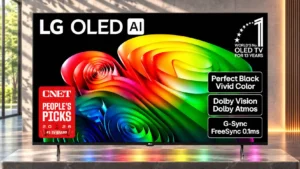
Most testers find webOS menus intuitive, although AI features and the pointer can feel cumbersome until familiar.
Pros: value for money, peak brightness
Cons: color accuracy, stand quality
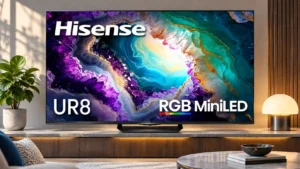
Menus are generally approachable and quick to navigate, but repeated eco reminders can interrupt frequent picture adjustments.
Pros: gaming performance, color volume
Cons: blooming control, dark-room performance
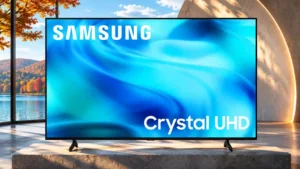
Familiar Tizen menus make streaming approachable, but an increasingly crowded interface and simplified remote add friction.
Pros: white balance accuracy, design and appearance
Cons: overall satisfaction, value for money
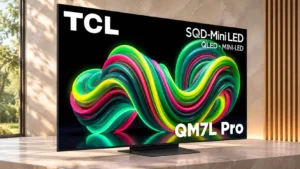
An uncluttered, backlit remote makes basic control straightforward, even in a darkened room.
Pros: picture quality, black levels
Cons: viewing angles, motion clarity
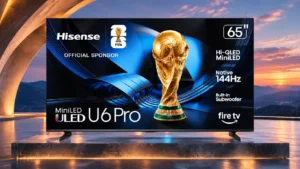
Setup and basic navigation are mostly straightforward, while deep picture settings and a busy home screen add a learning curve.
Pros: overall satisfaction, value for money
Cons: Smart TV platform, advertising intrusiveness
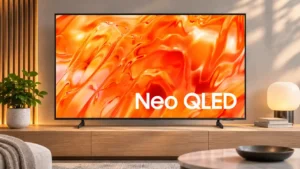
Tizen's basic settings are approachable, although crowded menus and sparse remote buttons make some tasks needlessly involved.
Pros: picture quality, overall satisfaction
Cons: sound quality, black levels
Initial setup identifies a connected streaming box automatically, reducing manual input labeling; some interface choices remain personal preference.
Pros: design and appearance, maximum volume
Cons: picture quality, value for money
Daily navigation has improved, but the number of hubs, extra settings and startup behaviors can feel complicated at first.
Pros: color volume, overall satisfaction
Cons: value for money, color accuracy
The basic smart-TV functions are approachable, while the fuller webOS menus can feel cluttered and overwhelming.
Pros: picture quality, color accuracy
Cons: remote control quality, black levels
Google TV menus can feel fast and straightforward, but another hands-on assessment found freezes that repeatedly interrupted operation. Daily use is therefore less consistently polished than the interface suggests.
Pros: HDMI 2.1 port count, Video input versatility
Cons: value for money, overall satisfaction
Picture settings and unconventional remote shortcuts require patience, although the gaming dashboard makes some frequent adjustments straightforward.
Pros: peak brightness, picture quality
Cons: value for money, viewing angles