Best for PC gaming compatibility
InnoCN GA27S1Q
5.0 attribute score
Highest scored product for this attribute based on supporting review evidence.

Highest scored product for this attribute based on supporting review evidence.
Balances the attribute score, supporting reviews, and overall product strength.
Has the broadest review evidence for this attribute.
Strongest overall product among items with scored evidence for this attribute.

PC gaming is an excellent fit thanks to the fast OLED response, 280Hz refresh, vivid SDR image, and extensive tuning controls.
Pros: color gamut, overall picture quality
Cons: brightness, HDR performance
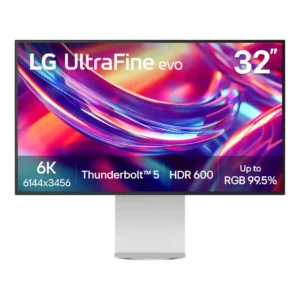
Cross-platform compatibility is excellent, with reviewers reporting easy use across Macs and PCs and full on-screen controls outside macOS. Gaming performance is still constrained by the 60Hz panel.
Pros: port selection, overall satisfaction
Cons: value for money, cable management

High-bandwidth inputs, broad VRR support, 360Hz operation, and a manageable 3440×1440 workload make it an excellent match for high-end gaming PCs.
Pros: overall satisfaction, sharpness
Cons: Resolution, cable management

The monitor is exceptionally well suited to high-end PCs through DisplayPort 2.1a, USB-C, KVM support, and broad VRR compatibility. Reviewers also reported flawless MacBook use over USB-C.
Pros: brightness, reflection handling
Cons: cable management
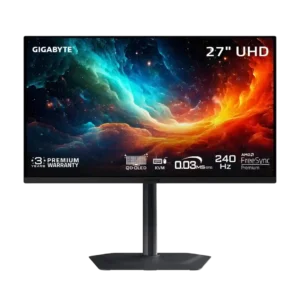
The 4K 240Hz panel, G-Sync support, low latency, and DisplayPort connection make it an excellent PC gaming display.
Pros: motion clarity, PC gaming compatibility
Cons: color accuracy, software support
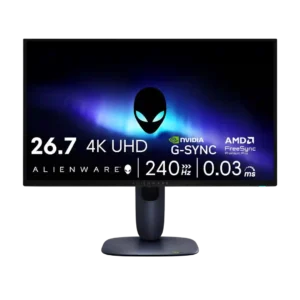
PC gaming compatibility was strong when paired with capable hardware, though reviewers stressed that 4K/240Hz needs a powerful system.
Pros: value for money, sharpness
Cons: brightness, USB hub functionality
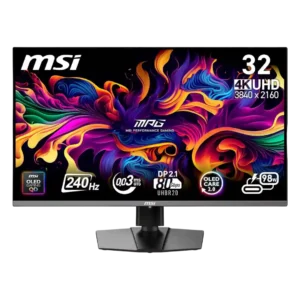
The monitor is outstanding with a powerful gaming PC and works across a range of current GPUs. Reaching high frame rates at 4K requires expensive hardware, and some Mac-specific behavior...
Pros: color accuracy, value for money
Cons: reliability over time, brightness
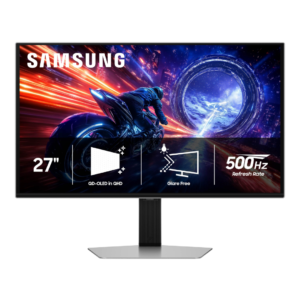
The G6 is excellent with a powerful gaming PC, especially in esports titles that can reach several hundred frames per second. Midrange systems can leave much of the 500Hz capability...
Pros: overall satisfaction, competitive gaming suitability
Cons: value for money, screen size
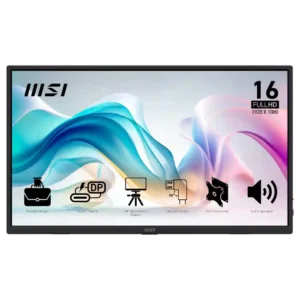
PC gaming works acceptably for casual play, but the display is not built for high-refresh gaming.
Pros: value for money, portability and weight
Cons: built-in speakers, color gamut
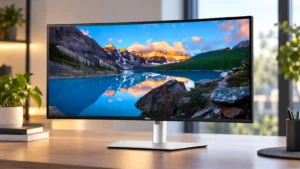
The monitor works well for casual PC gaming and mixed work-and-play setups, especially with 120Hz. It is better viewed as a productivity monitor that can game on the side than...
Pros: overall satisfaction, productivity versatility
Cons: value for money, reliability over time

PC games run smoothly enough for casual use, and the 120Hz upgrade makes the monitor far more versatile than its predecessor. The unusual aspect ratio and slower response still make...
Pros: productivity versatility, aspect ratio
Cons: value for money, competitive gaming suitability
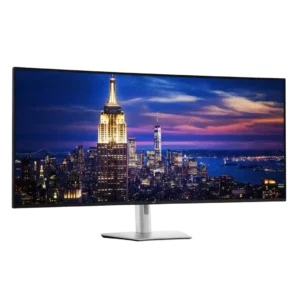
PC gaming can look spectacular at this scale, and 120Hz keeps casual play smooth. The 6K load, slower response, absent gaming extras, and platform-specific quirks make it secondary to productivity...
Pros: productivity versatility, overall satisfaction
Cons: value for money, response time
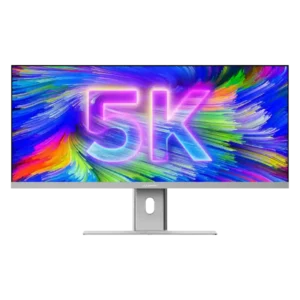
The monitor works well with PCs and can handle casual games, but its strengths remain productivity and creative work rather than gaming-first use.
Pros: productivity versatility, aspect ratio
Cons: built-in speakers, competitive gaming suitability