If you want better local dimming performance
Choose Gigabyte MO27U2 Gaming Monitor. It scores 5.0 vs 1.5 for local dimming performance, with a 4.1 overall score.

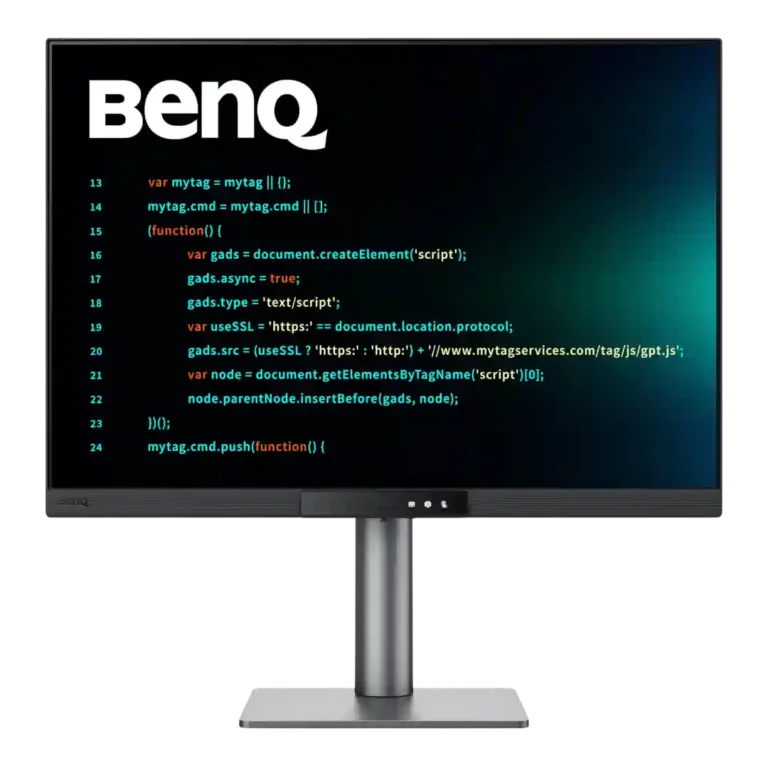
Choose the RD280UG for coding, trading, writing, or creative work that benefits from a tall, sharp 3:2 screen and strong eye-care features. Skip it for serious HDR, color-critical creation, esports, or budget-first buying.
Best for programmers, traders, writers, researchers, and creative professionals who spend long hours with text, timelines, charts, or stacked windows. The tall 3:2 panel reduces scrolling and makes a single-screen workspace feel unusually spacious.
Not ideal for competitive gamers, HDR enthusiasts, color-critical creators, or shoppers seeking the most performance per dollar. Conventional 4K, OLED, and gaming monitors outperform it in those narrower priorities.
The BenQ RD280UG is a rare monitor whose unusual 3:2 shape meaningfully improves daily work. Its 3840 × 2560 panel renders text beautifully, the 120Hz refresh rate makes scrolling and navigation feel fluid, and the ambient sensor, Paper Color modes, MoonHalo lighting, and low-brightness control make long sessions unusually comfortable. USB-C power delivery, KVM switching, broad ports, and an adjustable stand strengthen its appeal as a primary workstation display. The tradeoff is specialization: HDR looks weak, color gamut and accuracy are only respectable, fast motion trails gaming monitors, and the price is difficult to justify unless the taller workspace directly suits your workflow. For programmers, traders, writers, and other text-heavy professionals, that specialization can feel transformative.
Compared with other Monitors, this product is above average in cable management, software support, reflection handling, near average in overall picture quality, contrast, below average in local dimming performance, HDR performance, backlight bleed control.
| Attribute | This product | Category average | Difference |
|---|---|---|---|
| local dimming performance | 1.5 | 4.6 | -3.1 |
| HDR performance | 1.3 | 3.3 | -2.0 |
| backlight bleed control | 3.0 | 4.8 | -1.8 |
| cable management | 4.8 | 3.5 | +1.2 |
| color gamut | 3.4 | 4.4 | -1.0 |
| DisplayPort connectivity | 3.0 | 4.1 | -1.1 |
| response time | 3.2 | 4.1 | -1.0 |
| software support | 4.5 | 3.6 | +0.9 |
Choose Gigabyte MO27U2 Gaming Monitor. It scores 5.0 vs 1.5 for local dimming performance, with a 4.1 overall score.
Choose Dell UltraSharp 52 Thunderbolt Hub Monitor, U5226KW. It scores 5.0 vs 2.0 for sleep and wake behavior, with a 4.3 overall score.
Choose Samsung Odyssey OLED G6 G60SF. It scores 4.5 vs 1.3 for HDR performance, with a 4.3 overall score.
Choose InnoCN GA27S1Q. It scores 5.0 vs 2.6 for competitive gaming suitability, with a 4.3 overall score.
Products reviewers directly compared with this model, grouped into quick takeaways.
Yes. The extra vertical space shows more code, document content, spreadsheet rows, charts, and interface panels while keeping side-by-side windows practical.
It is enjoyable for casual and single-player games at 120Hz, especially titles that handle 3:2 well. Its 5ms response, motion blur, and unusual aspect ratio make it a poor esports choice.
No. Reviewers consistently found the brightness, contrast, and static backlight insufficient for convincing HDR, so SDR generally looks better.
They are a major strength. Automatic brightness, low-blue-light modes, Paper Color, Night Hours Protection, and MoonHalo lighting make long and low-light sessions more comfortable.
For many setups, yes: USB-C carries video, data, and up to 90W charging, while the USB hub and KVM share peripherals between computers. Sleep and wake behavior can be awkward with two systems.
It is fine for light photo, video, web, and design work, but gamut and accuracy are not class-leading. Color-critical professionals should choose a dedicated creative monitor.
These are a few of the reviews included in our analysis.

The BenQ RD280UG is a spectacular monitor for productivity, fitting the standard monitor styling but with additional height and built-in...
The RD280UG is a quirky 28in 4K+ monitor designed for the needs of programmers – but it's a great productivity monitor full stop
The RD280UG dares to be different, and that’s what makes it such a great monitor for work, coding and beyond
The latest Review,,,reviews, breaking news, comment, reviews and features from the experts at PC Gamer
The BenQ RD280UG offers a unique 3:2 aspect ratio, an ambient light sensor that auto-adjusts display brightness, and an ultra-high resolution...

Best for exceptional 4K HDR, accurate color, fast 240Hz gaming, and strong work connectivity. Skip it if you need built-in speakers, ultrawide immersion, television-level HDR brightness, or a budget-friendly upgrade.
Pros: brightness, reflection handling
Cons: cable management

Best for class-leading 360Hz ultrawide motion, spectacular HDR, deep blacks, and unusually strong work-and-play connectivity. Skip it if you want 4K-like text sharpness, a matte screen, or the best value...
Pros: overall satisfaction, sharpness
Cons: Resolution, cable management

Choose the RD280UG for coding, trading, writing, or creative work that benefits from a tall, sharp 3:2 screen and strong eye-care features. Skip it for serious HDR, color-critical creation, esports,...
Pros: productivity versatility, aspect ratio
Cons: value for money, competitive gaming suitability

Best for fast 1440p OLED gaming, deep blacks, and a flexible stand at a bargain sale price. Skip it for bright rooms, USB-C/KVM productivity, or the reassurance of a three-year...
Pros: color gamut, overall picture quality
Cons: brightness, HDR performance