If you want better warranty and support service
Choose Dell UltraSharp 52 Thunderbolt Hub Monitor, U5226KW. It scores 4.9 vs 2.3 for warranty and support service, with a 4.3 overall score.

Choose it for a polished single-monitor workspace with excellent multitasking, KVM, USB hub, and laptop connectivity. Skip it if competitive gaming, strong HDR, maximum pixel density, or the safest value at full price matters more.
Best for productivity-focused laptop and multi-computer users who want one 34-inch ultrawide to replace a separate monitor, dock, and KVM. It especially suits office work, coding, spreadsheets, and heavy multitasking.
Not ideal for competitive gamers, HDR-first buyers, or shoppers who want the sharpness of a 4K-class display. It is also a poor fit if built-in webcam support or consistently strong PBP performance is essential.
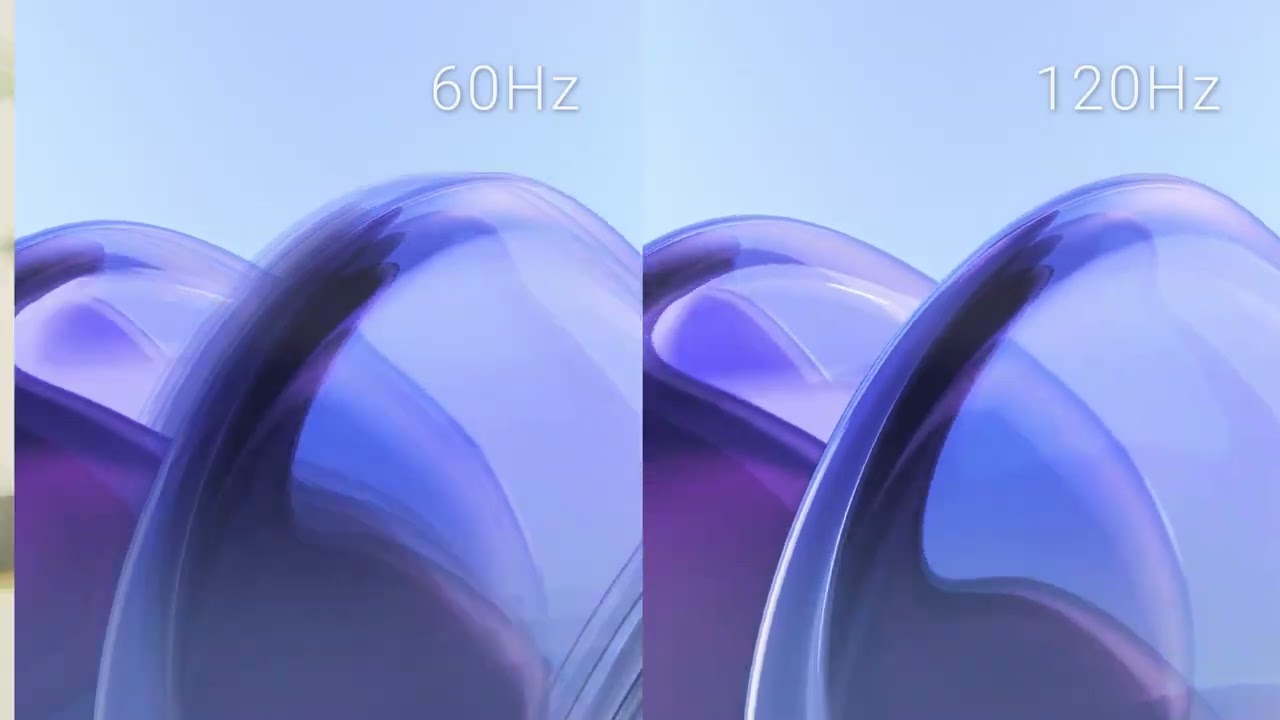
The Dell UltraSharp U3425WE is at its best as a productivity hub rather than a pure display. Its 34-inch 3440×1440 workspace, 120Hz refresh rate, extensive Thunderbolt/USB connectivity, KVM, power delivery, and strong ergonomics make multi-window and multi-computer setups unusually convenient. IPS Black contrast, broad color coverage, and good speakers add polish, while eye-comfort features earn repeated praise. The tradeoff is that display performance alone does not always justify the premium: brightness and HDR trail stronger entertainment-focused options, 5ms-class response and missing FreeSync/G-Sync limit serious gaming, and some users report PBP, stand, dead-pixel, or support problems. At a discounted price, its all-in-one desk value becomes much easier to justify, especially for laptop-based work.
Compared with other Monitors, this product is above average in curved screen immersion, built-in speakers, KVM switch performance, near average in overall satisfaction, design and aesthetics, below average in screen uniformity, adaptive sync performance, picture-in-picture and picture-by-picture.
| Attribute | This product | Category average | Difference |
|---|---|---|---|
| screen uniformity | 1.2 | 4.0 | -2.8 |
| adaptive sync performance | 1.8 | 4.0 | -2.2 |
| curved screen immersion | 4.8 | 3.0 | +1.8 |
| picture-in-picture and picture-by-picture | 2.3 | 4.1 | -1.7 |
| built-in speakers | 4.3 | 2.5 | +1.7 |
| KVM switch performance | 4.9 | 3.4 | +1.5 |
| ghosting control | 2.5 | 4.0 | -1.5 |
| stand adjustability | 3.1 | 4.4 | -1.3 |
Choose Dell UltraSharp 52 Thunderbolt Hub Monitor, U5226KW. It scores 4.9 vs 2.3 for warranty and support service, with a 4.3 overall score.
Choose Samsung Odyssey OLED G6 G60SF. It scores 5.0 vs 1.2 for screen uniformity, with a 4.3 overall score.
Choose MSI MPG 341CQR QD-OLED X36. It scores 4.7 vs 2.4 for competitive gaming suitability, with a 4.4 overall score.
Choose Alogic Edge 40-inch 5K ultrawide. It scores 4.3 vs 2.3 for picture-in-picture and picture-by-picture, with a 4.3 overall score.
Products reviewers directly compared with this model, grouped into quick takeaways.
Yes. Its 34-inch ultrawide workspace, extensive ports, KVM, USB hub, and window-management options make multitasking the most consistently praised use case.
It is good enough for casual and story-driven gaming thanks to 120Hz and ultrawide immersion, but serious gamers may dislike the 5ms-class response, limited adaptive-sync support, and weak HDR showing.
Laptop users benefit from one-cable video, charging, peripherals, and Ethernet through the monitor. Mac users generally like the workflow, although one tester found 3440×1440 scaling less sharp on macOS.
They are better than typical monitor speakers and work well for calls, YouTube, and everyday listening. Dedicated speakers still provide better sound quality.
The KVM is a standout strength and is repeatedly praised for responsive switching between computers. PBP is more mixed, with some users reporting severe pixelation or difficult split-screen setup.
Value is strongest when you will use the Thunderbolt hub, KVM, power delivery, and ultrawide workspace. At full retail price, several reviewers think the display performance alone is too expensive.
Eye comfort is a recurring strength, with praise for the matte antiglare surface, ComfortView Plus, and the gentle curve. Several owners report less strain or squinting than with previous displays.
These are a few of the reviews included in our analysis.


A solid ultrawide office monitor, but one hell of a USB docking station.
The Dell UltraSharp U3425WE is made for those who require multiple windows, multiple peripherals, and a wide display for productivity tasks.
The Dell UltraSharp 34 U3425WE is a beautiful, curved Thunderbolt monitor featuring IPS Black technology, for enhanced contrast and color...
The latest Dell Ultrasharp 34 Curved Monitor features a Thunderbolt Hub and reaches 120Hz. But is it worth buying? Our review.
Dell's latest ultrawide UltraSharp monitor adds 120Hz to the mix, in addition to its IPS Black panel.

Best for exceptional 4K HDR, accurate color, fast 240Hz gaming, and strong work connectivity. Skip it if you need built-in speakers, ultrawide immersion, television-level HDR brightness, or a budget-friendly upgrade.
Pros: brightness, reflection handling
Cons: cable management

Best for class-leading 360Hz ultrawide motion, spectacular HDR, deep blacks, and unusually strong work-and-play connectivity. Skip it if you want 4K-like text sharpness, a matte screen, or the best value...
Pros: overall satisfaction, sharpness
Cons: Resolution, cable management

Choose the RD280UG for coding, trading, writing, or creative work that benefits from a tall, sharp 3:2 screen and strong eye-care features. Skip it for serious HDR, color-critical creation, esports,...
Pros: productivity versatility, aspect ratio
Cons: value for money, competitive gaming suitability

Best for fast 1440p OLED gaming, deep blacks, and a flexible stand at a bargain sale price. Skip it for bright rooms, USB-C/KVM productivity, or the reassurance of a three-year...
Pros: color gamut, overall picture quality
Cons: brightness, HDR performance