Best for software support
InnoCN GA27S1Q
5.0 attribute score
Highest scored product for this attribute based on supporting review evidence.

Highest scored product for this attribute based on supporting review evidence.
Balances the attribute score, supporting reviews, and overall product strength.
Has the broadest review evidence for this attribute.
Strongest overall product among items with scored evidence for this attribute.

A downloadable desktop app mirrors the OSD controls, letting users adjust the monitor without reaching for the rear joystick.
Pros: color gamut, overall picture quality
Cons: brightness, HDR performance
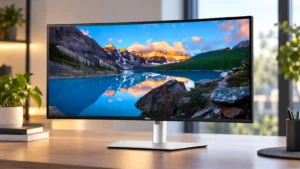
Dell Display Manager is well liked for window layouts, display adjustments, and easier KVM-related control. Mac-oriented buyers also appreciate Dell’s more mature software and multi-device ecosystem.
Pros: overall satisfaction, productivity versatility
Cons: value for money, reliability over time

Windows, macOS, and Linux support is unusually broad, and Linux brightness control worked immediately in testing. A few software and multi-input control quirks prevent a completely seamless experience.
Pros: productivity versatility, aspect ratio
Cons: value for money, competitive gaming suitability
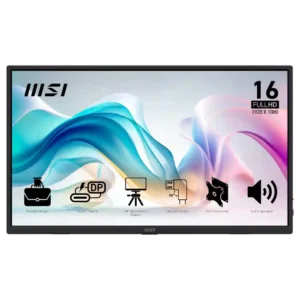
MSI Display Kit adds convenient software controls and presets, giving the monitor more flexibility than many budget rivals.
Pros: value for money, portability and weight
Cons: built-in speakers, color gamut
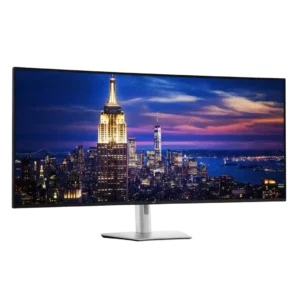
Dell Display and Peripheral Manager adds useful window layouts, firmware updates, profiles, KVM controls, and screen management. Mac support, daisy-chain expectations, and some KVM functions are less consistent than the...
Pros: productivity versatility, overall satisfaction
Cons: value for money, response time

Gaming Intelligence, the remote app, firmware updates, and AI Care controls provide extensive customization. Some promised features were not available during testing, and a few mode settings are not remembered...
Pros: brightness, reflection handling
Cons: cable management
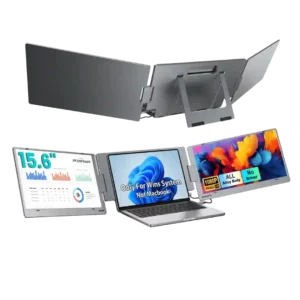
Software and device compatibility is mixed. The main X90E expert reviews emphasize Windows and video-capable USB-C or Thunderbolt requirements, while some customers report seamless operation and others say the monitor...
Pros: overall satisfaction, portability and weight
Cons: reliability over time

Gaming Intelligence and remote controls provide useful OSD access, profiles, shortcuts, and firmware updates. Early samples required updates, and app polish or availability was inconsistent.
Pros: overall satisfaction, sharpness
Cons: Resolution, cable management
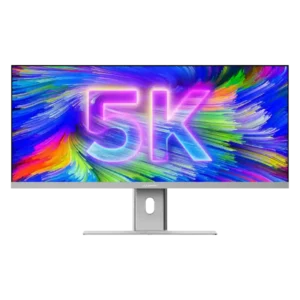
Basic Mac operation is reliable, but integration is not as seamless as Apple’s own displays. Scaling can be less clean, and keyboard control for volume and brightness was missing in...
Pros: productivity versatility, aspect ratio
Cons: built-in speakers, competitive gaming suitability
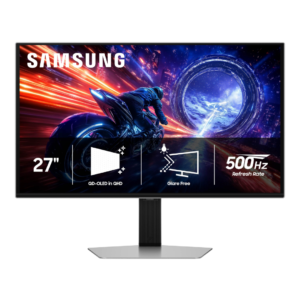
Firmware can be updated and Samsung offers some display-management tools, but desktop software control is less complete than several rivals. Buyers who frequently switch color or gaming settings may miss...
Pros: overall satisfaction, competitive gaming suitability
Cons: value for money, screen size
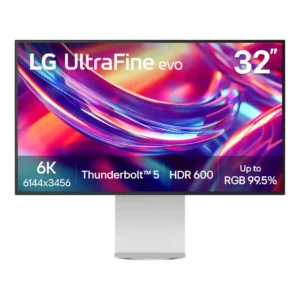
LG's software adds Mac keyboard controls, firmware updates, and calibration features, but reviewers frequently call it less seamless or less capable than competing tools. Some found it finicky enough to...
Pros: port selection, overall satisfaction
Cons: value for money, cable management
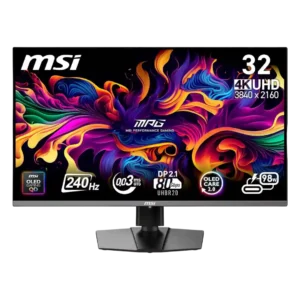
MSI’s software can simplify control and firmware has improved some panel-care behavior. However, reviewers also reported confusing settings, failed updates, source-switching bugs, and one firmware update that bricked the monitor.
Pros: color accuracy, value for money
Cons: reliability over time, brightness
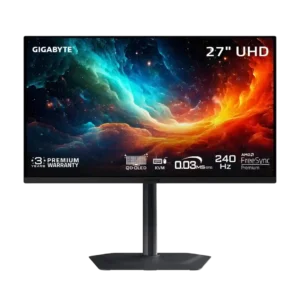
Software is a major weakness: Gigabyte Control Center can fail to detect or sync with the monitor, and advertised firmware features were unavailable in testing. One unit’s basic firmware behavior...
Pros: motion clarity, PC gaming compatibility
Cons: color accuracy, software support
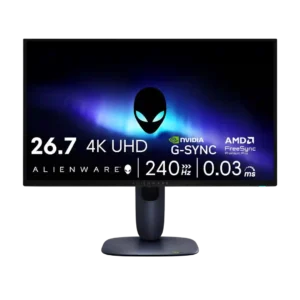
Software support was criticized by one reviewer, mainly for Alienware Command Center nags and poor layout.
Pros: value for money, sharpness
Cons: brightness, USB hub functionality