Best for macro customization
Epomaker P65
4.9 attribute score
Highest scored product for this attribute based on supporting review evidence.

Highest scored product for this attribute based on supporting review evidence.
Balances the attribute score, supporting reviews, and overall product strength.
Has the broadest review evidence for this attribute.
Strongest overall product among items with scored evidence for this attribute.

VIA supports recording and assigning macros, giving the compact layout useful programmable depth.
Pros: overall satisfaction, build quality
Cons: portability, reliability
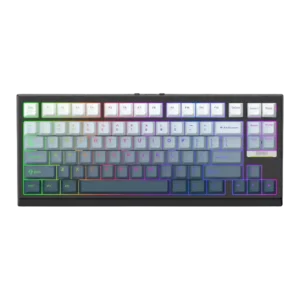
Macro customization was praised where discussed, especially the ability to fully customize layout functions through VIA.
Pros: gaming performance, key responsiveness
Cons: compatibility

Macro customization was praised as deep and useful, including four-level functions, robust mapping, and complex macro possibilities.
Pros: customization options, design aesthetics
Cons: switch options, key spacing

Macro customization was praised across written and video reviews for complex macros, programmable functions, and one-key workflows.
Pros: build quality, keycap quality
Cons: switch options, portability

Macro support is flexible through Wootomation and related software tools, letting users assign macros without dedicated macro keys. The software approach is seen as straightforward and useful for productivity.
Pros: overall satisfaction, customization options
Cons: value for money, switch options

Macro customization was praised where discussed, especially because macros could be created in Launcher and retained across devices.
Pros: value for money, design aesthetics
Cons: cable quality, ergonomics

Macro customization is the star feature, with Stream Deck keys, profiles, pages, plugins, and multi-actions offering a huge amount of control. Streamers, creators, sim players, and productivity users get the...
Pros: macro customization, switch feel
Cons: software quality, value for money

Macro customization was praised for multi-action keys, comprehensive macro recording, and useful one-key command combinations.
Pros: size and form factor, typing feel
Cons: switch options, portability
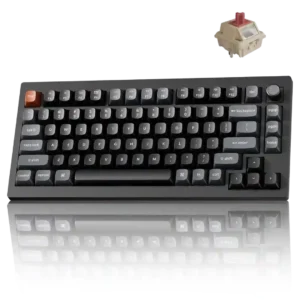
Macros can be recorded and assigned through the web launcher alongside key remapping. One enthusiast noted that macro work is less straightforward under standard ZMK tools.
Pros: gaming performance, overall satisfaction
Cons: polling rate, frame rigidity

Macro customization was praised, especially through iCUE, with reviewers noting useful shortcuts, remapping, and macro recording.
Pros: value for money, typing feel
Cons: wrist rest quality, media controls

Macro customization was viewed positively, with reviewers noting easy setup and access through software or onboard controls.
Pros: value for money, rapid trigger support
Cons: media controls, stabilizer quality

Macro customization was a major strength, especially on the full-size model with G keys, app-specific macros, and deep assignment layers.
Pros: value for money, battery life
Cons: hot-swappable switches, noise level

Macro customization was one of the best-supported positives, with reviewers praising the eight macros, creative freedom, productivity shortcuts, and game advantages.
Pros: value for money, wrist rest quality
Cons: software quality, ergonomics

Macro customization was a standout strength, with repeated praise for KEYCONTROL, layers, per-key assignments, and up to 15 functions per key.
Pros: switch feel, battery life
Cons: volume control, media controls

Macro customization is a major strength, with reviewers praising G keys, Stream Deck integration, on-the-fly macro recording, and broad remapping possibilities.
Pros: extra gaming features, wrist rest quality
Cons: value for money, software quality
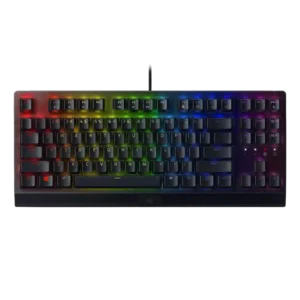
Macro customization was well supported through Synapse, on-the-fly recording, Hypershift, and broad key assignment flexibility.
Pros: RGB lighting quality, value for money
Cons: wrist rest quality, noise level

Macro customization was praised for easy recording, remapping, and programmable keys, though one reviewer wished for dedicated macro keys.
Pros: value for money, keycap quality
Cons: polling rate, acoustics

Macro customization was positive where discussed, with reviewers noting easy macro creation and broad remapping support.
Pros: typing feel, design aesthetics
Cons: value for money, materials quality

Macro customization is a strength, with reviewers praising on-the-fly macro recording and programmable macro support.
Pros: portability, value for money
Cons: software quality, key spacing

Macro customization was a strength, with reviews praising extensive assignments and easy macro setup.
Pros: sound dampening, value for money
Cons: ergonomics, polling rate
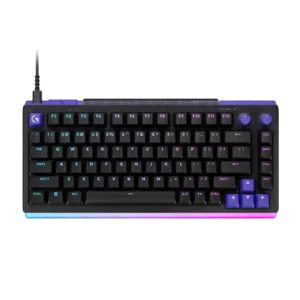
G Hub supports macros, layered commands, application shortcuts, and productivity actions. The tools are broad enough for both gaming and work.
Pros: overall satisfaction, design aesthetics
Cons: value for money, wrist rest quality
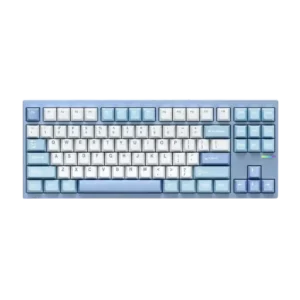
Macro customization was positively supported by reviewers who noted easy macro setup through VIA or QMK-style customization.
Pros: customization options, build quality
Cons: connectivity
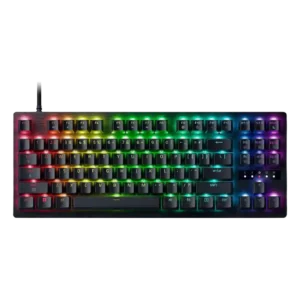
Key assignment depth is strong, including multi-action inputs and dual-step behavior that let players map more than one action to a keypress.
Pros: value for money, typing feel

Macro customization received positive attention because firmware macros were available and could be assigned through the launcher.
Pros: value for money, build quality
Cons: switch options, hot-swappable switches
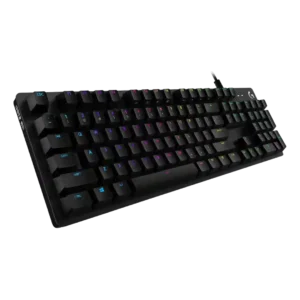
Macro customization is praised by one reviewer who framed programmable macros as a useful gaming feature.
Pros: value for money, design aesthetics
Cons: passthrough features, noise level

Macro customization was broadly praised for display keys, programmable functions, and Windows macro features, though some reviewers found the scope less advanced or less useful than expected.
Pros: sound dampening, switch feel
Cons: reliability, rapid trigger support
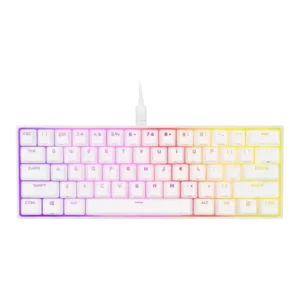
Macro customization was praised for onboard recording, iCUE assignment, and the ability to save functions without always using software.
Pros: switch feel, size and form factor
Cons: polling rate, value for money

Macro customization was supported by Gear Link's settings coverage, including macros and reliable browser-based configuration.
Pros: switch feel, customization options
Cons: value for money, wireless performance
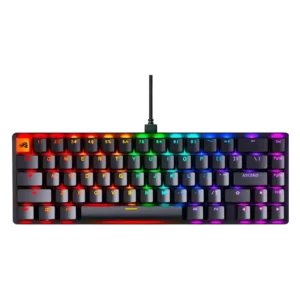
Macro customization was a useful strength, with reviewers praising macro creation, layers, shortcuts, and programmable keybinds.
Pros: switch feel, value for money
Cons: key spacing, actuation consistency
Macro support is widely praised through G keys, profile layers, software assignments, and on-the-fly recording, with some limits on TKL/F-key mapping.
Pros: battery life, wireless performance
Cons: value for money, wrist rest quality

Macro and remapping support was praised as powerful, flexible, and useful through G Hub.
Pros: build quality, gaming performance
Cons: typing feel, typing comfort
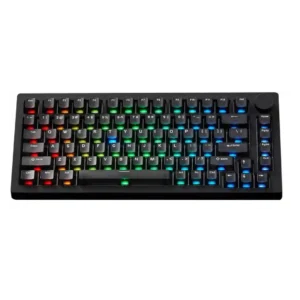
Macro customization is supported through VIA or web software and generally viewed as a useful plus, though most reviewers mention it briefly.
Pros: build quality, customization options
Cons: reliability

Macro customization is useful and appreciated, with reviewers noting key remaps, macro setup, and enough flexibility for game profiles.
Pros: typing feel, gaming performance
Cons: software quality, value for money
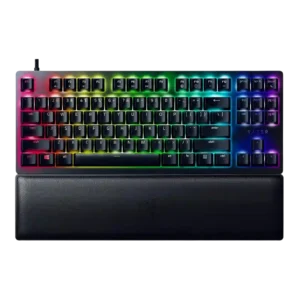
Macro customization was well supported through Synapse and on-the-fly functions, with one review noting setup friction.
Pros: wrist rest quality, polling rate
Cons: value for money, media controls

Macro support was positively reviewed through iCUE and hardware workflows, though one reviewer needed time to rebuild old macros on fewer keys.
Pros: software quality, switch feel
Cons: legend visibility, extra gaming features
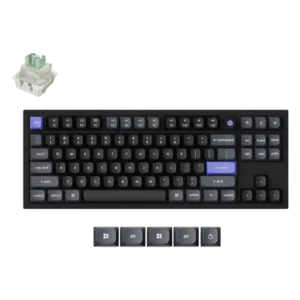
Macro support was viewed positively for reducing complex commands to one keypress and helping with gaming.

Macro customization is a clear strength, with reviewers praising remapping, recording macros, programmable M keys, and FN-layer possibilities.
Pros: noise level, RGB lighting quality
Cons: rapid trigger support, extra gaming features
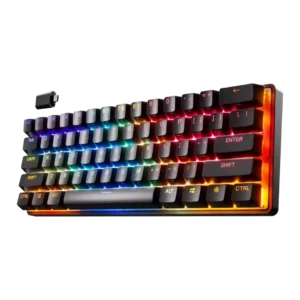
Macro customization was strong, with reviewers noting macro assignment, extensive key binding control, and the ability to program macros deeply through SteelSeries GG.
Pros: gaming performance, key responsiveness
Cons: value for money, extra gaming features

Macro customization was supported by evidence around easy macro setup, recording and mouse-click detection.
Pros: RGB customization, keycap quality
Cons: frame rigidity, switch options
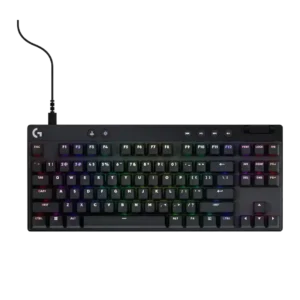
Macro customization is powerful in G Hub and Keycontrol, though some reviewers found setup time-consuming or limited by software design.
Pros: build quality, software quality
Cons: value for money, hot-swappable switches
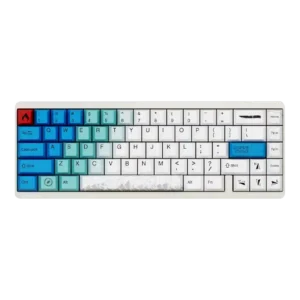
Macro customization had limited positive evidence, with one reviewer calling macro setup very customizable.
Pros: design aesthetics, build quality
Cons: software quality, customization options

Macro customization was supported by onboard recording and flexible assignments, though evidence was not as extensive as general customization.
Pros: customization options, gaming performance
Cons: value for money, noise level

Macros are easy to create in Launcher, but mouse clicks are not captured automatically and must be inserted manually.
Pros: build quality, overall satisfaction
Cons: portability, ergonomics

Macro customization was considered solid through remapping and CAM macro support, though some reviewers still wanted dedicated macro keys.
Pros: software quality, build quality
Cons: value for money, connectivity
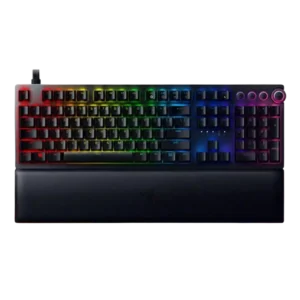
Macro customization and dual-step actions were valued for one-key multi-action setups, though some reviewers found setup or mastery less intuitive.
Pros: analog input support, wrist rest quality
Cons: value for money, cable quality

Macro customization was useful in several reviews, but Windows Central found Alienware's macro feature awkward and limited.
Pros: gaming performance, switch feel
Cons: value for money, extra gaming features

Macro and multi-command support is useful and powerful, but the interface or one-key-multiple-command design was confusing or imperfect for some reviewers.
Pros: value for money, software quality
Cons: switch options, ergonomics
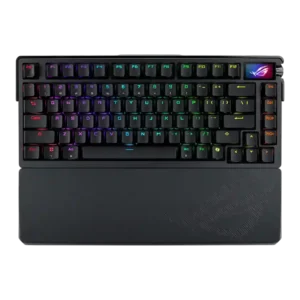
Macro customization had limited but positive evidence, with one reviewer noting many macro possibilities.
Pros: build quality, customization options
Cons: value for money, rapid trigger support

Macro customization was mixed: reviewers recognized game usefulness but also questioned how often deeper press macros would matter.
Pros: build quality, switch feel
Cons: switch options

The six SD keys can launch apps, run macros, control media, and access Stream Deck plugins. They are powerful for creators, though separate software, static legends, and occasional persistence issues...
Pros: overall satisfaction, macro customization
Cons: value for money, software quality