Best for HDR performance
MSI MPG 322UR QD-OLED X24
4.6 attribute score
Highest scored product for this attribute based on supporting review evidence.

Highest scored product for this attribute based on supporting review evidence.
Balances the attribute score, supporting reviews, and overall product strength.
Has the broadest review evidence for this attribute.
Strongest overall product among items with scored evidence for this attribute.

HDR is the monitor’s headline strength, combining true blacks, vivid color, and bright highlights for a striking cinematic image. True Black 500, Peak 1000, and EOTF Boost each trade brightness...
Pros: brightness, reflection handling
Cons: cable management
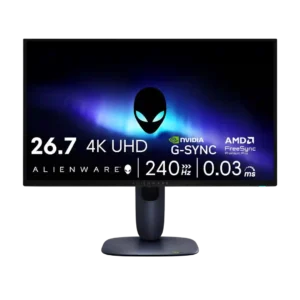
HDR performance was widely liked for OLED contrast, rich highlights, and cinematic depth, though brightness limits kept it from being flawless.
Pros: value for money, sharpness
Cons: brightness, USB hub functionality
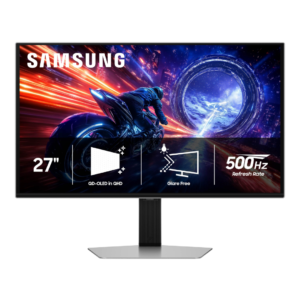
HDR is a major strength thanks to per-pixel lighting, deep blacks, wide color, and bright highlights. Peak brightness can approach 1,000 nits in small highlights, though bright-scene dimming and configuration...
Pros: overall satisfaction, competitive gaming suitability
Cons: value for money, screen size

HDR is a major highlight, combining deep blacks, vivid color, and peaks up to roughly 1,300 nits. EOTF Boost is often the best-balanced mode, though firmware behavior and large bright...
Pros: overall satisfaction, sharpness
Cons: Resolution, cable management
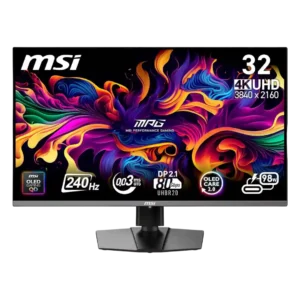
HDR is often stunning in dark or mixed scenes, with vivid color, perfect blacks, and bright small highlights. Larger bright scenes and the choice between True Black 400 and Peak...
Pros: color accuracy, value for money
Cons: reliability over time, brightness
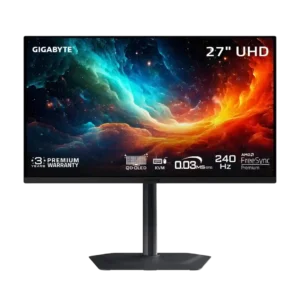
HDR is impressive in dark, high-contrast scenes but inconsistent overall. Bright-area highlights can clip, full-screen brightness is limited, and the boosted 1,000-nit mode is poorly calibrated.
Pros: motion clarity, PC gaming compatibility
Cons: color accuracy, software support

HDR is the most divisive part of the picture. OLED contrast remains impressive, but several reviewers found the default image too dim and the presets too restricted, while one found...
Pros: color gamut, overall picture quality
Cons: brightness, HDR performance
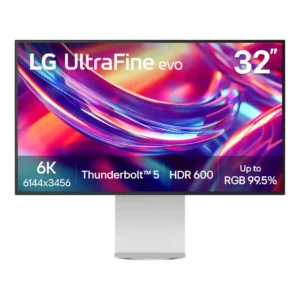
HDR can get bright, but limited contrast and edge lighting keep it from delivering convincing highlight-to-black separation. Multiple reviewers say it is acceptable for occasional viewing, not serious HDR mastering...
Pros: port selection, overall satisfaction
Cons: value for money, cable management
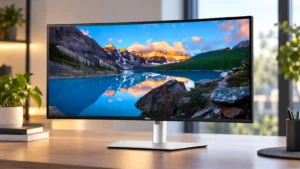
HDR is one of the least consistent strengths: several hands-on testers say true HDR is missing or unimpressive, while another source presents DisplayHDR 600 capability positively. Buyers focused on impactful...
Pros: overall satisfaction, productivity versatility
Cons: value for money, reliability over time
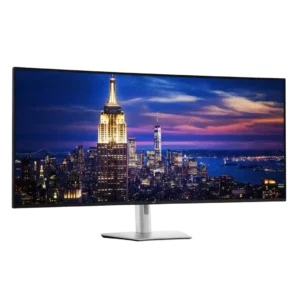
The monitor does not support HDR, a consistent drawback at this price. Its strong, accurate SDR image is still preferable to the weak pseudo-HDR often found on edge-lit IPS monitors.
Pros: productivity versatility, overall satisfaction
Cons: value for money, response time
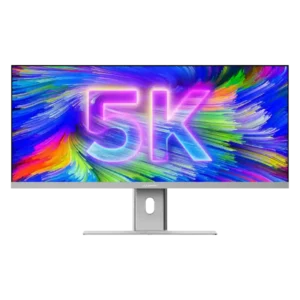
HDR is a clear weak spot: one lab test measured only 168 nits in HDR, far below the monitor’s strong SDR brightness.
Pros: productivity versatility, aspect ratio
Cons: built-in speakers, competitive gaming suitability

HDR is consistently disappointing. Limited brightness, modest contrast, and a static backlight leave highlights weak and dark scenes washed out, making SDR the better choice.
Pros: productivity versatility, aspect ratio
Cons: value for money, competitive gaming suitability