Best for ghosting control
Alienware 27 4K Gaming Monitor AW2725Q
5.0 attribute score
Highest scored product for this attribute based on supporting review evidence.

Highest scored product for this attribute based on supporting review evidence.
Balances the attribute score, supporting reviews, and overall product strength.
Has the broadest review evidence for this attribute.
Strongest overall product among items with scored evidence for this attribute.
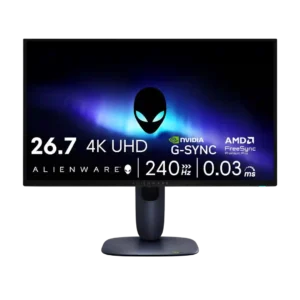
Ghosting control was excellent, with reviewers reporting no ghosting, tearing, or inverse ghosting in use.
Pros: value for money, sharpness
Cons: brightness, USB hub functionality
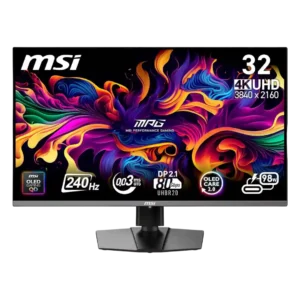
Reviewers repeatedly reported crisp motion with little or no visible ghosting. OLED pixel response keeps fast action exceptionally clean.
Pros: color accuracy, value for money
Cons: reliability over time, brightness

Motion tests showed no visible ghosting or inverse-ghosting trails, reinforcing the panel’s excellent gaming clarity.
Pros: color gamut, overall picture quality
Cons: brightness, HDR performance

Fast movement remains clean with no visible ghosting or conventional OLED trailing at 360Hz.
Pros: overall satisfaction, sharpness
Cons: Resolution, cable management
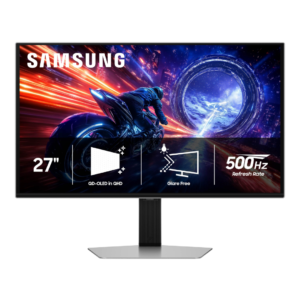
Fast-moving objects show essentially no visible trailing or overshoot, one of the clearest advantages of the OLED response behavior.
Pros: overall satisfaction, competitive gaming suitability
Cons: value for money, screen size
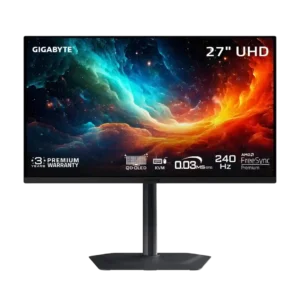
Fast OLED response produces clean motion without the overshoot artifacts commonly seen on aggressive LCD overdrive modes.
Pros: motion clarity, PC gaming compatibility
Cons: color accuracy, software support

OLED response eliminates visible ghosting across the refresh range. There are no LCD-style overdrive artifacts to manage.
Pros: brightness, reflection handling
Cons: cable management

Ghosting is controlled reasonably well once overdrive is raised. A little inverse ghosting can appear, but it is subtle and generally worth the added clarity.
Pros: productivity versatility, aspect ratio
Cons: value for money, competitive gaming suitability
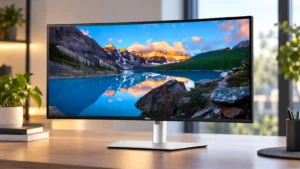
Fast-moving visuals can show modest ghosting even at 120Hz. That keeps motion performance behind monitors tuned specifically for gaming.
Pros: overall satisfaction, productivity versatility
Cons: value for money, reliability over time
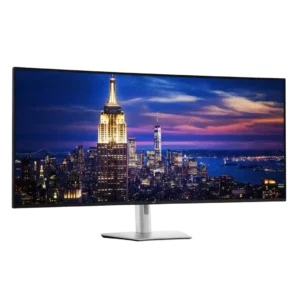
Ghosting is a clear weakness, with motion tests showing substantially more smearing than Samsung mini-LED and LG OLED gaming displays. Fast mode does little to solve it.
Pros: productivity versatility, overall satisfaction
Cons: value for money, response time
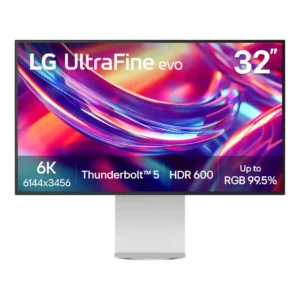
Ghosting is poor in fast motion, with one measured review reporting a lot of trailing on moving objects. This is a notable weakness for gaming or rapid on-screen movement.
Pros: port selection, overall satisfaction
Cons: value for money, cable management
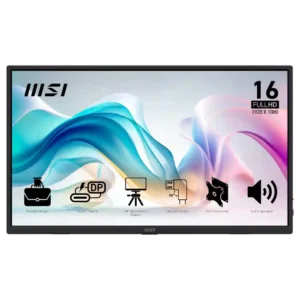
Ghosting can be severe in scrolling and video according to one owner, making motion-heavy use a risk.
Pros: value for money, portability and weight
Cons: built-in speakers, color gamut