Best for DisplayPort connectivity
MSI MPG 322UR QD-OLED X24
5.0 attribute score
Highest scored product for this attribute based on supporting review evidence.

Highest scored product for this attribute based on supporting review evidence.
Balances the attribute score, supporting reviews, and overall product strength.
Has the broadest review evidence for this attribute.
Strongest overall product among items with scored evidence for this attribute.

Full-bandwidth DisplayPort 2.1a supports uncompressed 4K at 240Hz and is the preferred PC connection. Reviewers praised MSI for avoiding bandwidth compromises.
Pros: brightness, reflection handling
Cons: cable management

DisplayPort provides enough bandwidth for the native 3440×1440 resolution at 360Hz, and included high-bandwidth cabling simplifies setup.
Pros: overall satisfaction, sharpness
Cons: Resolution, cable management
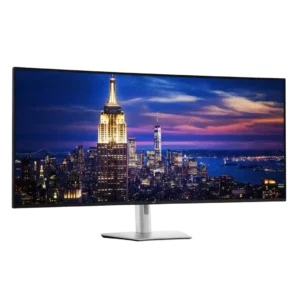
Dual DisplayPort 1.4 inputs are especially useful for desktops, Linux systems, and full-resolution 6K operation. DisplayPort proved reliable across a wide range of graphics hardware.
Pros: productivity versatility, overall satisfaction
Cons: value for money, response time
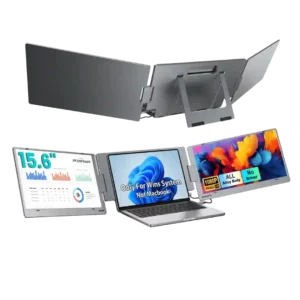
The ALT-DP USB-C connection is a strong part of the design because it can carry video to both screens through one cable. The catch is that the host device needs...
Pros: overall satisfaction, portability and weight
Cons: reliability over time

Two DisplayPort inputs are unusually generous for the price and are useful for multi-PC or desktop-heavy setups.
Pros: color gamut, overall picture quality
Cons: brightness, HDR performance
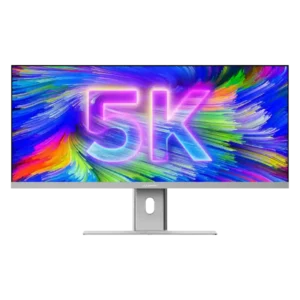
DisplayPort 1.4 gives PC users a direct, adapter-free connection and preserves the intended visual experience. It is a strong alternative when USB-C is unavailable.
Pros: productivity versatility, aspect ratio
Cons: built-in speakers, competitive gaming suitability
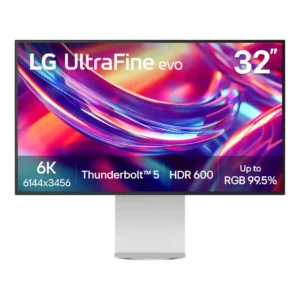
DisplayPort 2.1 joins Thunderbolt 5 and HDMI 2.1 in a very modern port mix. Reviewers view the overall wired connectivity as a major strength.
Pros: port selection, overall satisfaction
Cons: value for money, cable management
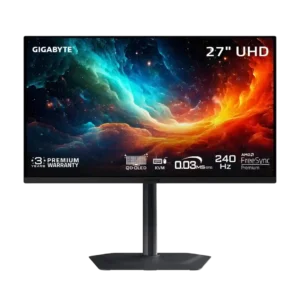
DisplayPort 1.4 with DSC handles the monitor’s 4K 240Hz output without a meaningful real-world penalty. The lack of DisplayPort 2.1 is mostly academic.
Pros: motion clarity, PC gaming compatibility
Cons: color accuracy, software support
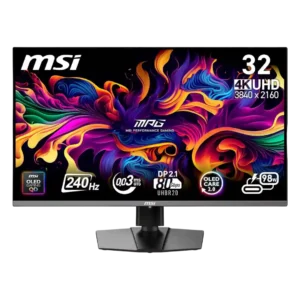
DisplayPort 2.1 UHBR20 enables uncompressed 4K at 240Hz and adds future-facing bandwidth. Reviewers disagree on its present value, and several owners reported serious early DisplayPort failures.
Pros: color accuracy, value for money
Cons: reliability over time, brightness
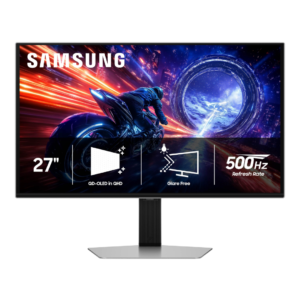
DisplayPort 1.4 with DSC can drive the full 1440p/500Hz experience and was considered functionally adequate. Still, several testers wanted DisplayPort 2.1 at this premium price.
Pros: overall satisfaction, competitive gaming suitability
Cons: value for money, screen size

DisplayPort connectivity supports the full panel and daisy chaining, but bandwidth becomes tight when driving multiple high-resolution screens at 120Hz. Careful cable and compression support may be needed.
Pros: productivity versatility, aspect ratio
Cons: value for money, competitive gaming suitability
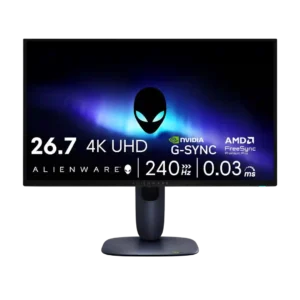
DisplayPort connectivity was a weakness because reviewers repeatedly criticized the lack of DisplayPort 2.1.
Pros: value for money, sharpness
Cons: brightness, USB hub functionality
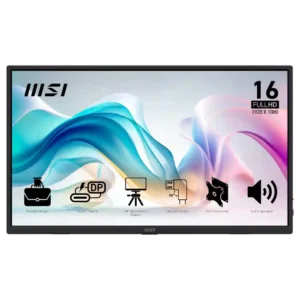
USB-C display connectivity can be convenient, but at least one owner found it unreliable across phones and foldables.
Pros: value for money, portability and weight
Cons: built-in speakers, color gamut