Best for cable management
KYY X90E
5.0 attribute score
Highest scored product for this attribute based on supporting review evidence.

Highest scored product for this attribute based on supporting review evidence.
Balances the attribute score, supporting reviews, and overall product strength.
Has the broadest review evidence for this attribute.
Strongest overall product among items with scored evidence for this attribute.

The single-cable USB-C setup is one of the X90E’s clearest wins. Reviewers repeatedly praise the cleaner desk, fewer adapters, and ability to run both extra screens from one connection.
Pros: overall satisfaction, portability and weight
Cons: reliability over time
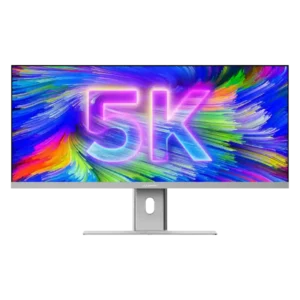
One USB-C cable can carry video, data, Ethernet access, and up to 90W charging, dramatically reducing desk clutter. Replacing a multi-monitor setup also removes extra power and display cables.
Pros: productivity versatility, aspect ratio
Cons: built-in speakers, competitive gaming suitability

The adjustable cable loop is simple but unusually effective, and daisy chaining can further reduce desk clutter. Multi-monitor users especially benefit from the cleaner wiring.
Pros: productivity versatility, aspect ratio
Cons: value for money, competitive gaming suitability
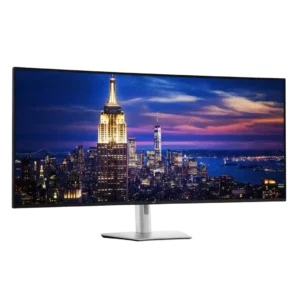
One-cable operation and stand routing can make a complex workstation much cleaner than a multi-monitor setup. The huge number of possible connections can still create visible clutter, and the stand...
Pros: productivity versatility, overall satisfaction
Cons: value for money, response time
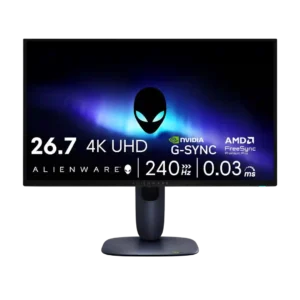
Cable management was consistently viewed positively, from the stand channel to the integrated power supply and tidier setup.
Pros: value for money, sharpness
Cons: brightness, USB hub functionality
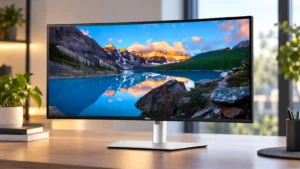
Cable management is usually a strength thanks to the stand routing, single-cable laptop setups, and daisy-chaining. With a fully populated KVM and hub setup, however, the large number of cables...
Pros: overall satisfaction, productivity versatility
Cons: value for money, reliability over time
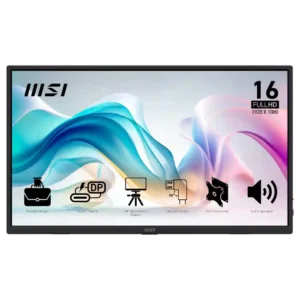
Right-angle cables can keep setups tidy, but side port placement and short included cables create clutter or reach problems in some desk layouts.
Pros: value for money, portability and weight
Cons: built-in speakers, color gamut
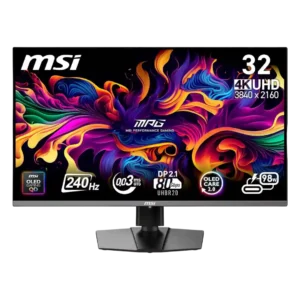
The stand cutout and downward-facing ports can keep cables reasonably organized. Thick high-bandwidth cables are still awkward to bend, and some reviewers wanted cleaner routing through the base.
Pros: color accuracy, value for money
Cons: reliability over time, brightness

USB-C can reduce clutter in a desktop-and-laptop setup, but the physical cable-routing grommet does not prevent sag. The hanging power cable is particularly difficult to hide.
Pros: brightness, reflection handling
Cons: cable management

The compact stand improves desk space, but cable routing is inconsistent. Its small opening and lack of clips or a routing shelf can leave a fully connected setup looking cluttered.
Pros: overall satisfaction, sharpness
Cons: Resolution, cable management

Cable management is weak because the stand lacks a built-in clip or routing hole, and the external power brick adds extra clutter.
Pros: color gamut, overall picture quality
Cons: brightness, HDR performance
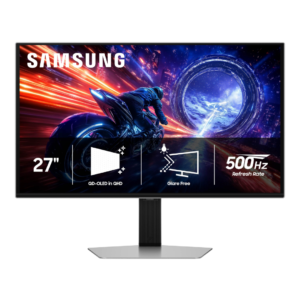
The large external power brick makes minimalist desk setups harder to keep tidy and complicates cable management.
Pros: overall satisfaction, competitive gaming suitability
Cons: value for money, screen size
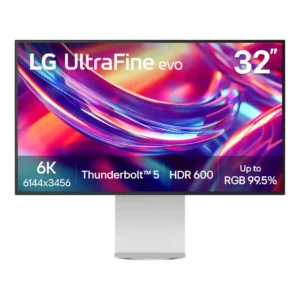
Cable management is a repeated weakness. The stand lacks a routing hole or channel, rear cables hang visibly, and the oversized external power brick adds clutter beneath the desk.
Pros: port selection, overall satisfaction
Cons: value for money, cable management