Best for software quality
Keychron V1 Ultra 8K
4.7 attribute score
Highest scored product for this attribute based on supporting review evidence.

Highest scored product for this attribute based on supporting review evidence.
Balances the attribute score, supporting reviews, and overall product strength.
Has the broadest review evidence for this attribute.
Strongest overall product among items with scored evidence for this attribute.
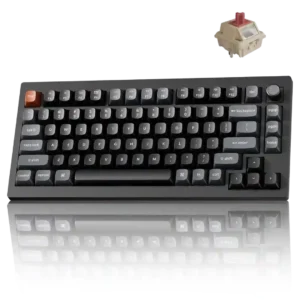
The browser-based Keychron Launcher is widely praised as fast, clear, and feature-rich without background bloatware. It does require a compatible Chromium browser and a wired connection for changes.
Pros: gaming performance, overall satisfaction
Cons: polling rate, frame rigidity

Software quality was broadly praised as easy, intuitive, web-based, and convenient, with caveats about wired-only use, clutter, and short-cable friction.
Pros: customization options, design aesthetics
Cons: switch options, key spacing

Software quality was broadly praised as smooth, intuitive, easy, web-based, slick, and useful for actuation and remapping.
Pros: build quality, switch feel
Cons: switch options

Software quality was mostly praised for power, web-based convenience, and ease of use, with one review noting confusing programming and another noting a small bug.
Pros: size and form factor, typing feel
Cons: switch options, portability

Software quality was generally positive because reviewers found Keychron Launcher easy, intuitive, and strong, despite browser and customization limits.
Pros: build quality, keycap quality
Cons: switch options, portability

Software quality was mostly praised for a web-based Launcher that avoids bulky apps, though some reviewers found it less polished than competitors or dependent on USB/web access.
Pros: value for money, design aesthetics
Cons: cable quality, ergonomics

The browser-based Launcher is powerful and generally easy to use for remapping, lighting, polling, and debounce. ZMK Studio is unsupported, browser compatibility is limited, and macro mouse clicks require manual...
Pros: build quality, overall satisfaction
Cons: portability, ergonomics
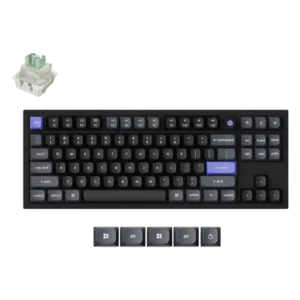
The web launcher was received positively for avoiding a separate app and enabling complex one-key actions.

Software quality is mixed-positive: many praised Keychron Launcher as powerful, easy, and lightweight, while others reported messiness, confusing setup, or wired-only limitations.
Pros: value for money, software quality
Cons: switch options, ergonomics

Software quality was split: reviewers liked clean, easy web configuration, but some wanted offline access and deeper macro tools.
Pros: typing feel, design aesthetics