Best for parental controls
MSI Roamii BE Pro
5.0 attribute score
Highest scored product for this attribute based on supporting review evidence.

Highest scored product for this attribute based on supporting review evidence.
Balances the attribute score, supporting reviews, and overall product strength.
Has the broadest review evidence for this attribute.
Strongest overall product among items with scored evidence for this attribute.

Overall: 4.3/5
Parental controls are broad, free, and unusually capable, though app instability and limited filtering granularity can reduce their usefulness.
Pros: value for money, design and appearance
Cons: node pairing ease, outdoor coverage
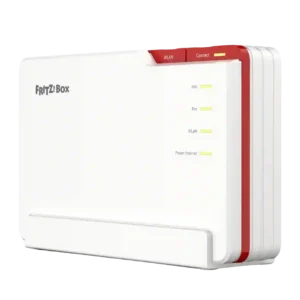
Overall: 4.0/5
Parental controls are broad and increasingly easy to manage, with schedules, time tickets and per-device profiles; category-based filtering is the main missing piece.
Pros: telephony features, value for money
Cons: LAN port speed, wall-mounting support

Overall: 4.5/5
DNS-level parental controls can block adult content across all connected devices, which is useful for family travel. Some acceleration modes can disable certain client-control features, so configuration matters.
Pros: VPN client support, value for money
Cons: 6 GHz performance, USB storage sharing

Overall: 4.2/5
Free parental controls cover useful basics such as profiles, filters and schedules. More detailed rules and reports require a subscription.
Pros: value for money, Wi-Fi speed
Cons: subscription requirements, long-range speed

Overall: 4.3/5
Basic parental controls cover common needs; more granular restrictions and app controls may require payment.
Pros: value for money, Wi-Fi speed
Cons: subscription requirements, WAN port speed
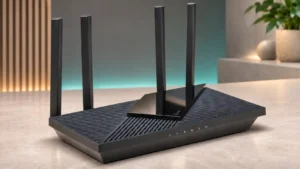
Overall: 4.0/5
Basic parental controls are useful and easy to navigate, while advanced profiles, limits and reports may require payment.
Pros: value for money, parental controls
Cons: subscription requirements, multi-gig Ethernet support

Overall: 4.3/5
Parental controls are included and provide granular device scheduling, but content filtering is not foolproof.
Pros: Wi-Fi speed, Ethernet port count
Cons: 10 GbE support, WAN port speed

Overall: 4.1/5
Free parental controls are useful for basic filtering and schedules; more advanced controls require HomeShield.
Pros: wireless performance, Wi-Fi speed
Cons: value for money, size and footprint

Overall: 4.8/5
Opinions split sharply: one reviewer found the controls basic and the filtering manual, while others called the family options useful or advanced.
Pros: Wi-Fi 7 support, Wi-Fi speed

Overall: 4.1/5
Basic parental controls are useful and approachable, with profiles and blocking options. Advanced filtering, scheduling or reports may require payment.
Pros: value for money, Wi-Fi speed
Cons: 6 GHz performance, subscription requirements

Overall: 3.7/5
Family profiles, pauses and schedules are useful, but more advanced filters are paid and some controls, such as daily limits, are missing.
Pros: setup ease, value for money
Cons: Ethernet port count, Wi-Fi speed

Overall: 4.4/5
Local parental controls are useful, but access point mode and hardware acceleration can limit their operation.
Pros: setup ease, configuration flexibility
Cons: Wi-Fi 7 support, USB storage sharing
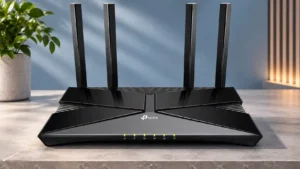
Overall: 3.7/5
Basic profiles, schedules and website blocking are useful, but advanced parental controls are limited.
Pros: Overall satisfaction, value for money
Cons: USB port support, 160 MHz support