Best for viewing angles
LG 45GX950A-B
5.0 attribute score
Highest scored product for this attribute based on supporting review evidence.

Highest scored product for this attribute based on supporting review evidence.
Balances the attribute score, supporting reviews, and overall product strength.
Has the broadest review evidence for this attribute.
Strongest overall product among items with scored evidence for this attribute.

Overall: 4.1/5
Viewing angles are consistently excellent, with little degradation when looking from the sides or sitting within the curve. The wide panel retains strong color and contrast across the image.
Pros: Resolution, overall satisfaction
Cons: value for money, GPU demands

Overall: 4.0/5
Colors and contrast remain strong from off-axis seating, especially when compared with some newer WOLED alternatives.
Pros: refresh rate, competitive gaming suitability
Cons: value for money, brightness
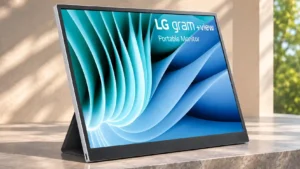
Overall: 3.8/5
The IPS screen keeps colors fairly stable when viewed from the side, with only modest brightness loss at extreme angles.
Pros: portability and weight, overall satisfaction
Cons: port selection, Device compatibility

Overall: 3.6/5
Typical IPS viewing angles remain wide and reliable despite the added contrast of IPS Black. The picture holds up well when viewed off center.
Pros: refresh rate, Dual-mode versatility
Cons: motion clarity, black levels

Overall: 4.0/5
The IPS panel holds color and contrast well from off-center positions, with less obvious haloing than many Mini LED alternatives.
Pros: Resolution, Dual-mode versatility
Cons: value for money, GPU demands

Overall: 4.1/5
Some owners see an impressively consistent image from the side, while a tester notes off-axis red or green tint.
Pros: overall satisfaction, value for money
Cons: reflection handling, screen uniformity

Overall: 3.9/5
Wide viewing angles make side-by-side viewing and off-axis use easy.
Pros: brightness, color gamut
Cons: AI scene optimization, value for money
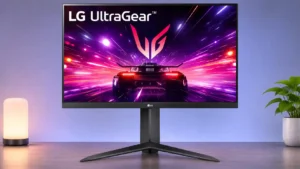
Overall: 3.3/5
The IPS image holds up well when viewed from an angle. That helps when the screen is rotated or used off-center.
Pros: adaptive sync performance, response time
Cons: HDR performance, console gaming compatibility
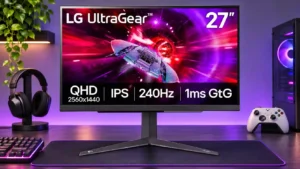
Overall: 4.2/5
The IPS panel holds its image well from the sides, making shared viewing more comfortable than on many VA competitors.
Pros: refresh rate, overall satisfaction
Cons: HDR performance, contrast

Overall: 3.6/5
The IPS panel keeps colors and images usable off-axis, a routinely praised strength for desktop viewing.
Pros: refresh rate, value for money
Cons: HDR performance, contrast
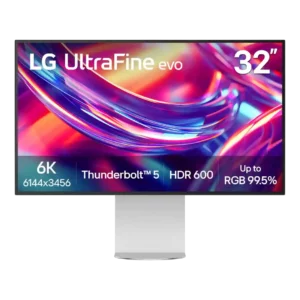
Overall: 3.9/5
Viewing angles are generally good for a large IPS display, though one unit showed visible banding from the side. Off-axis behavior is acceptable overall but not flawless.
Pros: port selection, overall satisfaction
Cons: value for money, cable management

Overall: 3.6/5
Off-axis quality is generally decent, though one direct comparison found colors wash out faster than on an older LG OLED.
Pros: reflection handling, HDR performance
Cons: screen uniformity, Screen coating clarity