Best for picture-in-picture and picture-by-picture
InnoCN GA27S1Q
5.0 attribute score
Highest scored product for this attribute based on supporting review evidence.

Highest scored product for this attribute based on supporting review evidence.
Balances the attribute score, supporting reviews, and overall product strength.
Has the broadest review evidence for this attribute.
Strongest overall product among items with scored evidence for this attribute.

Picture-in-picture support is a useful extra for displaying multiple connected sources at once.
Pros: color gamut, overall picture quality
Cons: brightness, HDR performance
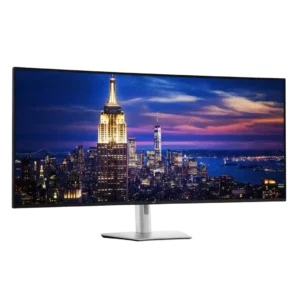
Picture-in-picture, picture-by-picture, and true screen partitioning are defining strengths, letting the panel behave like several displays or accept multiple systems at once. The many layouts are flexible, though certain Mac...
Pros: productivity versatility, overall satisfaction
Cons: value for money, response time

PiP and PbP modes let multiple systems share the ultrawide workspace, adding useful flexibility for multitasking and mixed-device setups.
Pros: overall satisfaction, sharpness
Cons: Resolution, cable management
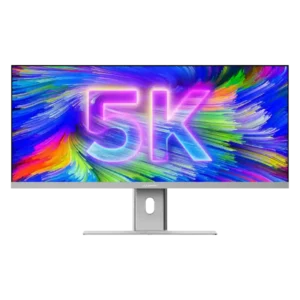
Picture-in-Picture and Picture-by-Picture make good use of the wide panel for multiple sources. PiP drew the strongest praise, while PbP was useful but less compelling for at least one reviewer.
Pros: productivity versatility, aspect ratio
Cons: built-in speakers, competitive gaming suitability

Picture-in-picture and picture-by-picture are included alongside the KVM and multi-input controls, strengthening the monitor’s multi-system flexibility.
Pros: brightness, reflection handling
Cons: cable management
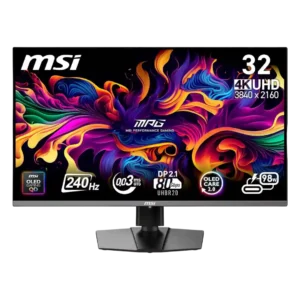
MSI’s companion software provides picture-in-picture and picture-by-picture controls for multi-source setups. Feedback on actual day-to-day use was limited.
Pros: color accuracy, value for money
Cons: reliability over time, brightness
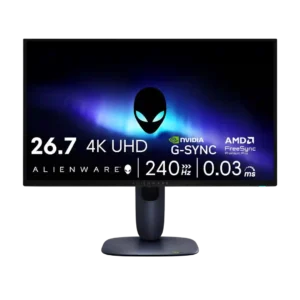
PiP/PbP support exists, but one reviewer framed it as less useful than full KVM functionality.
Pros: value for money, sharpness
Cons: brightness, USB hub functionality
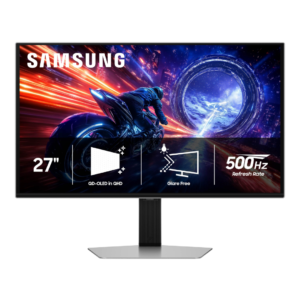
Picture-in-picture is absent, but one tester considered that a minor limitation on a 27-inch display where split-screen use is less valuable.
Pros: overall satisfaction, competitive gaming suitability
Cons: value for money, screen size
Picture-in-picture and split-screen modes can replace a two-monitor workflow when they work well. Two owners report severe PBP usability or pixelation problems, making this feature a meaningful risk if it...
Pros: overall satisfaction, productivity versatility
Cons: value for money, reliability over time