Best for sleep and wake behavior
Dell UltraSharp 52 Thunderbolt Hub Monitor, U5226KW
5.0 attribute score
Highest scored product for this attribute based on supporting review evidence.

Highest scored product for this attribute based on supporting review evidence.
Balances the attribute score, supporting reviews, and overall product strength.
Has the broadest review evidence for this attribute.
Strongest overall product among items with scored evidence for this attribute.
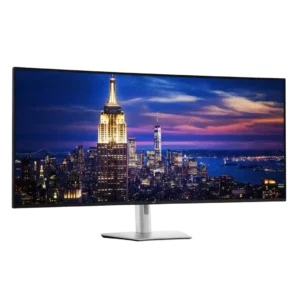
Sleep mode drops power use to only a few watts, while Power Sync can start a closed-lid compatible laptop from the monitor's power button. Both behaviors were viewed as convenient...
Pros: productivity versatility, overall satisfaction
Cons: value for money, response time
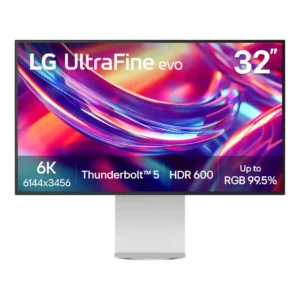
Wake and power-on behavior is excellent in the tested setups. Reviewers report consistent recovery from sleep and little to no startup delay.
Pros: port selection, overall satisfaction
Cons: value for money, cable management

Presence sensing can dim, lock, sleep, and wake the display automatically, reducing wear and protecting privacy. Some units wake slowly or adjust brightness too aggressively until settings are tuned.
Pros: overall satisfaction, sharpness
Cons: Resolution, cable management
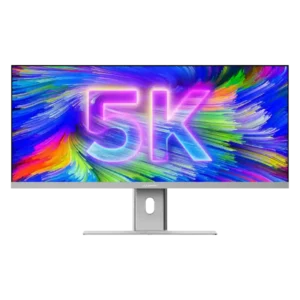
A bright pulsing status light while the monitor sleeps can be distracting, especially in a bedroom or dark workspace.
Pros: productivity versatility, aspect ratio
Cons: built-in speakers, competitive gaming suitability

Sleep and wake behavior can be frustrating in a two-computer KVM setup. When both connected systems sleep, the monitor may not wake on the intended input without extra effort.
Pros: productivity versatility, aspect ratio
Cons: value for money, competitive gaming suitability
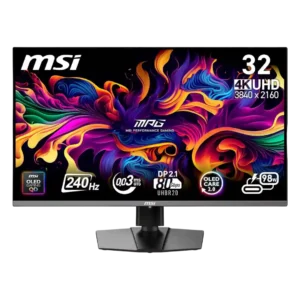
Several owners reported slow wake-up, repeated input searching, or failure to restore a signal after sleep or source switching. Power cycling or reopening a laptop was sometimes required.
Pros: color accuracy, value for money
Cons: reliability over time, brightness
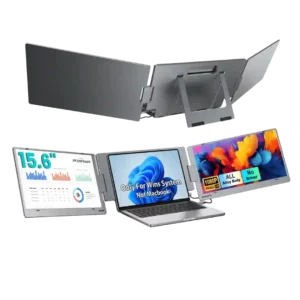
Power-state behavior is a serious concern in the small amount of feedback available. Two customers report unwanted shutoffs, power loss, or entry into power-saving mode during use.
Pros: overall satisfaction, portability and weight
Cons: reliability over time
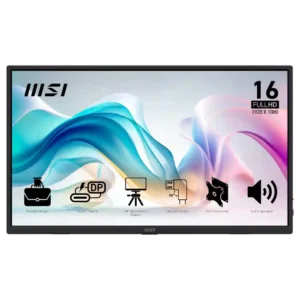
Power behavior is usually uneventful, but one failed unit repeatedly shut itself off and another owner reported spontaneous power-offs.
Pros: value for money, portability and weight
Cons: built-in speakers, color gamut