
Overall: 3.8/5
USB-C video input offers a convenient connection for supported laptops and mobile devices, though it is not a full laptop dock.
Pros: value for money, Resolution
Cons: HDR performance, port selection

Overall: 3.8/5
USB-C video input offers a convenient connection for supported laptops and mobile devices, though it is not a full laptop dock.
Pros: value for money, Resolution
Cons: HDR performance, port selection

Overall: 4.4/5
Although designed with Macs in mind, the monitor also works well with Windows systems. Its mixed-platform inputs broaden its use.
Pros: color accuracy, stand adjustability
Cons: built-in speakers, Desk footprint

Overall: 3.1/5
One owner praises how readily the display recognizes both computers and consoles and powers on the console appropriately.
Pros: PC gaming compatibility, overall picture quality
Cons: overall satisfaction, Smart TV platform

Overall: 4.1/5
Older Wi-Fi devices can connect normally and may gain speed, making mixed-generation networks practical.
Pros: value for money, Wi-Fi speed
Cons: 6 GHz performance, subscription requirements
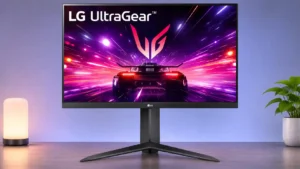
Overall: 3.3/5
A gaming PC and a second HDMI device can coexist on the two video inputs. That basic compatibility is offset by the lack of modern docking ports.
Pros: adaptive sync performance, response time
Cons: HDR performance, console gaming compatibility
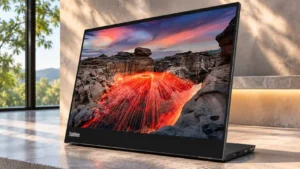
Overall: 3.9/5
Compatible USB-C laptops and certain smartphones work well, but a USB-C-shaped port alone does not guarantee video or touch. Phone setups can require a separate power connection.
Pros: overall picture quality, Stylus usability
Cons: port selection, refresh rate
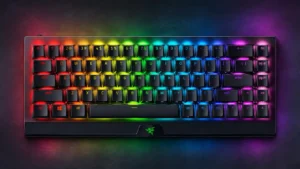
Overall: 3.8/5
PS5 compatibility is a clear complaint, including an unsuccessful attempt to update the keyboard before connecting.
Pros: overall satisfaction, size and form factor
Cons: connectivity, build quality