#1

Overall: 4.4/5
Sharp text, wide layouts, and room for multiple panels are helpful for code and automation diagrams, even if smaller Retina-density options are sharper.
Pros: overall picture quality, color accuracy
Cons: value for money, built-in speakers
#2

Overall: 4.0/5
One user particularly likes the 32-inch canvas for code and side-by-side windows, though text-focused buyers may prefer an IPS panel.
Pros: overall satisfaction, DisplayPort connectivity
Cons: value for money, reliability over time
#3

Overall: 3.1/5
Fine text and ample screen real estate suit code and other text-heavy applications on a desktop.
Pros: PC gaming compatibility, overall picture quality
Cons: overall satisfaction, Smart TV platform
#4
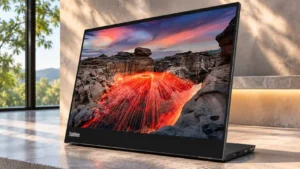
Overall: 3.9/5
The 16:10 shape can show more lines of code than a comparably sized widescreen panel. Sharp text makes it practical as a compact coding side screen.
Pros: overall picture quality, Stylus usability
Cons: port selection, refresh rate
