Best for on-screen display usability
LG 27GR83Q-B
4.8 attribute score
Highest scored product for this attribute based on supporting review evidence.

Highest scored product for this attribute based on supporting review evidence.
Balances the attribute score, supporting reviews, and overall product strength.
Has the broadest review evidence for this attribute.
Strongest overall product among items with scored evidence for this attribute.
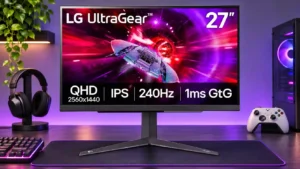
A quick joystick and responsive menus make changing picture modes, overdrive, and inputs relatively painless.
Pros: refresh rate, overall satisfaction
Cons: HDR performance, contrast

A compact joystick and straightforward menus make settings easy to find and change.
Pros: competitive gaming suitability, refresh rate
Cons: Dual-mode versatility, GPU demands

The refreshed on-screen interface is fast, logically arranged and provides handy shortcuts. One tester found the physical joystick small or awkwardly placed.
Pros: Resolution, Dual-mode versatility
Cons: value for money, GPU demands

The joystick menu is generally quick and easy to navigate, although a remote or more direct controls would suit some people better.
Pros: refresh rate, competitive gaming suitability
Cons: value for money, brightness

The on-screen controls are approachable and the LG software simplifies management, although some menu choices and the interface style divide opinion.
Pros: Resolution, overall satisfaction
Cons: value for money, Image scaling

The OSD remains familiar and reasonably approachable, with accessible brightness, picture, and OLED-care settings.
Pros: reflection handling, HDR performance
Cons: screen uniformity, Screen coating clarity

The menu is easy to navigate, and shortcut access makes preferred settings convenient. Getting a useful SDR preset takes only a few adjustments.
Pros: adaptive sync performance, response time
Cons: HDR performance, console gaming compatibility
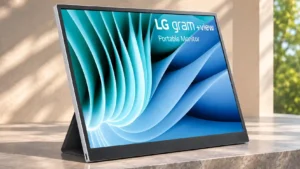
Reviewers disagree on the minimalist physical controls: some appreciate simple brightness adjustment without menus, while detailed display tuning is limited.
Pros: portability and weight, overall satisfaction
Cons: port selection, Device compatibility
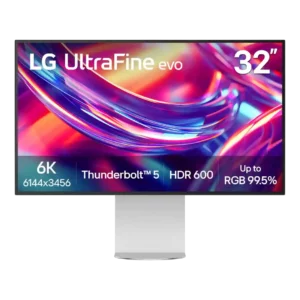
OSD opinions are split: some reviewers find the joystick menu clear and convenient, while others dislike the layout, rear placement, or missing fine calibration controls. Usability depends heavily on what...
Pros: port selection, overall satisfaction
Cons: value for money, cable management

One owner found the gaming modes intuitive, while another initially struggled to discover the joystick menu. Basic adjustments are straightforward once the controls are understood.
Pros: refresh rate, value for money
Cons: HDR performance, contrast

A bottom-center joystick works in open setups but becomes hard to reach with another screen underneath. A later owner found wake activation less responsive.
Pros: overall satisfaction, value for money
Cons: reflection handling, screen uniformity