Best for KVM switch performance
LG UltraFine 6K Evo 32U990A
5.0 attribute score
Highest scored product for this attribute based on supporting review evidence.

Highest scored product for this attribute based on supporting review evidence.
Balances the attribute score, supporting reviews, and overall product strength.
Has the broadest review evidence for this attribute.
Strongest overall product among items with scored evidence for this attribute.
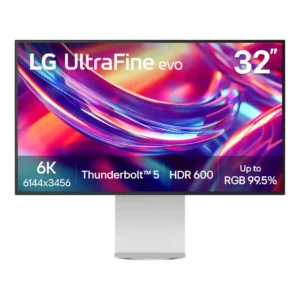
The built-in KVM is a standout productivity feature, with reviewers describing switching between connected systems as seamless or superb. It helps the monitor serve as a multi-computer workstation hub.
Pros: port selection, overall satisfaction
Cons: value for money, cable management
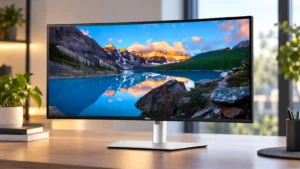
The built-in KVM is one of the most consistently praised features, making it easy to share a keyboard and mouse across two computers. Responsiveness is strong, and multi-device desk setups...
Pros: overall satisfaction, productivity versatility
Cons: value for money, reliability over time
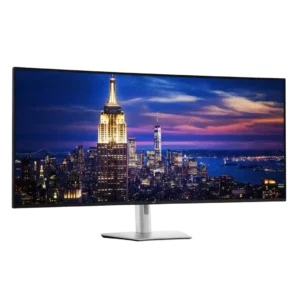
The integrated KVM is a major advantage for multi-computer desks, especially when paired with picture-by-picture and Ethernet switching. Hardware and network switching can be excellent, but one detailed test found...
Pros: productivity versatility, overall satisfaction
Cons: value for money, response time

The KVM is genuinely useful for sharing peripherals between two computers and works better than many monitor-integrated implementations. Wake behavior and control quirks keep it from feeling flawless.
Pros: productivity versatility, aspect ratio
Cons: value for money, competitive gaming suitability
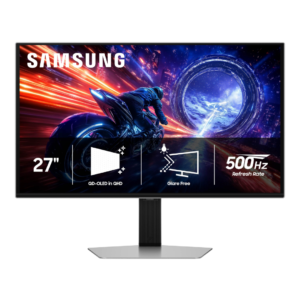
There is no KVM switch, a recurring omission that makes the G6 less convenient for sharing peripherals between multiple computers.
Pros: overall satisfaction, competitive gaming suitability
Cons: value for money, screen size

There is no KVM switch, reinforcing that this is primarily a gaming display rather than a multi-device productivity hub.
Pros: color gamut, overall picture quality
Cons: brightness, HDR performance