Best for bezel size
Samsung QN80H
5.0 attribute score
Highest scored product for this attribute based on supporting review evidence.

Highest scored product for this attribute based on supporting review evidence.
Balances the attribute score, supporting reviews, and overall product strength.
Has the broadest review evidence for this attribute.
Strongest overall product among items with scored evidence for this attribute.
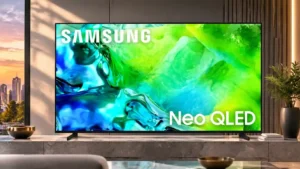
Thin borders keep attention on the image and give the panel a clean, screen-forward appearance.
Pros: picture quality, contrast ratio
Cons: blooming control, glare resistance
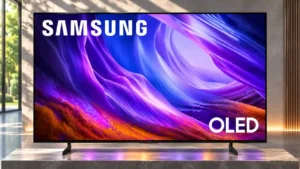
The thin borders keep attention on the image.
Pros: black levels, picture quality
Cons: glare resistance, reflection handling
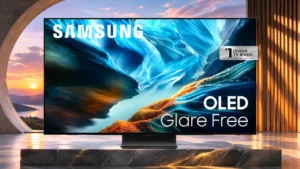
Narrow bezels help the large panel look clean and contemporary rather than bulky.
Pros: black levels, contrast ratio
Cons: Dolby Vision support, stutter handling

Bezels are thin enough to disappear during viewing, reinforcing the clean all-screen look.
Pros: glare resistance, black levels
Cons: Dolby Vision support, color gamut
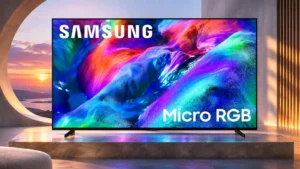
Very slim borders and restrained branding give the large panel an immersive, upscale appearance.
Pros: overall satisfaction, color gamut
Cons: value for money, local dimming performance
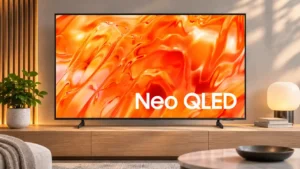
The narrow frame and slim enclosure are repeatedly praised for keeping attention on the image rather than the hardware.
Pros: picture quality, overall satisfaction
Cons: sound quality, black levels
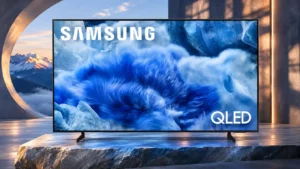
Narrow bezels emphasize the image and give the TV a more premium-looking face.
Pros: overall satisfaction, picture quality
Cons: reliability, remote control quality
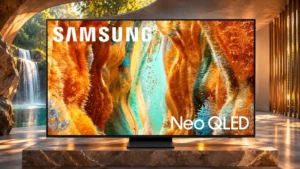
The borders look discreet to some owners, but one detailed comparison found them thicker than competing sets.
Pros: picture quality, 4K at 144 Hz support
Cons: sound quality, value for money
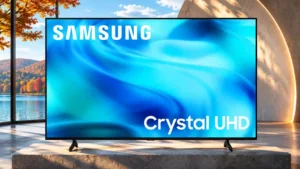
Thin bezels are a consistent design bright spot, keeping the affordable TV visually tidy.
Pros: white balance accuracy, design and appearance
Cons: overall satisfaction, value for money
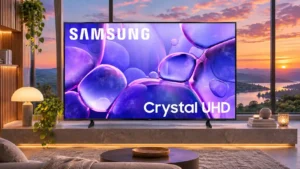
Narrow bezels make the screen look relatively modern, although a small inactive border remains visible on some versions.
Pros: color accuracy, upscaling quality
Cons: picture quality, sound quality
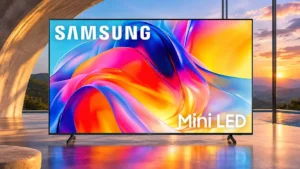
Thin bezels along the top and sides give the otherwise simple chassis a reasonably modern front.
Pros: sound quality, picture quality
Cons: value for money, local dimming performance
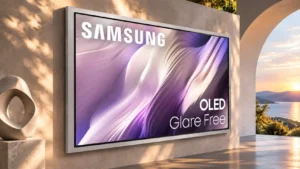
The wide frame adds visual presence and physical width, which can become a drawback in tighter spaces.
Pros: picture quality, overall satisfaction
Cons: design and appearance, Dolby Vision support
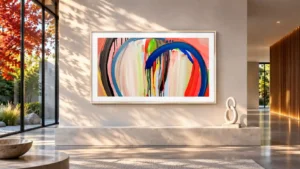
Evenly sized borders help the television resemble a picture frame rather than an ordinary screen.
Pros: art display mode, design and appearance
Cons: overall satisfaction, HDMI port accessibility

Three relatively narrow borders help the U7900F look modern, even though the bottom edge is thicker.
Pros: picture quality, smart TV platform
Cons: value for money, refresh rate
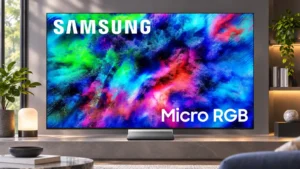
Slim borders keep attention on the picture, particularly on the larger models.
Pros: color volume, overall satisfaction
Cons: value for money, color accuracy
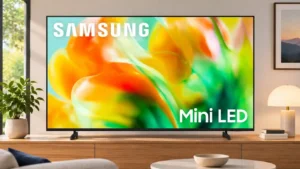
Surrounding bezels are fairly slim, but the visible panel gap looks less tidy and can trap packaging debris.
Pros: gaming performance, color accuracy
Cons: value for money, overall satisfaction