Best for motion interpolation
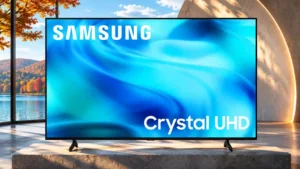
Samsung R85H
4.5 attribute score
Highest scored product for this attribute based on supporting review evidence.

Highest scored product for this attribute based on supporting review evidence.
Balances the attribute score, supporting reviews, and overall product strength.
Has the broadest review evidence for this attribute.
Strongest overall product among items with scored evidence for this attribute.
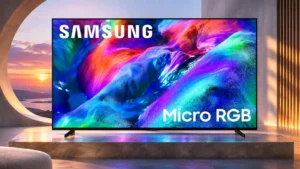
Low levels of smoothing can reduce stutter in pans without much inconsistency.
Pros: overall satisfaction, color gamut
Cons: value for money, local dimming performance
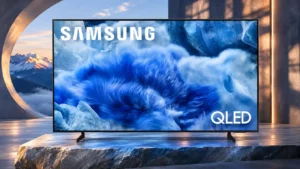
The motion smoothing tools can reduce 24fps judder and smooth camera pans, though tuning is needed to avoid unwanted artifacts.
Pros: overall satisfaction, picture quality
Cons: reliability, remote control quality
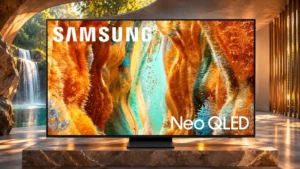
Optional interpolation can reduce movie stutter, but stronger settings can alter the intended cinematic appearance.
Pros: picture quality, 4K at 144 Hz support
Cons: sound quality, value for money
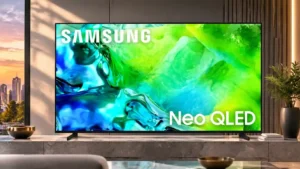
Custom motion adjustments can smooth camera pans, while automatic interpolation sometimes adds jitter, noise or the soap-opera effect.
Pros: picture quality, contrast ratio
Cons: blooming control, glare resistance
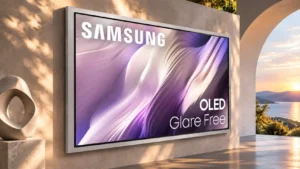
Smoothing can make lower-frame-rate motion more fluid, but it does not fully remove OLED stutter and may look artificial when set high.
Pros: picture quality, overall satisfaction
Cons: design and appearance, Dolby Vision support
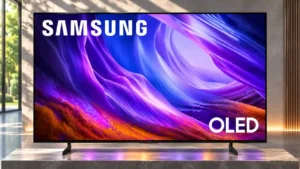
Smoothing helps but brings a soap-opera effect.
Pros: black levels, picture quality
Cons: glare resistance, reflection handling
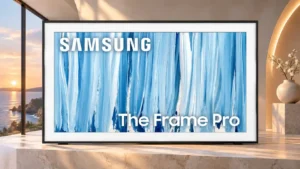
Mild interpolation reduces some stutter but cannot fully remove it and is undesirable for film purists.
Pros: cable management, design and appearance
Cons: value for money, Dolby Vision support
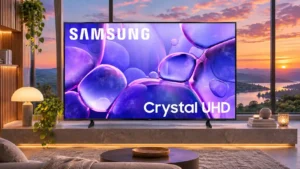
Motion adjustment can improve judder on some samples, but other testing finds interpolation inconsistent or ineffective.
Pros: color accuracy, upscaling quality
Cons: picture quality, sound quality
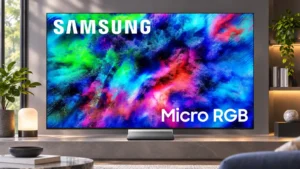
Gentle smoothing can tame judder, but aggressive settings can introduce choppiness or artificial-looking motion. Reducing the default effect usually helps.
Pros: color volume, overall satisfaction
Cons: value for money, color accuracy
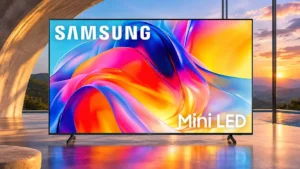
Automatic smoothing helps one owner, but controlled testing reports judder, uneven cadence and no worthwhile improvement.
Pros: sound quality, picture quality
Cons: value for money, local dimming performance

Interpolation is useful when kept moderate, but stronger or automatic settings can introduce obvious soap-opera effect and unnatural motion.
Pros: glare resistance, black levels
Cons: Dolby Vision support, color gamut
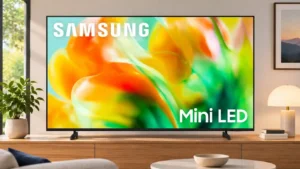
Low-strength interpolation reduces some stutter but can create uneven frame pacing.
Pros: gaming performance, color accuracy
Cons: value for money, overall satisfaction
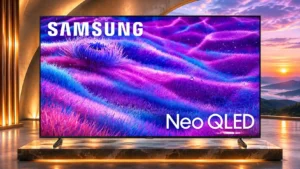
Frame interpolation is ineffective and artifact-prone.
Pros: Large-screen immersion, overall satisfaction
Cons: value for money, black levels
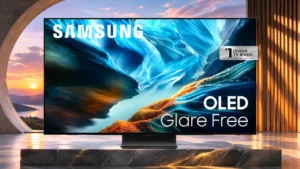
Gentle interpolation settings do little to erase stutter in slow pans, limiting their value for film watching.
Pros: black levels, contrast ratio
Cons: Dolby Vision support, stutter handling
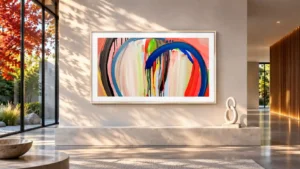
Interpolation does little to alleviate slow-pan stutter and can introduce uneven pacing.
Pros: art display mode, design and appearance
Cons: overall satisfaction, HDMI port accessibility
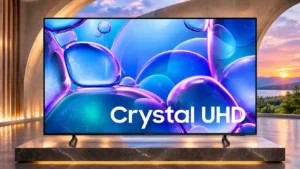
Interpolation can reduce judder or stutter in some passages, but inconsistent timing produces distracting movement in others.
Pros: picture quality, smart TV platform
Cons: value for money, refresh rate
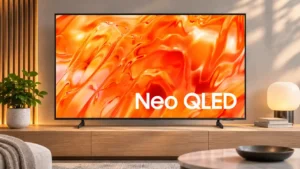
Judder reduction offers little useful smoothing and may introduce new artifacts, so leaving it off is often preferable.
Pros: picture quality, overall satisfaction
Cons: sound quality, black levels
Motion smoothing is unreliable in complex scenes and can introduce judder instead of removing it.
Pros: white balance accuracy, design and appearance
Cons: overall satisfaction, value for money