Best for burn-in protection
Dell UltraSharp 52 Thunderbolt Hub Monitor, U5226KW
5.0 attribute score
Highest scored product for this attribute based on supporting review evidence.

Highest scored product for this attribute based on supporting review evidence.
Balances the attribute score, supporting reviews, and overall product strength.
Has the broadest review evidence for this attribute.
Strongest overall product among items with scored evidence for this attribute.
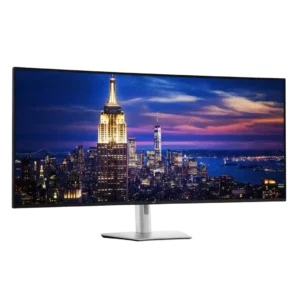
Because it uses IPS Black rather than OLED, static professional interfaces do not carry the same burn-in risk. That makes it especially attractive for dashboards, spreadsheets, and other all-day fixed...
Pros: productivity versatility, overall satisfaction
Cons: value for money, response time

OLED-care controls are unusually comprehensive, including pixel shift, static-icon and taskbar detection, screen saving, and panel cleaning. Some protections cannot be fully disabled, but the breadth of safeguards is widely...
Pros: color gamut, overall picture quality
Cons: brightness, HDR performance

OLED Care 3.0 provides extensive pixel shifting, static-element dimming, panel refresh, and presence-sensing protection. Most features stay unobtrusive, though scheduled refreshes and sensor behavior can occasionally interrupt use.
Pros: overall satisfaction, sharpness
Cons: Resolution, cable management
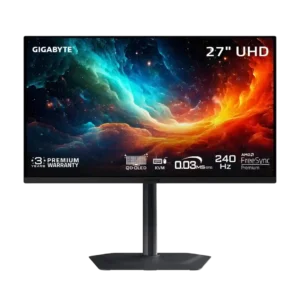
OLED Care tools, automatic maintenance, and burn-in warranty coverage provide solid safeguards. Static desktop use can still cause permanent wear over time.
Pros: motion clarity, PC gaming compatibility
Cons: color accuracy, software support
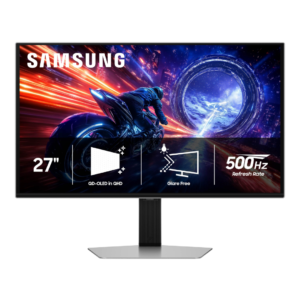
Dynamic cooling and automatic dimming help reduce OLED burn-in risk, but Samsung’s OLED-care controls are less customizable than some rivals.
Pros: overall satisfaction, competitive gaming suitability
Cons: value for money, screen size