Best for tone mapping
TCL QM7L
5.0 attribute score
Highest scored product for this attribute based on supporting review evidence.

Highest scored product for this attribute based on supporting review evidence.
Balances the attribute score, supporting reviews, and overall product strength.
Has the broadest review evidence for this attribute.
Strongest overall product among items with scored evidence for this attribute.
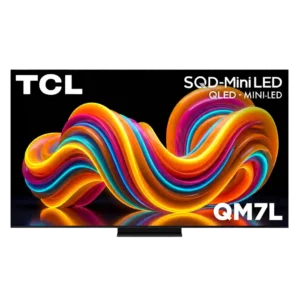
Tone mapping generally preserves bright detail while maintaining contrast, and game-mode controls allow substantial customization between dynamic mapping and HGIG.
Pros: peak brightness, picture quality
Cons: color accuracy, viewing angles

One expert found that raising HDR tone mapping to a middle setting produced the best picture. The default configuration leaves some performance on the table.
Pros: picture quality, overall satisfaction
Cons: value for money, reliability
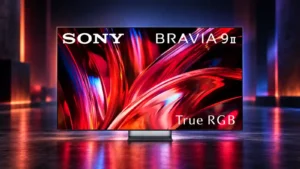
Sony’s dynamic tone mapping is well judged, preserving highlight detail while making strong use of the panel’s enormous HDR headroom.
Pros: overall satisfaction, overall image accuracy
Cons: value for money, bass performance
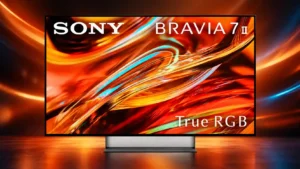
Sony’s tone mapping is repeatedly praised for preserving highlight and shadow detail while respecting the intended overall brightness of the scene.
Pros: overall satisfaction, picture quality
Cons: HDMI 2.1 port count, reflection handling
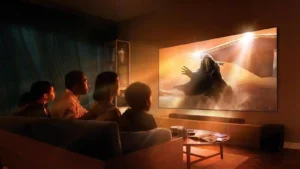
Sony’s tone mapping is generally excellent and natural, preserving highlight detail and PS5 compatibility, though a few sources note mapping errors or less impactful choices.
Pros: gaming performance, peak brightness
Cons: HDMI 2.1 support, HDMI 2.1 port count
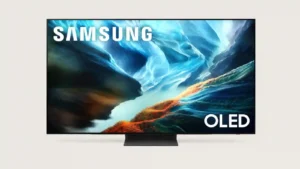
Tone mapping generally preserves bright highlights and dark detail well. Active mapping can add useful brightness or shadow visibility, though stronger settings may sacrifice some fine highlight detail.
Pros: glare resistance, black levels
Cons: Dolby Vision support, color gamut
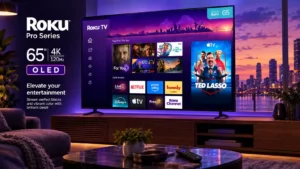
One test criticizes default tone mapping for clipping highlight detail and recommends turning it off for accuracy. Another finds HDR luminance tracking very good.
Pros: contrast ratio, value for money
Cons: peak brightness, HDR brightness
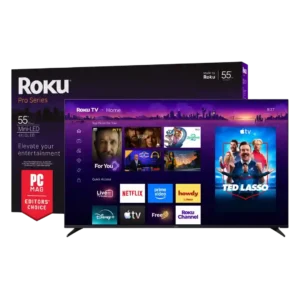
Tone mapping is competent but not perfectly calibrated: HDR can under-track the target curve unless brightness settings are pushed high.
Pros: overall satisfaction, picture quality
Cons: reliability, portability and versatility
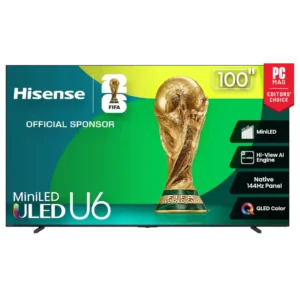
Tone mapping is one of the more mixed areas. Some sources praise flexible controls and balanced highlight handling, while others report clipping or an aggressive approach that can lose texture...
Pros: overall satisfaction, value for money
Cons: smart TV platform, blooming control
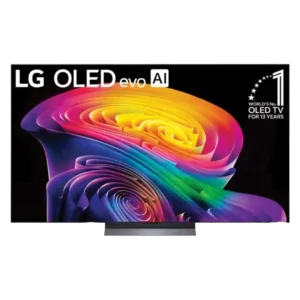
Native HDR tone mapping preserves highlight detail well, but SDR-to-HDR remastering is inconsistent and can add harsh edges, cool tones, or an artificial look. PC HDR also showed mapping bugs...
Pros: picture quality, gaming performance
Cons: value for money, sound quality

Dynamic Tone Mapping Pro is present, but its real-world effect was judged modest. The edge-lit panel limits how much the processing can improve contrast-heavy HDR scenes.
Pros: overall satisfaction, portability and versatility
Cons: value for money, menu responsiveness
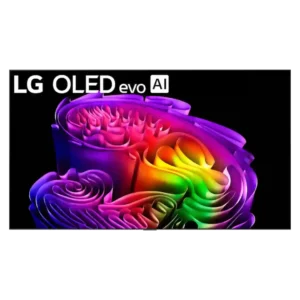
Dynamic tone mapping can reveal shadows and add punch, but several tests found it overbrightened, washed out, or reduced highlight and color nuance. Accuracy is usually best with it disabled.
Pros: picture quality, peak brightness
Cons: value for money, sound quality
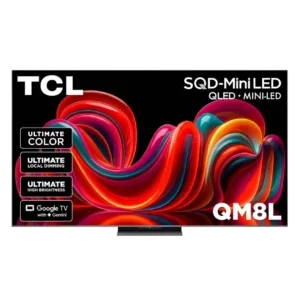
Tone mapping can deviate substantially from reference targets, with midtones and highlights sometimes rendered too bright. Lower peak-brightness settings improve tracking but sacrifice some impact.
Pros: picture quality, value for money
Cons: stand quality, judder handling
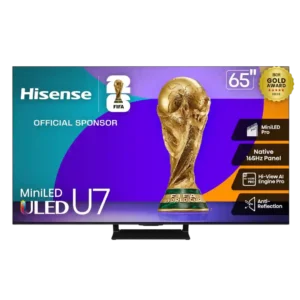
Tone mapping is a major accuracy caveat: some HDR scenes are over-brightened or tracked inconsistently even though the picture remains dramatic.
Pros: overall satisfaction, picture quality
Cons: reliability, build quality