Best for setup ease
Hisense U65QF
5.0 attribute score
Highest scored product for this attribute based on supporting review evidence.

Highest scored product for this attribute based on supporting review evidence.
Balances the attribute score, supporting reviews, and overall product strength.
Has the broadest review evidence for this attribute.
Strongest overall product among items with scored evidence for this attribute.
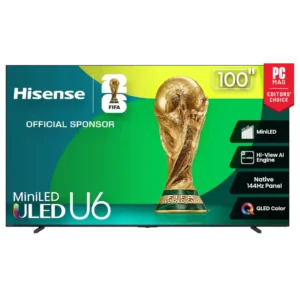
Setup is consistently easy, from attaching the feet to completing Fire TV initialization. Multiple reviewers describe the process as straightforward, quick, or exceptionally simple.
Pros: overall satisfaction, value for money
Cons: smart TV platform, blooming control
Setup is notably straightforward, including quick Google Home configuration and an easy physical stand installation.
Pros: overall satisfaction, overall image accuracy
Cons: value for money, bass performance
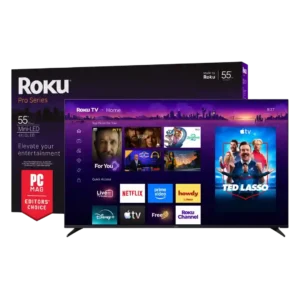
Setup is overwhelmingly described as quick, intuitive, and painless. The main complication is physical handling because larger sizes are heavy and often need two people.
Pros: overall satisfaction, picture quality
Cons: reliability, portability and versatility
Tool-free feet and straightforward startup make setup unusually easy. Multiple hands-on accounts have the television ready in about ten minutes.
Pros: contrast ratio, value for money
Cons: peak brightness, HDR brightness
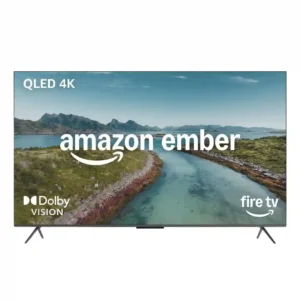
Setup is one of the strongest customer-consensus positives, often described as quick, simple, or nearly automatic. A few owners find updates slow or note that large sizes still benefit from...
Pros: picture quality, overall satisfaction
Cons: value for money, reliability

Initial setup is generally quick and straightforward, from physical installation to Google TV configuration, though some steps still require switching between interfaces.
Pros: gaming performance, peak brightness
Cons: HDMI 2.1 support, HDMI 2.1 port count
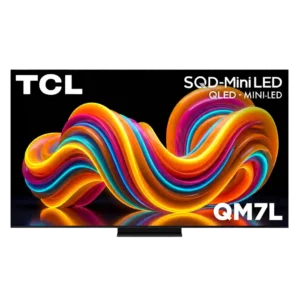
Most two-person installations are quick and straightforward, including stand assembly and Google TV setup. The pedestal and repeated setup prompts can still feel needlessly awkward.
Pros: peak brightness, picture quality
Cons: color accuracy, viewing angles
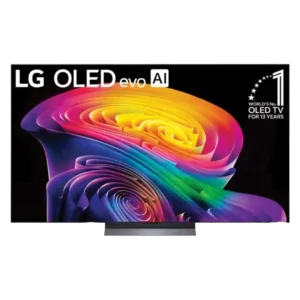
Stand assembly, app pairing, and initial configuration are generally straightforward, although the thin panel requires careful handling.
Pros: picture quality, gaming performance
Cons: value for money, sound quality
Stand or wall-mount installation is generally straightforward, although one 5GHz Wi-Fi issue made initial software setup painfully slow.
Pros: picture quality, peak brightness
Cons: value for money, sound quality
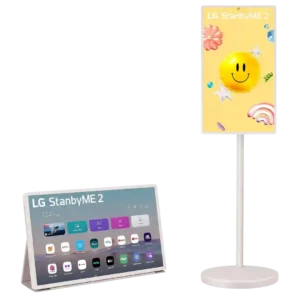
Setup is usually straightforward, with many customers assembling the stand quickly and finding operation easy. A minority found the instructions, sign-ups, or folio conversion more cumbersome than expected.
Pros: overall satisfaction, portability and versatility
Cons: value for money, menu responsiveness
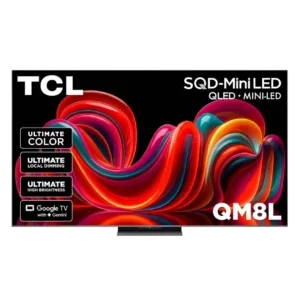
Physical assembly is generally simple and the stand goes together easily. Google TV setup was smooth for most, although one tester encountered repeated account and network-transfer failures.
Pros: picture quality, value for money
Cons: stand quality, judder handling
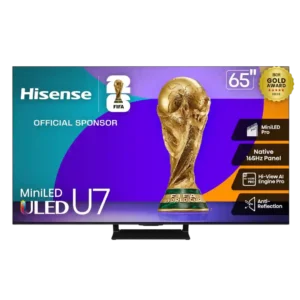
Setup is usually straightforward and fast, though soundbar, account, or wall-mount scenarios can add friction.
Pros: overall satisfaction, picture quality
Cons: reliability, build quality
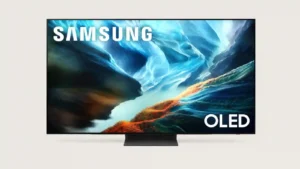
Physical assembly and SmartThings-assisted setup can be very easy, but mandatory-account and permission screens make the software setup more frustrating for some.
Pros: glare resistance, black levels
Cons: Dolby Vision support, color gamut
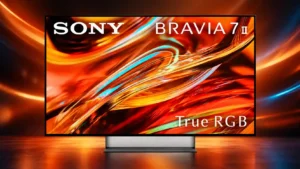
Basic setup is manageable, but stand assembly and account sign-in can add friction compared with simpler snap-in designs.
Pros: overall satisfaction, picture quality
Cons: HDMI 2.1 port count, reflection handling
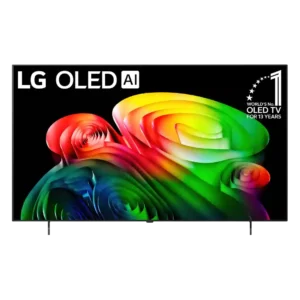
Initial setup can be unusually frustrating, especially when pairing the ThinQ app and Google login.
Pros: picture quality, value for money
Cons: stand quality, daytime viewing performance